Page Description
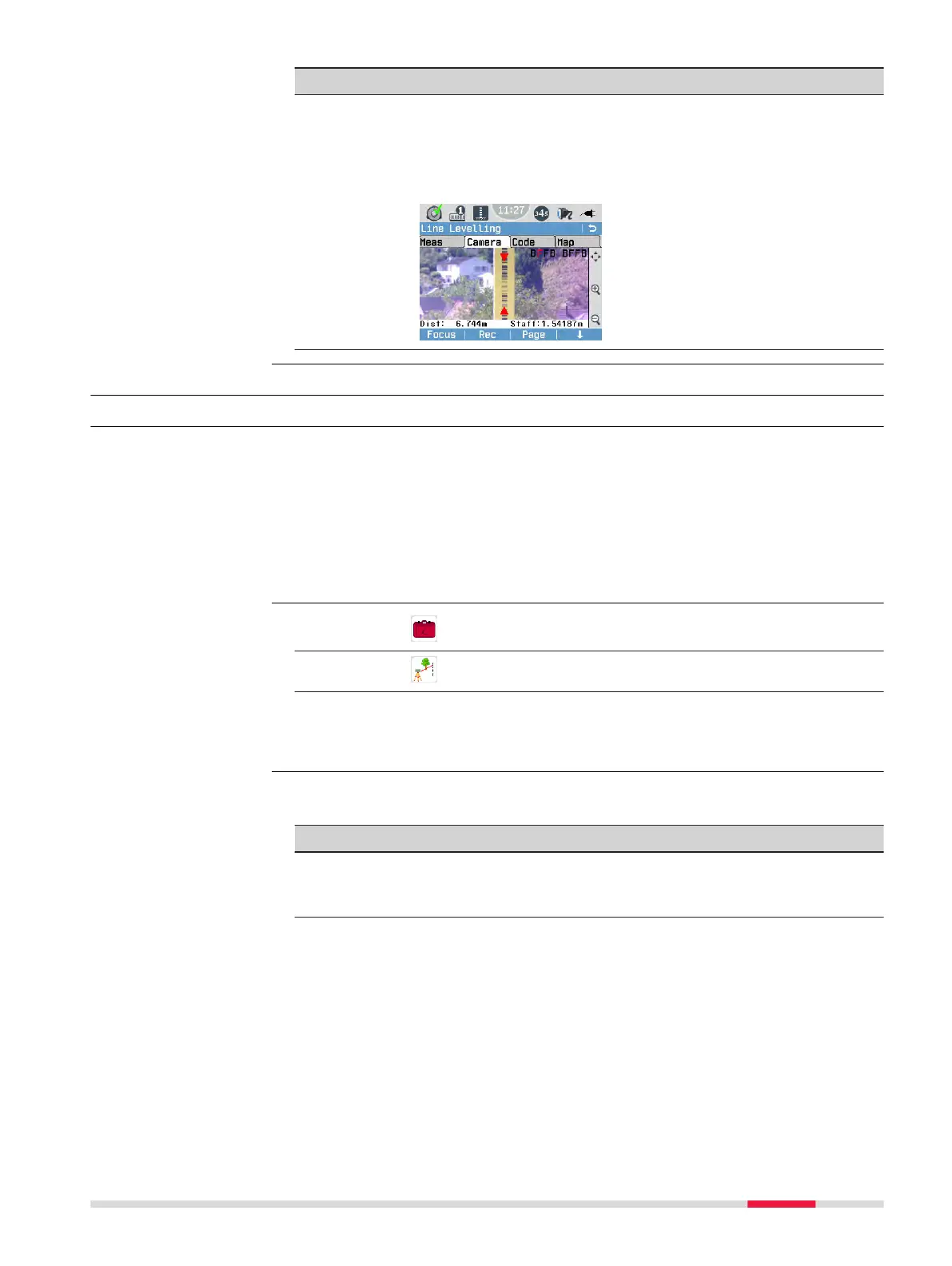
Camera
(only LS15)
This page displays the live image of the overview camera.
Use the Camera page to quickly aim at the staff.
The selected levelling method is displayed in the upper right-
hand corner with the current measurement step (backsight
or foresight) highlighted in red.
7.4 LineLevel Program
7.4.1 General
The LineLevel program allows you to make detailed preferences before carry-
ing out a line levelling task:
•
Setting a job
•
Setting tolerances
•
Setting a line and a measurement method
Lines measured within the LineLevel program can be adjusted later on with
the integrated LineAdjust program.
1.
Select
Programs from the Main Menu.
2.
Select LineLevel from the Programs Menu.
3.
•
To set a job, press F1.
•
To set tolerances, press F2.
•
To set a line and a method and start the levelling, press F4.
☞
Use the Page key or the softkey Page (F3) to toggle between the
different pages.
Page Description
Meas This page displays the input/output elds for the current
measurement. For more details refer to 7.4.5 Measurement
Procedure for LineLevel.
Description
Access
Available pages within
the LineLevel program
Programs 59



 To Next Page