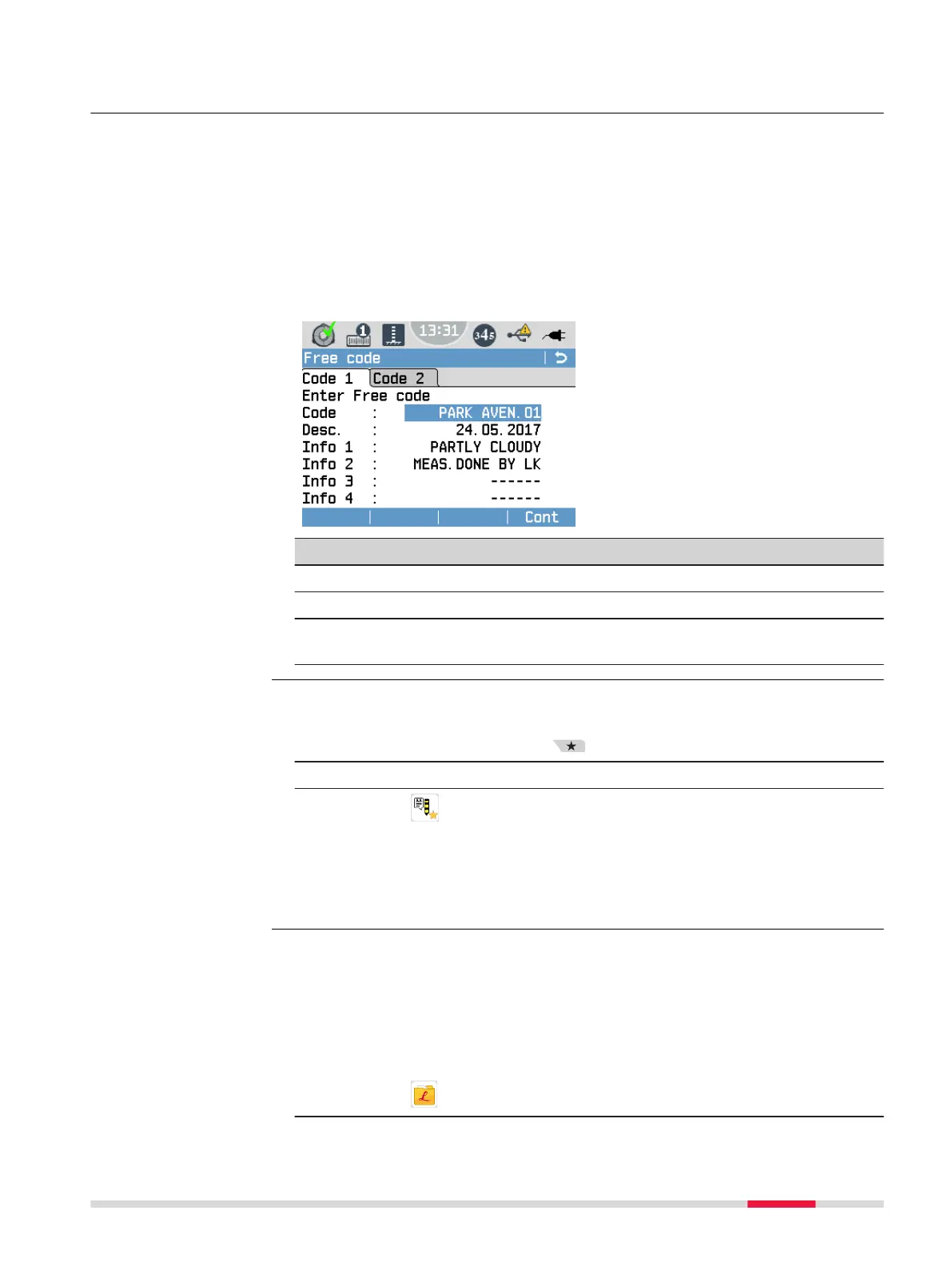
10 Free Coding
In addition to recording codes for measured points, it is possible to store mul-
tiple free codes within a job. Such free codes are not related to a specic
point measurement.
Use the Free code function e.g. to enter additional information on the cur-
rent job or line. This information can be used for the post-processing of the
measurement data.
☞
Free codes can be entered and stored at any desired point of time
during a job, for example before any point is measured or in between
measurements.
Cont
To store the entered code.
Field Description
Code Enter a code name. You can enter up to 16 characters.
Desc. Additional remarks. You can enter up to 16 characters.
Info 1 to
Info 8
More information lines, freely editable. You can enter up to
16 characters.
☞
The Free Code screen can only be accessed from within a levelling
application.
1. Press the Favourites key.
2. Change to the Apps tab.
3.
Select Free Code.
☞
In addition to the Favourites key, you can use the User Key 1 and
User Key 2 to quickly access functions from any measurement
screen. For details on how to assign functions to the User keys, refer
to 6.1 Work Settings.
☞
Free codes are stored as individual data blocks within a job, namely
in the order they are recorded. These data blocks are classied as
“Code/Rem.“.
☞
To export free codes, export the job containing the free codes in the
GSI format.
View a stored Free code
1.
Select Manage from the Main Menu.
Free code function
Access
Manage free codes
Free Coding 77



 To Next Page