6 Settings
6.1 Work Settings
1.
Select Settings from the Main Menu.
2.
Select Work from the Settings Menu.
Field Description
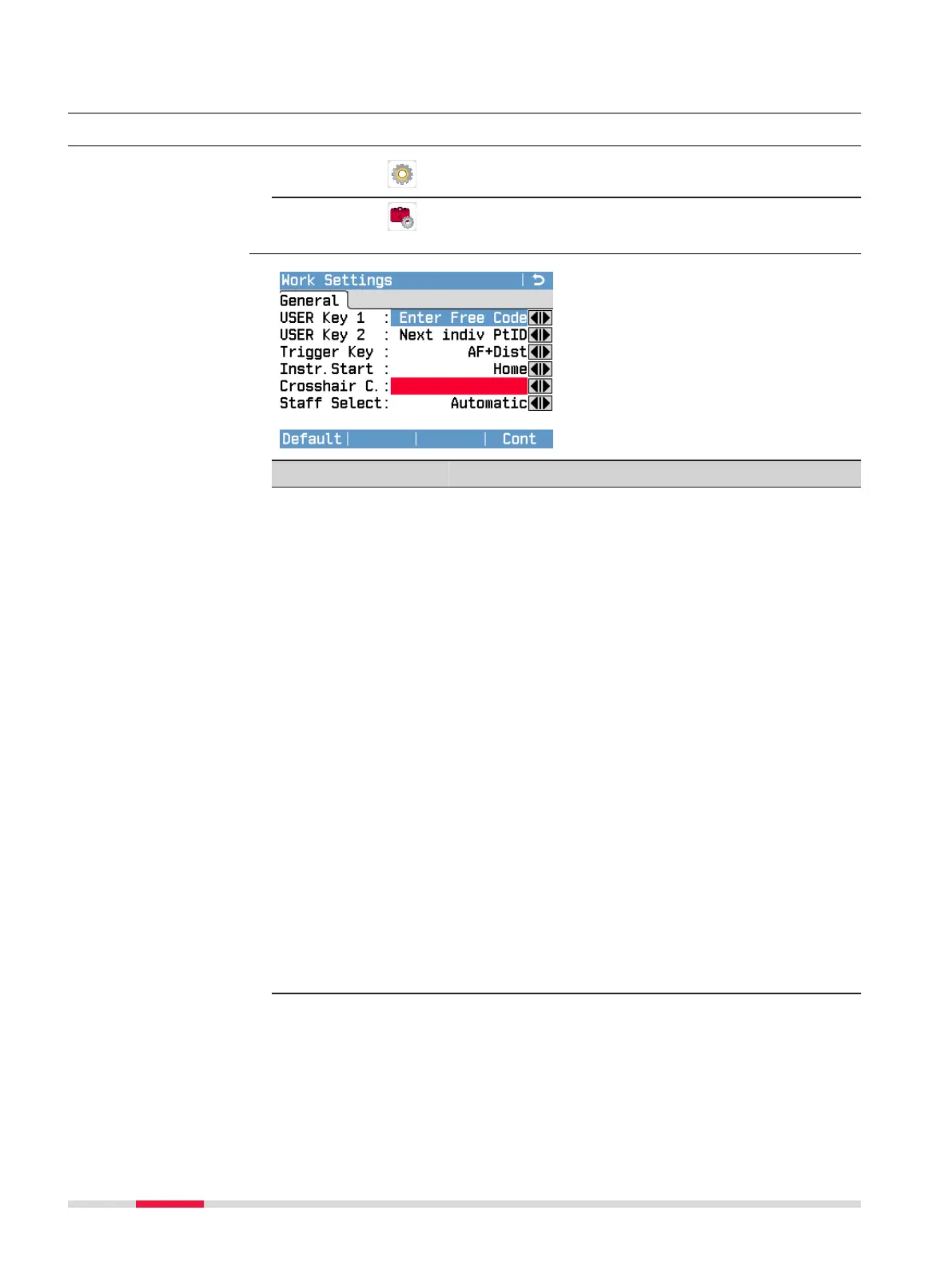
USER Key 1
USER Key 2
You can assign one of the following functions to
both keys:
•
Level: Displays the Level screen.
•
Enter Free Code: Displays the Free Code
screen from within a levelling application. Refer
to 10 Free Coding.
•
Distance Unit: Toggles the displayed distance
units ([m], [ft], []) for all distance- and
coordinate-related elds.
•
Home: Displays the Main Menu.
•
PIN: Locks the instrument (only if PIN protection
is activated). Refer to 12.4 Instrument Protec-
tion with PIN.
•
Touch: Activates or deactivates the touch
screen.
•
Manual Input: Displays the Manual Input
screen.
•
PtID Incr: Displays the Point ID & Incrementa-
tion screen.
•
Screenshot: Captures and saves an image of
the currently displayed screen.
•
Next indiv PtID: Applies an individual point ID
to the next point measured. Refer to Apply an
individual point ID during measurements.
•
Compass: Displays the Compass screen (only
LS15).
Access
Work Settings
38 Settings



 To Next Page