LS SERIES SERVICE MANUAL
ISSUE 4.0 NEXYGEN PLUS 3 DIAGNOSTICS 2
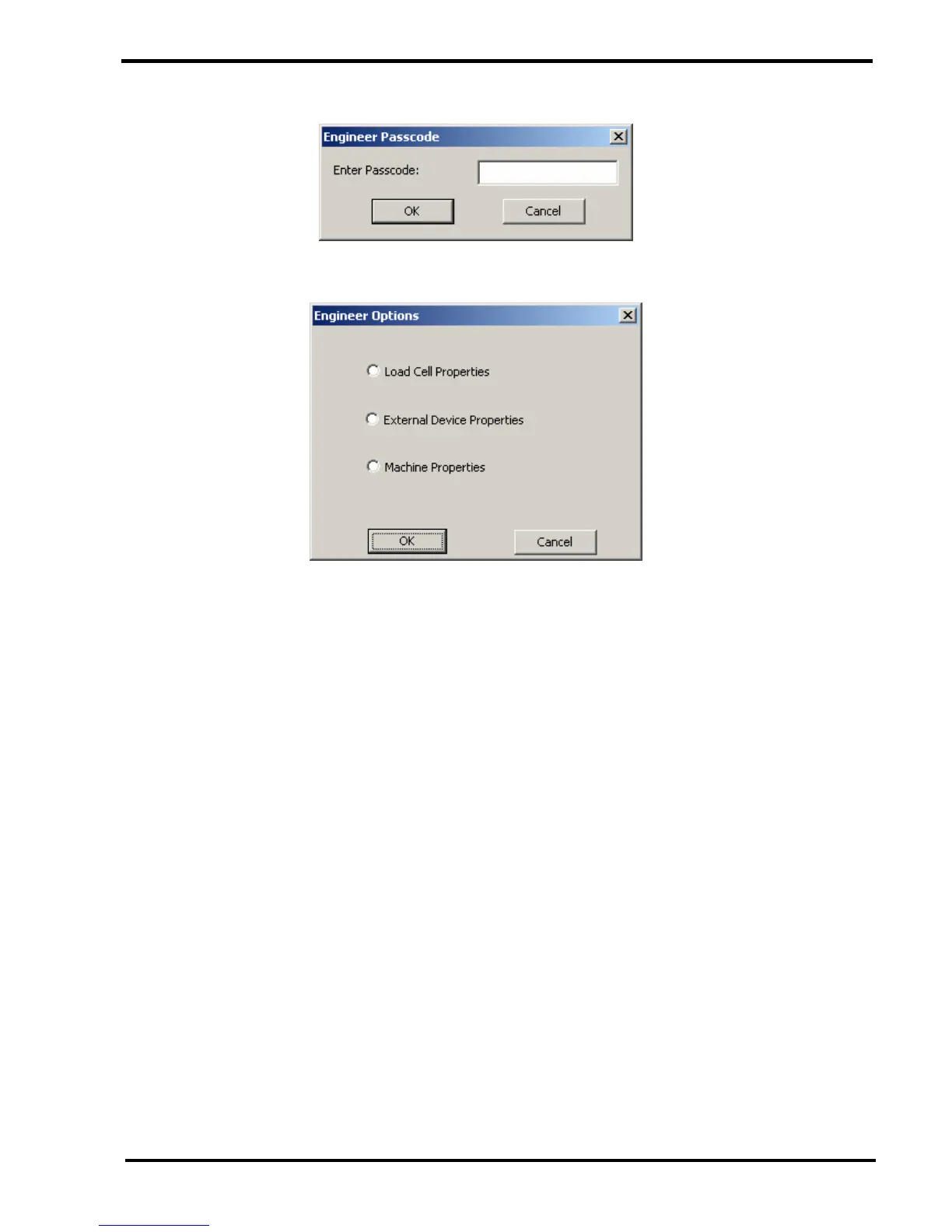
3 The "Engineer Options" screen is displayed below.
4 To exit the diagnostic mode, click on the CANCEL button. The "Normal" software
console screen will be re-displayed.
AFTER USING THE DIAGNOSTICS FEATURE, PLEASE ENSURE THAT THE SOFTWARE
CONSOLE IS SET TO NORMAL OPERATION BEFORE HANDING THE MACHINE BACK TO
THE CUSTOMER.
NOTE THAT THE STARTING SCREEN FOR ALL THE FOLLOWING
PROCEDURES IS THE "ENGINEERS OPTIONS" SCREEN SHOWN ABOVE.



 To Next Page