LS SERIES SERVICE MANUAL
ISSUE 4.0 PROGRAM INFORMATION 1
3. PROGRAM INFORMATION
3.1 Upgrading the Program
Also see PDS 62 Issued Separately
It is important to note that ALL
user defined test set-ups and TEST DATA will be erased
by upgrading the program so the customer should be informed and asked to save any
data BEFORE
performing an upgrade.
The embedded is upgraded by connecting the machine to a computer then downloading the
new embedded as shown below: -
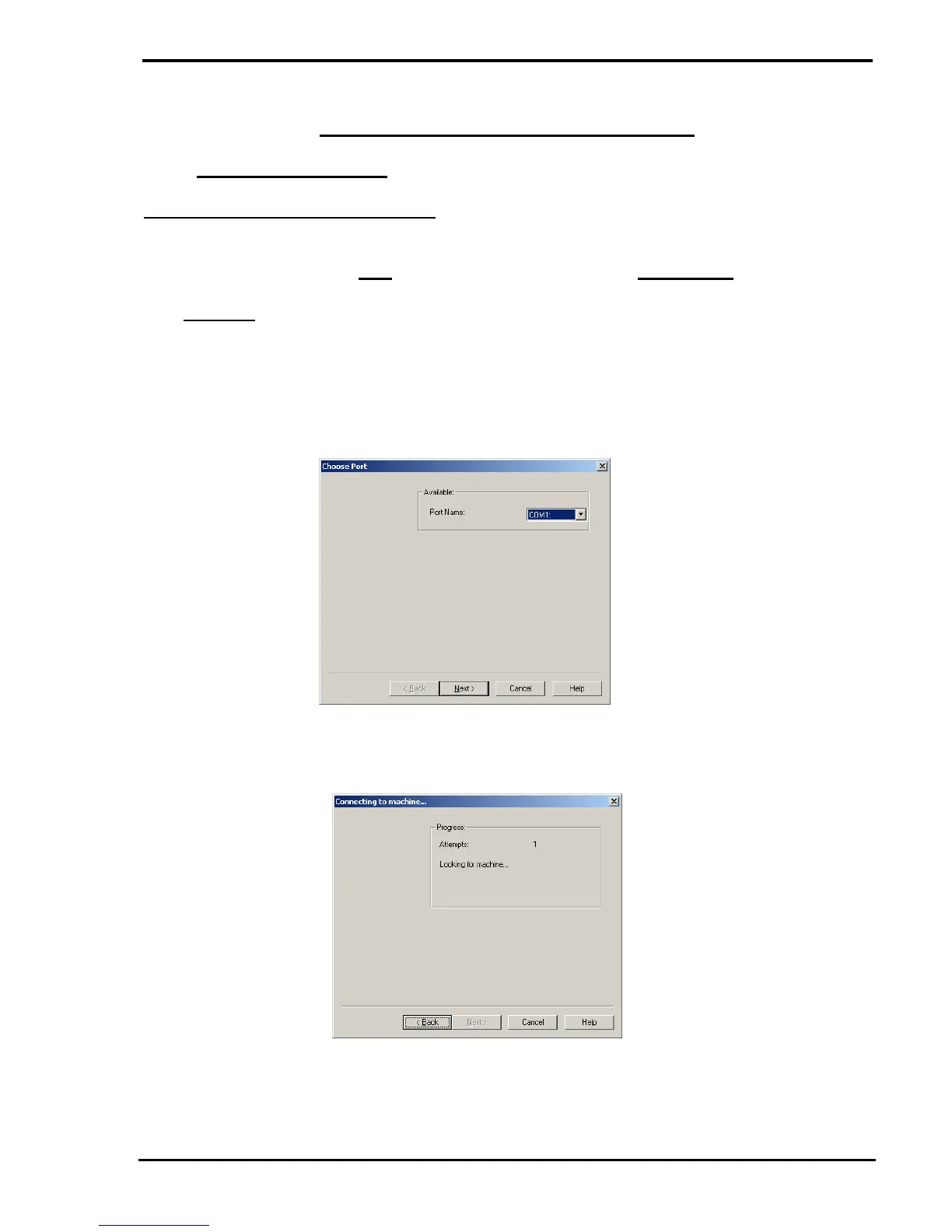
1 Start the Upgrade Wizard to display the screen shown below: -
2 Select the COM port that has been assigned by Windows for the USB connection to
the machine then click on the NEXT button to display the following screen: -



 To Next Page