LS SERIES SERVICE MANUAL
ISSUE 4.0 PROGRAM INFORMATION 2
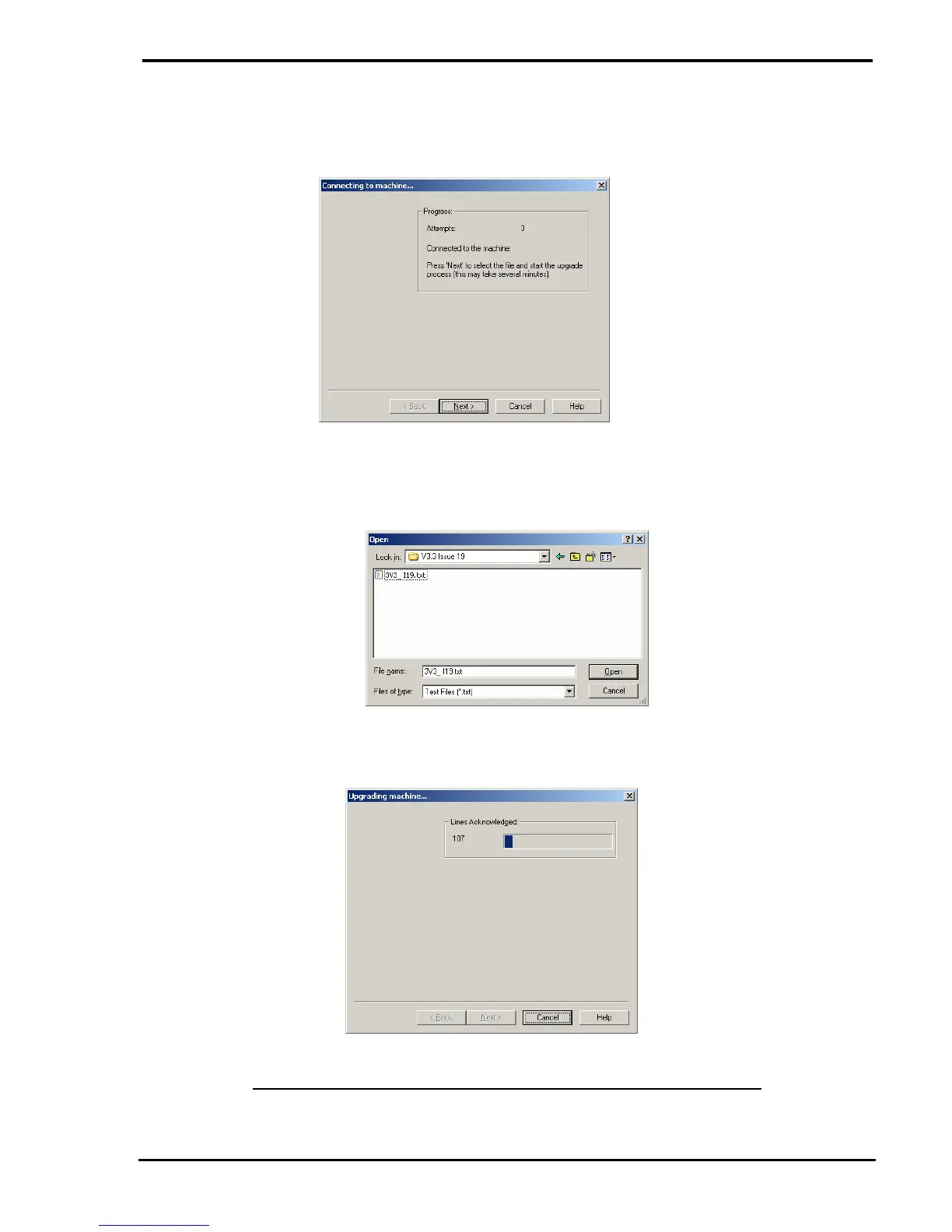
3 Switch the machine ON then wait until the Wizard has connected to the machine as
indicated below: -
4 Click on the NEXT button to display the file open dialog, select the required embedded
text file then click on the OPEN button.
5 The upgrade will begin and the progress is shown on the progress bar on the dialog: -
DO NOT STOP THE DOWNLOADING ONCE IT HAS STARTED



 To Next Page