LS SERIES SERVICE MANUAL
ISSUE 4.0 PROGRAM INFORMATION 3
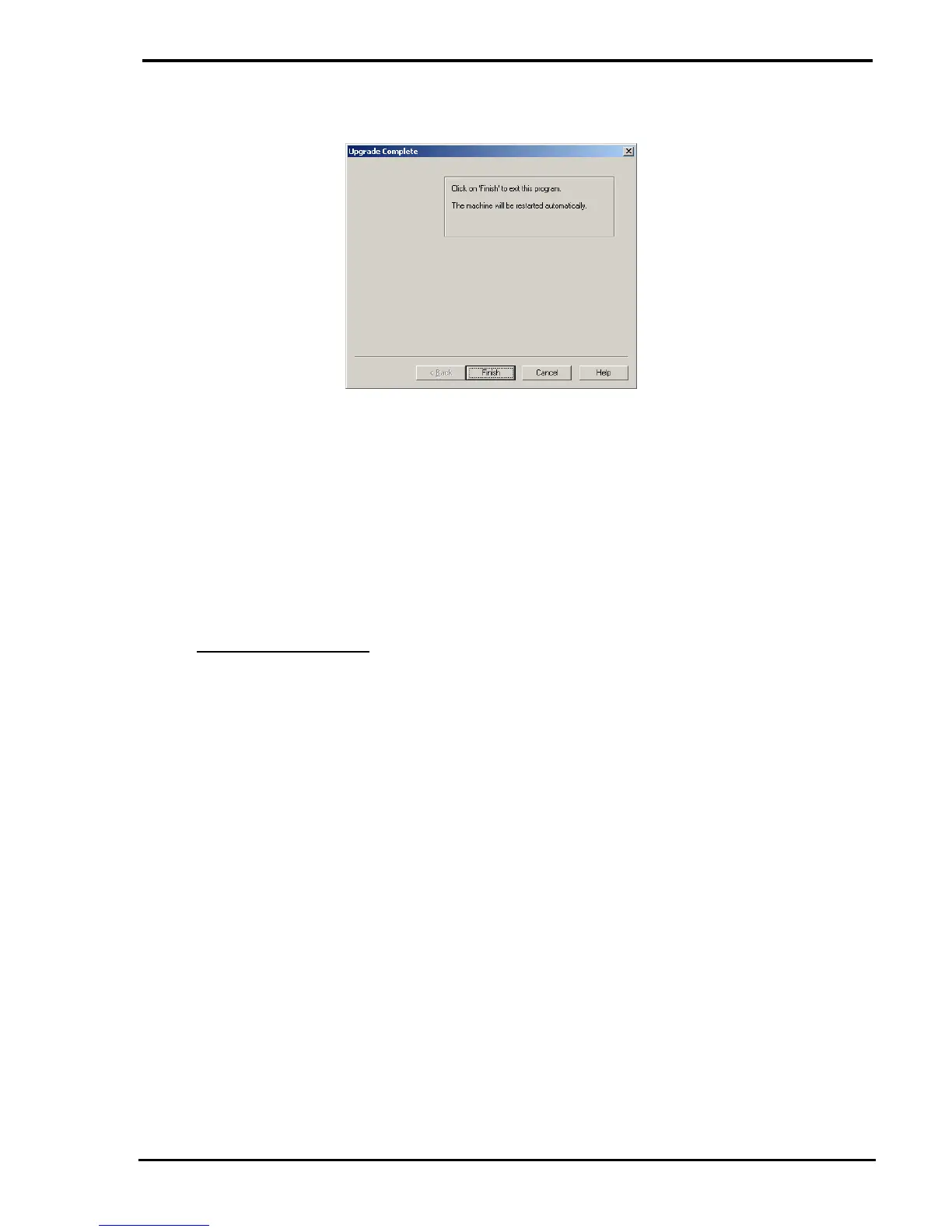
6 When the upgrade is complete, the dialog will give the following message: -
7 Click on the FINISH button to restart the machine then WAIT for 30 seconds before
pressing any buttons on the machine or switching it OFF.
8 Note that the Machine Type will have to be RESELECTED after a Flash Upgrade has
been carried out because the machine parameters will change during the upgrade.
9 The Machine Type is reselected using the Engineers Diagnostic Mode as shown
below: -
Full Control Console
a The diagnostic mode is selected by switching the machine OFF then ON again
then pressing the 3rd key from the left under the LCD display when "Lloyd
Instruments" is shown on the LCD display.
b Enter "bogn or" or "2646 67" for the Engineer's Code.
Note that the space between the 2 groups of characters indicates that a pause
of approx. 1 second needs to be allowed between the 2 groups.
c Press the ENTER key to enter the diagnostic mode.
d Press the key under ">", press the key under "SETUP MACHINE" then press
the key under "MACHINE IDENTITY".
d Select the correct machine type using the ">" key.
e Press the ENTER key to store the new parameters. The display will show
"Programming".
f The machine will restart. Check that the machine type is correctly displayed



 To Next Page