Network Video Recorder User Manual
110
Step 1 Go to the Linkage Action interface of the alarm input or VCA detection (e.g., face
detection, line crossing detection, intrusion detection, etc.).
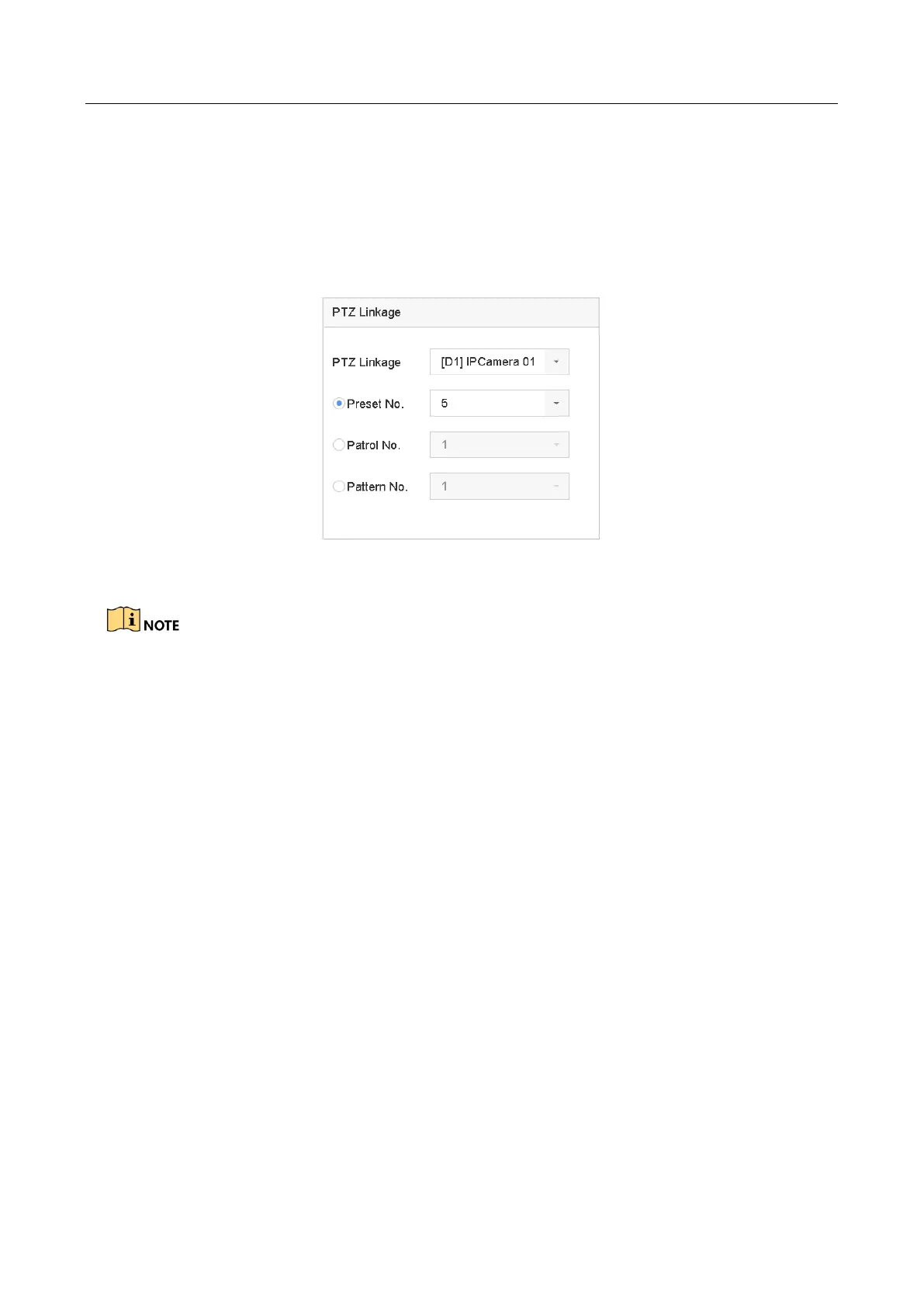
Step 2 Select the PTZ Linkage.
Step 3 Select the camera to perform the PTZ actions.
Step 4 Select the preset/patrol/pattern No. to call when the alarm events occur.
Figure 11-2 PTZ Linkage
You can set one PTZ type only for the linkage action each time.
11.3 Configure Motion Detection Alarm
Purpose:
The motion detection enables the device to detect the moving objects in the monitoring area and
trigger the alarm.
Step 1 Go to System > Event > Normal Event > Motion Detection.








 To Next Page