Network Video Recorder User Manual
156
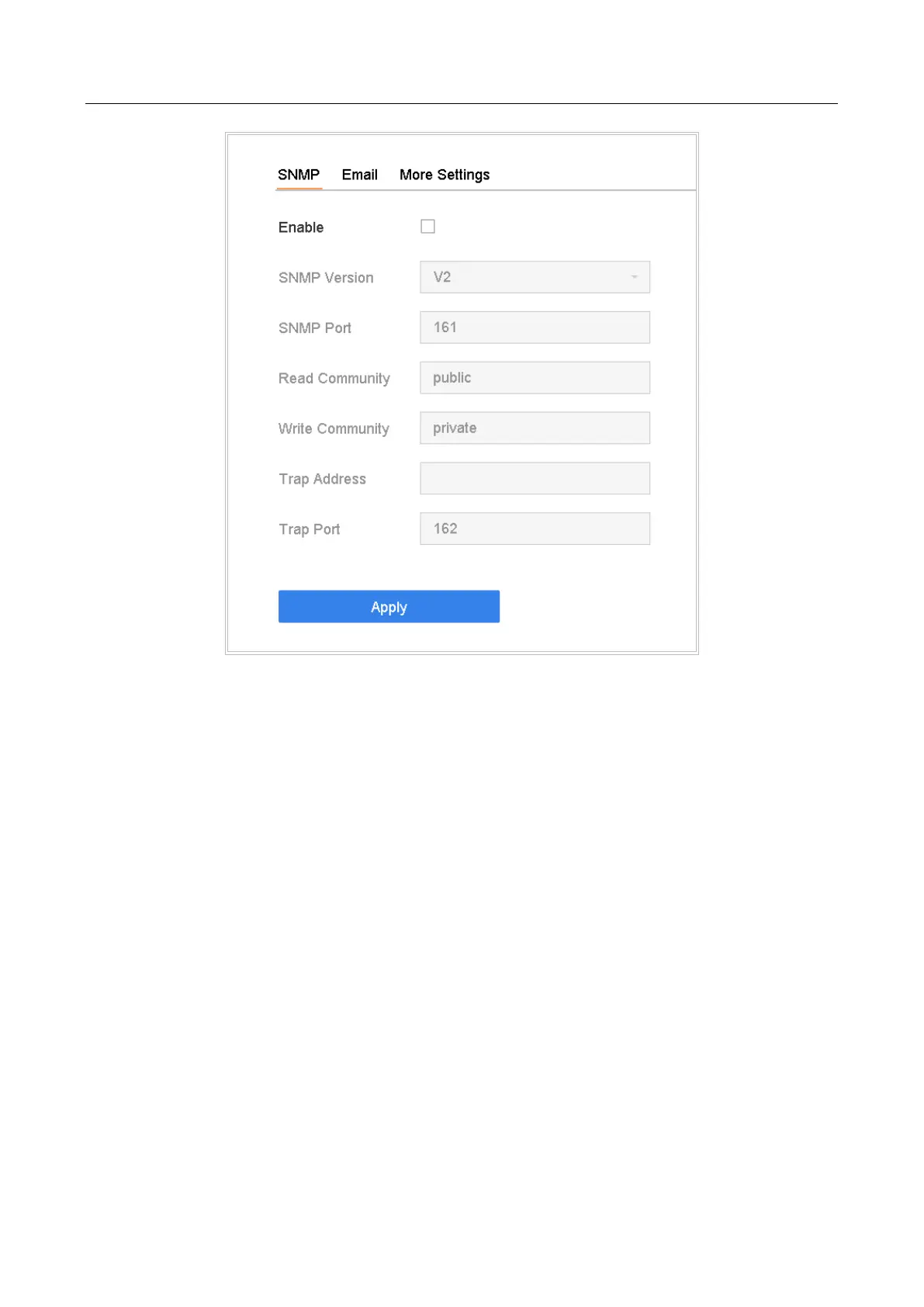
Figure 15-4 SNMP Settings
Step 2 Check Enable. A message box will pop up to prompt possible security risk and click Yes
to continue.
Step 3 Configure the SNMP settings as needed.
Trap Address: IP address of the SNMP host.
Trap Port: Port of the SNMP host.
Step 4 Click Apply.
15.7 Configure Email
Purpose
The system can send an Email to designated users when a specified event occurs, such as an alarm
or motion event is detected, or the administrator password is changed, etc.
Before You Start
The device must be connected to a local area network (LAN) that contains an SMTP mail server.
The network must be connected to either an intranet or the Internet depending on the location of
the e-mail accounts to send notification.








 To Next Page