EasyManua.ls Logo

LTS LTD8516K-ST - System Operation

LTS LTD8516K-ST
193 pages
Print Icon
To Next Page IconTo Next Page
To Previous Page IconTo Previous Page
Loading...
Network Video Recorder User Manual
41
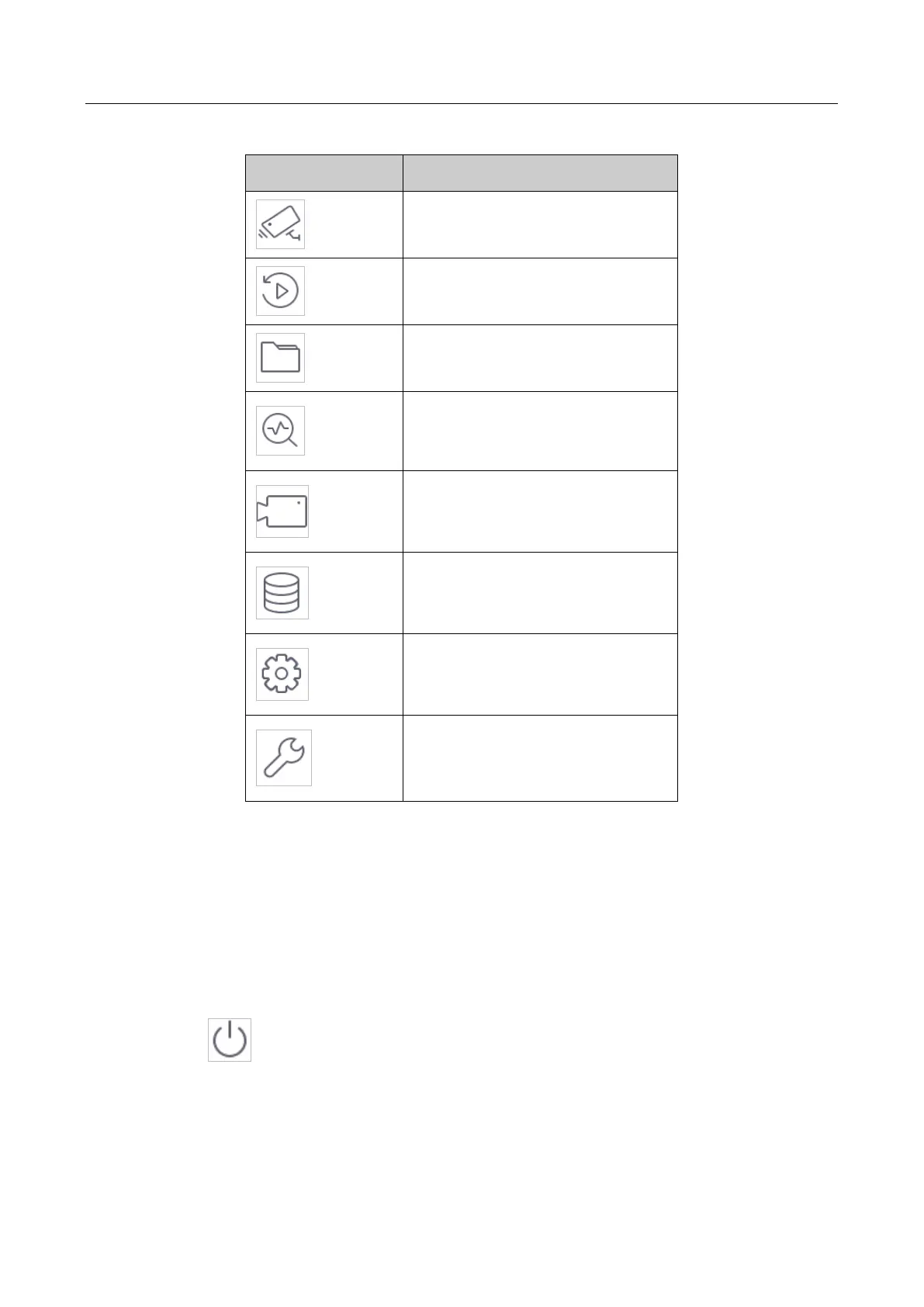
Table 2-1 Description of Icons
Icon
Description
Live View
Playback
File Management
Smart Analysis
Camera Management
Storage Management
System Management
System Maintenance:
2.7 System Operation
2.7.1 Log out
Purpose:
After logging out, the monitor turns to the live view mode and if you want to perform any
operations, you need to enter user name and password to log in again.
Step 1 Click on the menu bar.
Step 2 Click Logout.


Table of Contents