Network Video Recorder User Manual
147
Step 1 Go to Smart Analysis > Smart Search > Face Search.
Step 2 Select the IP camera for the face search.
Figure 14-4 Face Search
Step 3 Specify the start time and end time for search the captured face pictures or video files.
Step 4 Click Start Search to start searching.
Step 5 Double click on a face picture to play its related video file in the view window on the top
right Play the face picture related video file.
Step 6 To export the captured face pictures to local storage device, connect the storage device to
the device and click Export.
14.4 Human Body Search
The chapter is only available for LTD85XXK-DT/ LTD83XXM-ET series.
Purpose:
You can search and view the matched captured human body pictures.
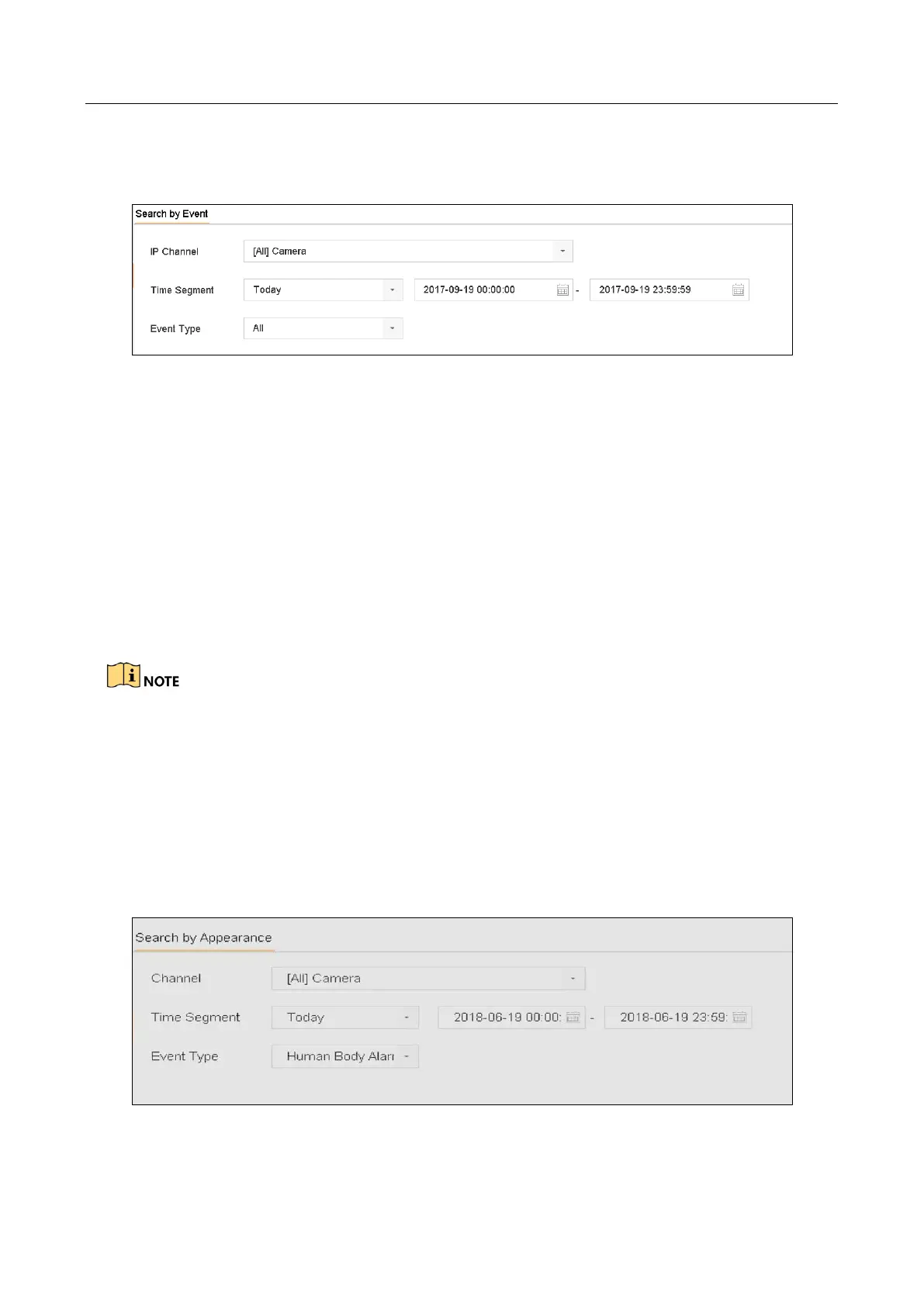
Step 1 Go to Smart Analysis > Smart Search > Human Body Detection.
Step 2 Select the camera for the human body search.
Step 3 Set search conditions.
Figure 14-5 Plate Search
Step 4 Click Start Search.








 To Next Page