Network Video Recorder User Manual
45
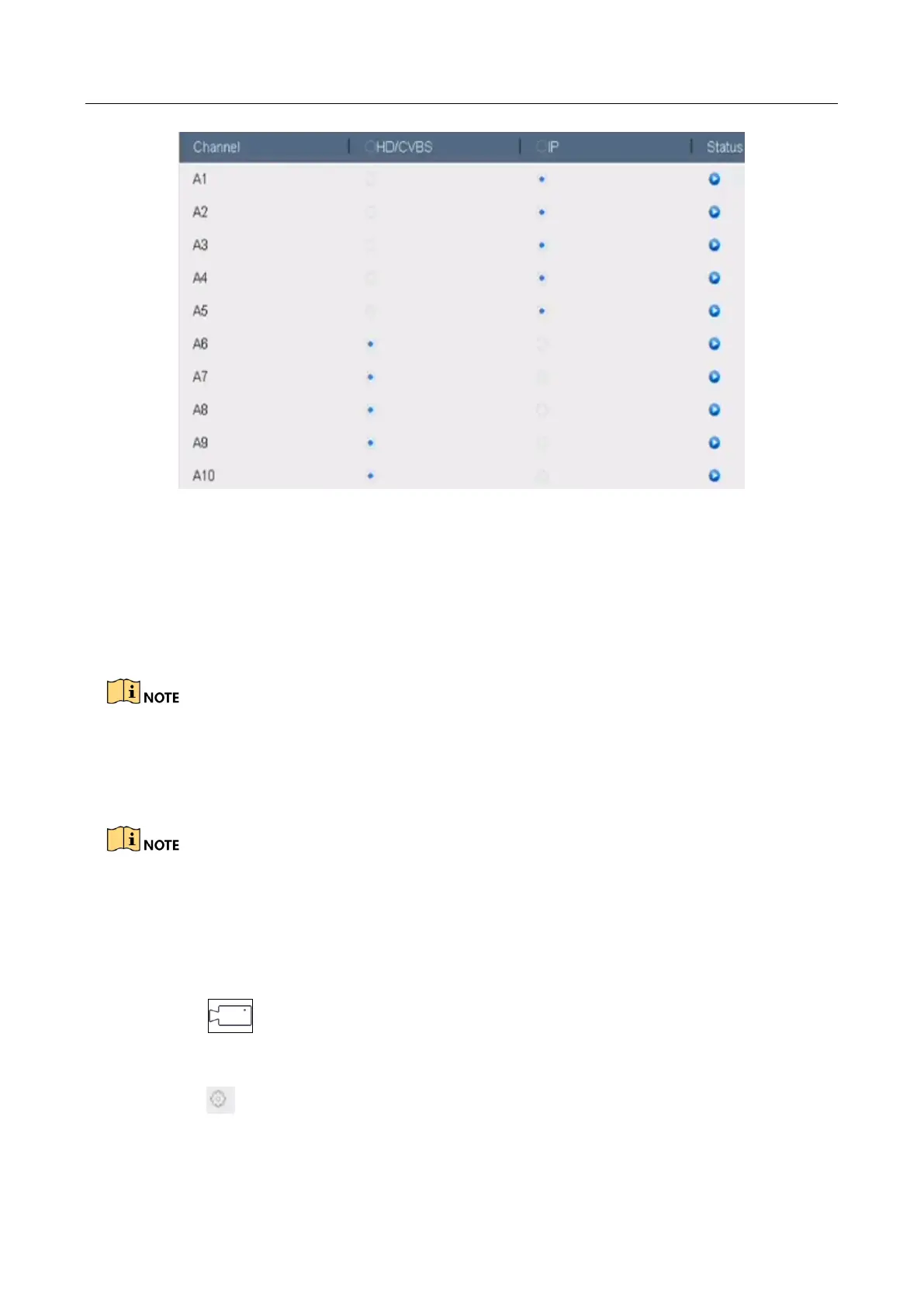
Figure 3-3 Signal Input Status
Step 3 Check the checkbox to select different signal input types: HD/CVBS and IP. If you select
HD/CVBS, four types of analog signal inputs including Turbo HD, AHD, HDCVI, and CVBS can
be connected randomly for the selected channel. If you select IP, IP camera can be
connected for the selected channel.
Step 4 Click Apply to save the settings.
You can view the max. accessible number of IP cameras in the Max. IP Camera Number text field.
Refer to the specifications for the max. accessible IP camera number of different models.
3.1.4 Configuring 5 MP Long Distance Transmission
This chapter is only applicable to -S series DVR.
Purpose
For -S series DVR, you can configure 5 MP long distance transmission on the Signal Input Status
interface.
Step 1 Click on the main menu bar.
Step 2 Click Camera > Analog.
Step 3 Click to enter the 5 MP Long Distance Transmission Settings interface.








 To Next Page