Network Video Recorder User Manual
154
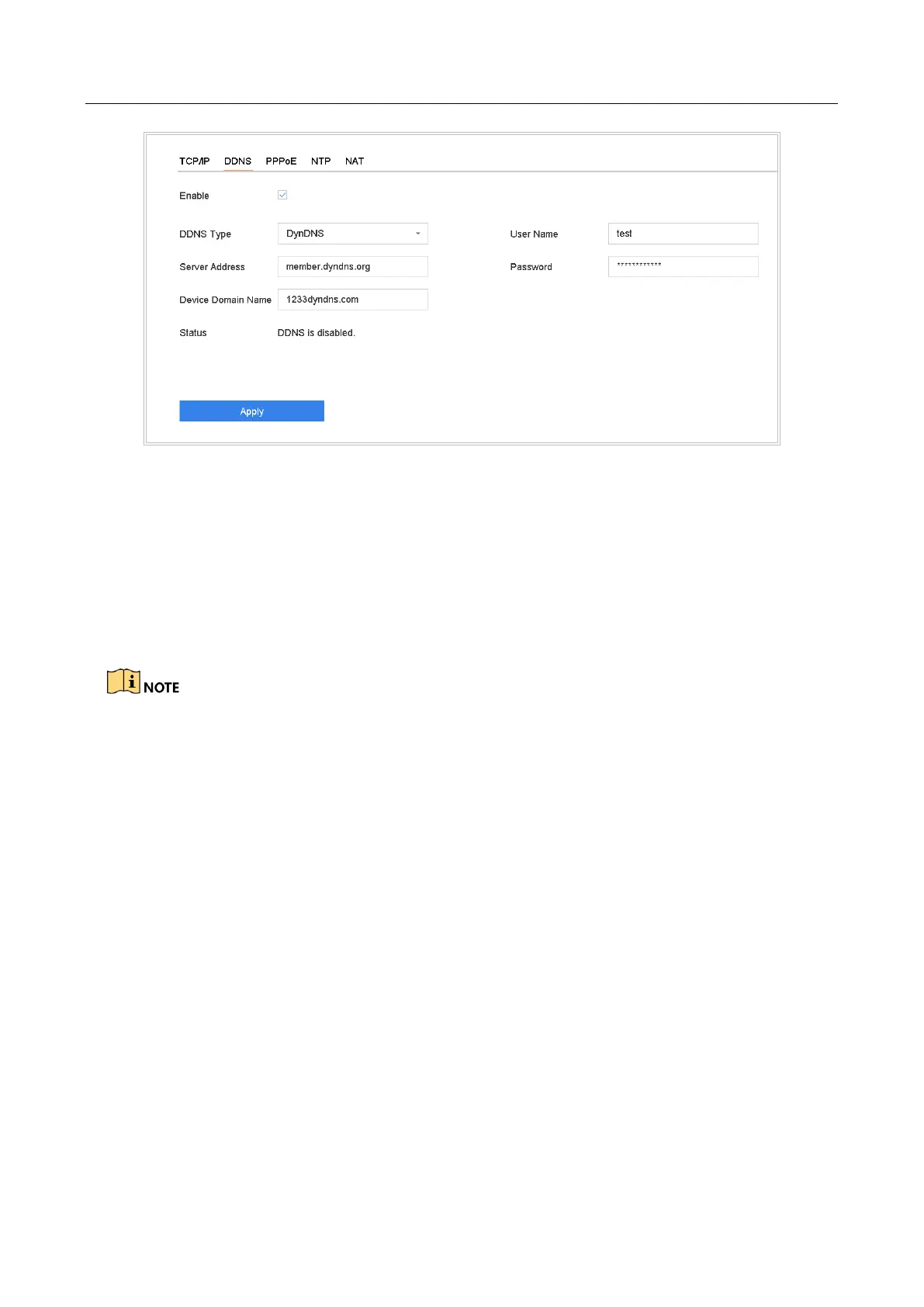
Figure 15-2 DDNS Settings
Step 7 Click Apply.
15.4 Configure PPPoE
If the device is connected to Internet through PPPoE, you need to configure user name and
password accordingly under System > Network > TCP/IP > PPPoE.
Contact your Internet service provider for details about PPPoE service.
15.5 Configure NTP
Purpose
Connection to a network time protocol (NTP) server can be configured on your device to ensure
the accuracy of system date and time.
Step 1 Go to System > Network > TCP/IP > NTP.








 To Next Page