Network Video Recorder User Manual
146
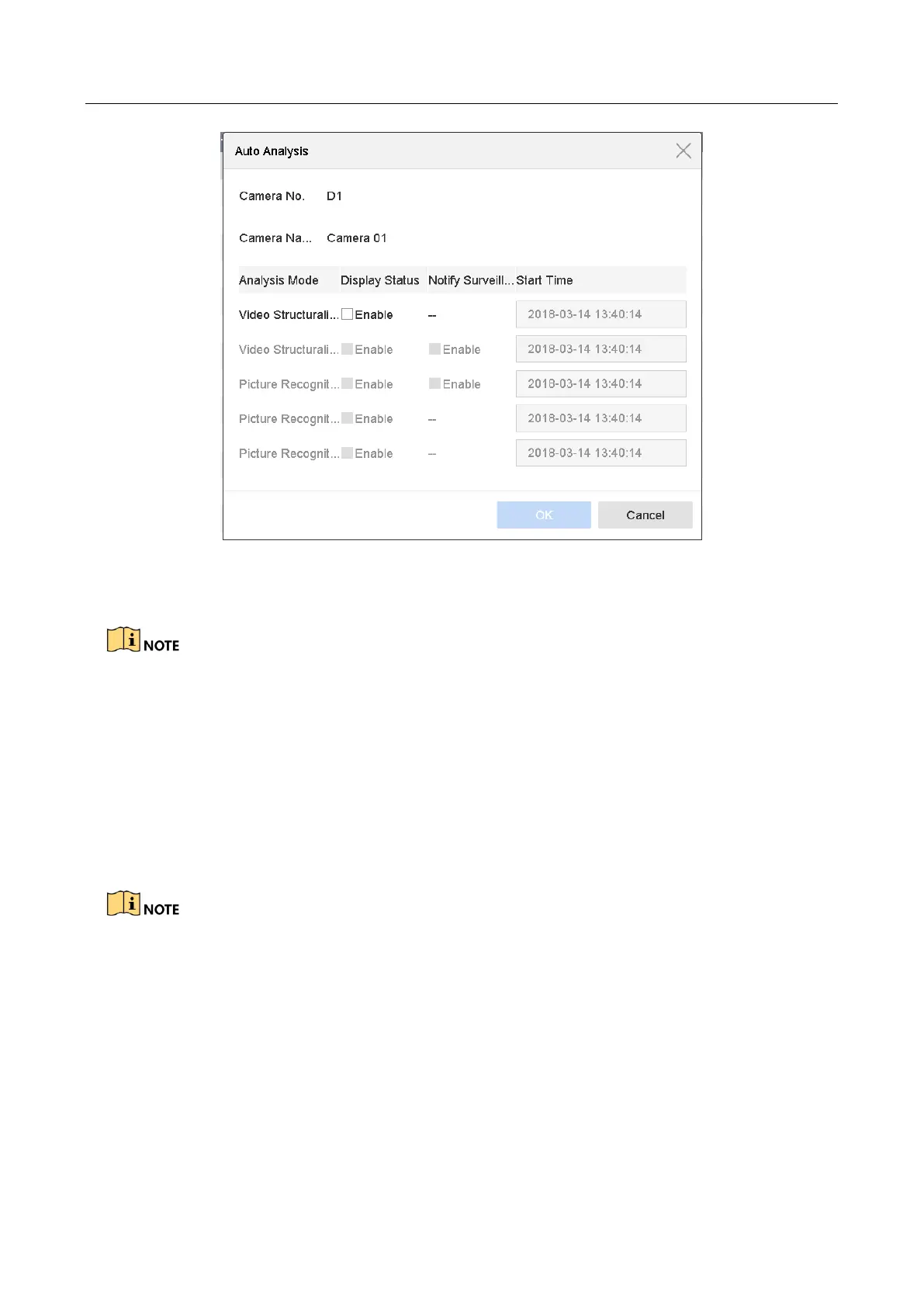
Figure 14-3 Auto Analysis
Step 4 Check cameras and click Enabled to start analyzing.
Task status includes 3 conditions: Disabled, Waiting, and Enabled.
Disabled: No analysis task is enabled on the camera.
Waiting: The analysis task of the camera is enabled. Device is waiting to analyze data.
Enabled: The analysis task of the camera is enabled and device is analyzing data of the
camera.
14.3 Face Search
The chapter is not available for LTD85XXK-DT series.
Purpose:
When there are detected face picture captured and saved in HDD, you can enter the Face Search
interface to search the picture and play the picture related video file according to the specified
conditions.
Before you start:
Please refer to Chapter 13.2 Face Detection for configuring the face detection.








 To Next Page