Network Video Recorder User Manual
152
Check Enable DHCP to obtain IP settings automatically if a DHCP server is available in the
network.
Valid range of MTU value is 500 to 1500.
Step 4 Click Apply.
15.2 Configure PT Cloud
Purpose
PT Cloud provides mobile phone application and platform service to access and manage your
connected devices, which enables you to get a convenient remote access to the surveillance
system.
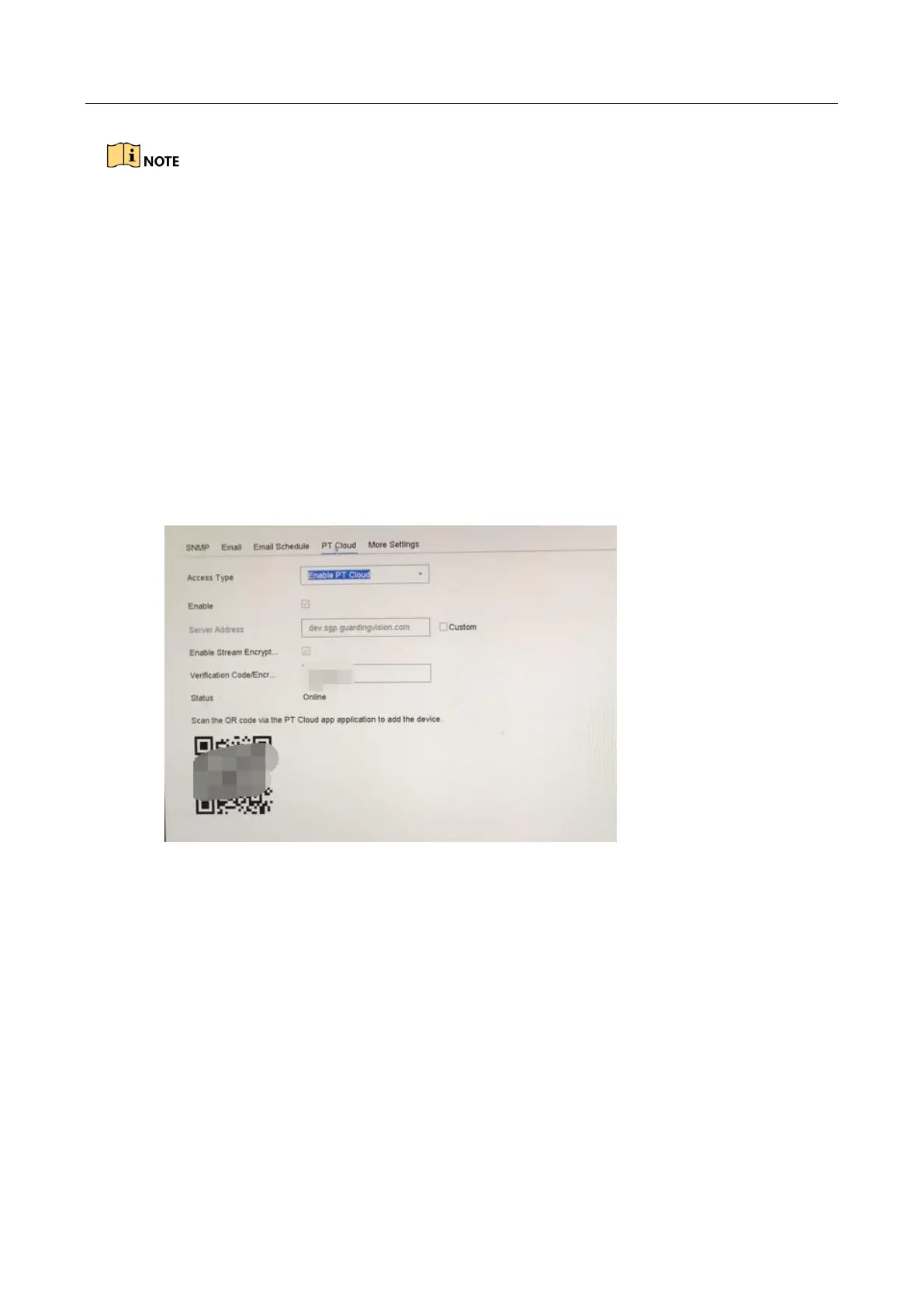
Step 1 Go to System > Network > Advanced > Platform Access.
Step 2 Check Enable to activate the function. Then the service terms will pop up.
1) Enter the verification code in Verification Code.
2) Scan the QR code to read the service terms and privacy statement.
3) Check The PT Cloud service will require internet access. Please read Service Terms
and Privacy Statement before enabling the service if you agree the service terms and
privacy statement.
4) Click OK to save the settings.








 To Next Page