Network Video Recorder User Manual
189
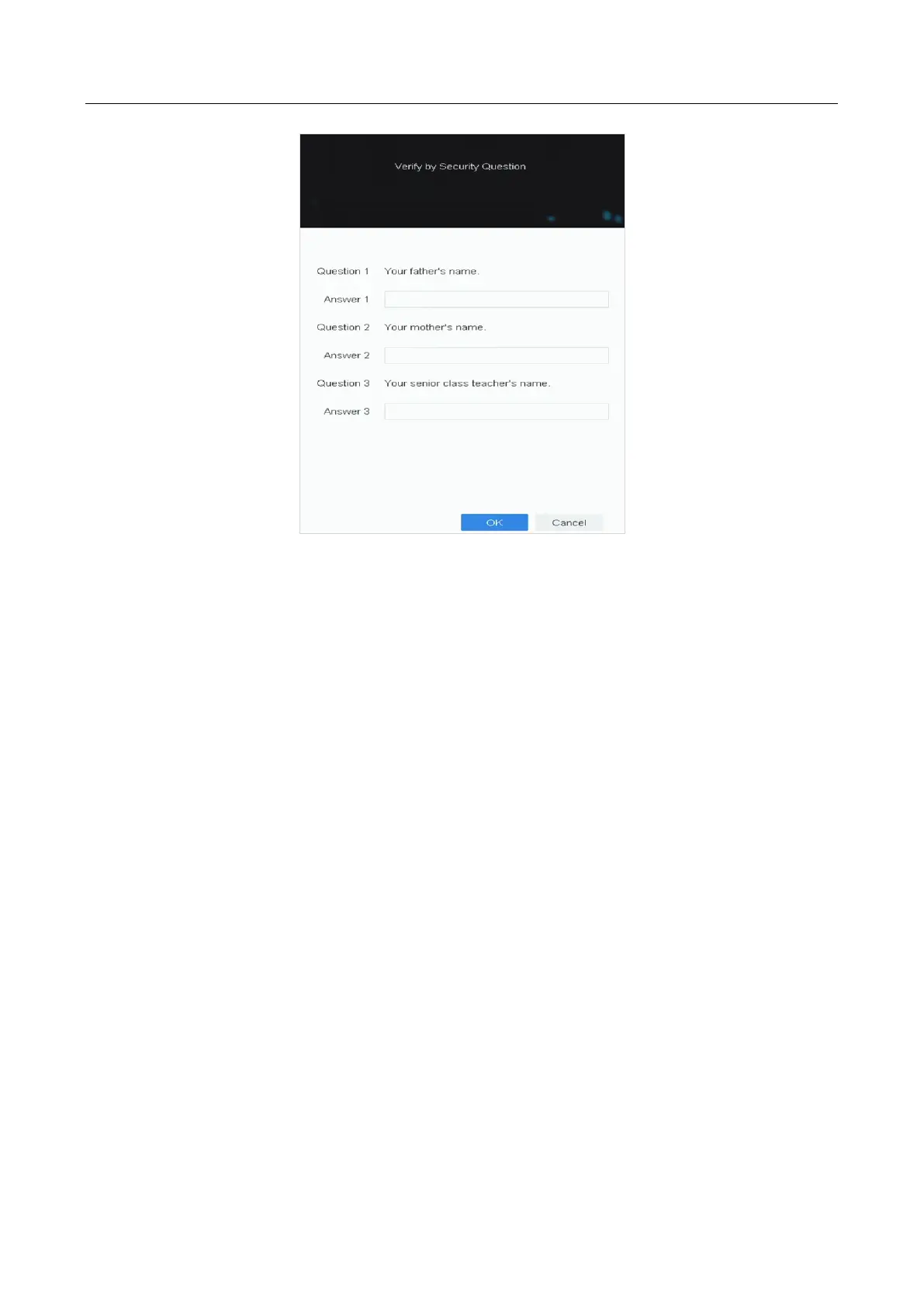
Figure 17-15 Verify by Security Question
17.7.3 Reset Password by Reserved Email
Before You Start
Ensure you have configured the reserved email when you are activating the device or editing the
admin user account. (Refer to 17.6.3 Configure Reserved Email)
Step 1 On the user login interface, click Forgot Password.
Step 2 Select the password resetting type to Verify by Reserved Email.
Step 3 Click OK.
Step 4 Obtain the verification code. There are two ways to get the verification code.
− Use LTS-connect app to scan the QR code.
− Send the QR code to email server.
1) Insert a USB flash drive to your device.
2) Click Export to export the QR code to USB flash drive.
3) Email the QR code to pw_recovery@device-service.com as attachment.








 To Next Page