Network Video Recorder User Manual
148
14.5 Vehicle Search
The chapter is only available for LTD85XXK-DT/ LTD83XXM-ET series.
Purpose:
You can search and view the matched captured vehicle pictures.
Step 1 Go to Smart Analysis > Smart Search > Vehicle Search.
Step 2 Select the IP camera for the vehicle search.
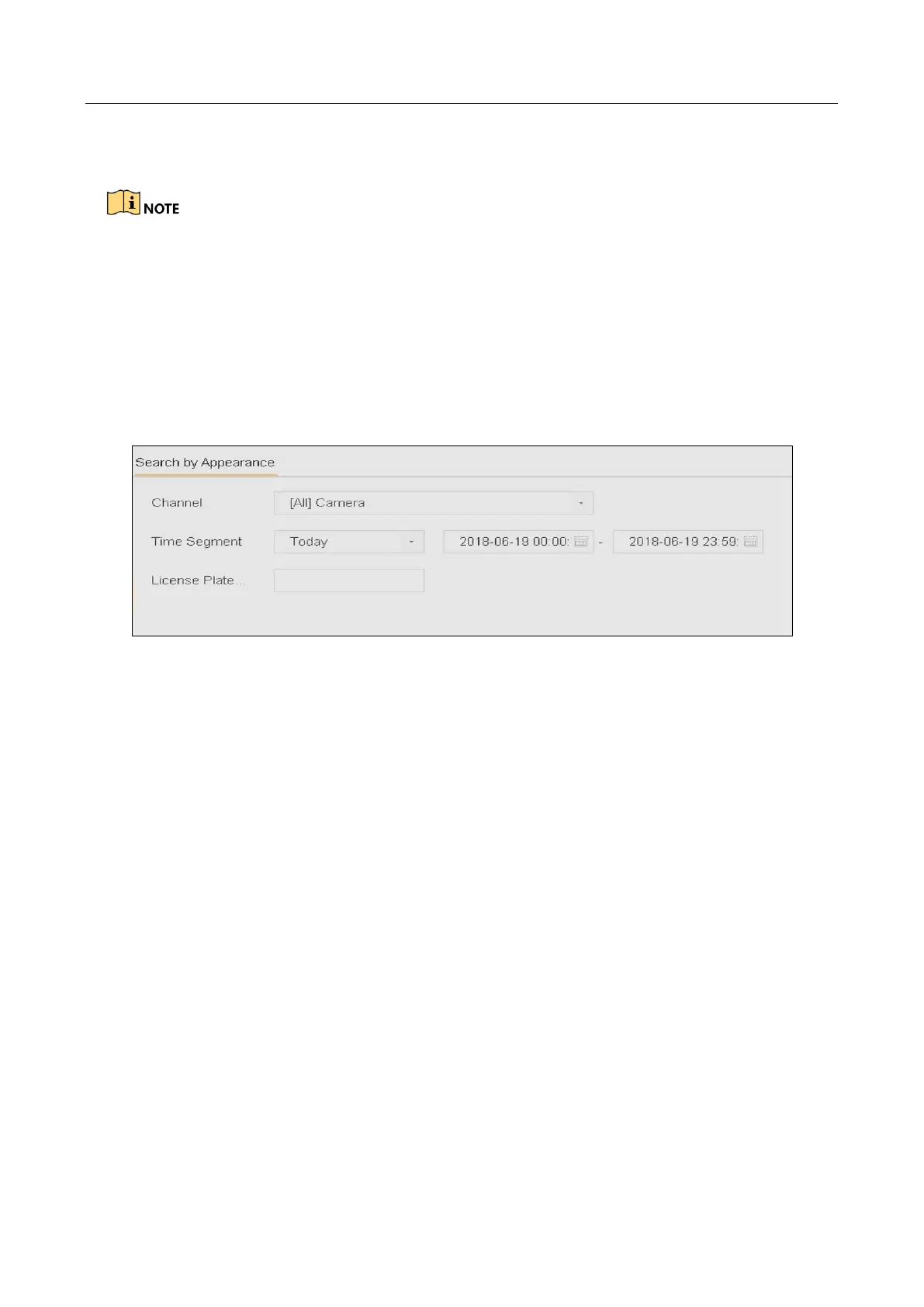
Step 3 Set search conditions.
Figure 14-6 Plate Search
Step 4 Click Start Search.
14.6 People Counting
Purpose:
The Counting is used to calculate the number of people entered or left a certain configured area
and form in daily/weekly/monthly/annual reports for analysis.
Step 1 Go to Smart Analysis > Smart Search > Counting.
Step 2 Select a camera.
Step 3 Select the report type to Daily Report, Weekly Report, Monthly Report, or Annual
Report as you desired.
Step 4 Set the Date to analyze. Then it will generate the people counting graphic.



 To Next Page