Network Video Recorder User Manual
140
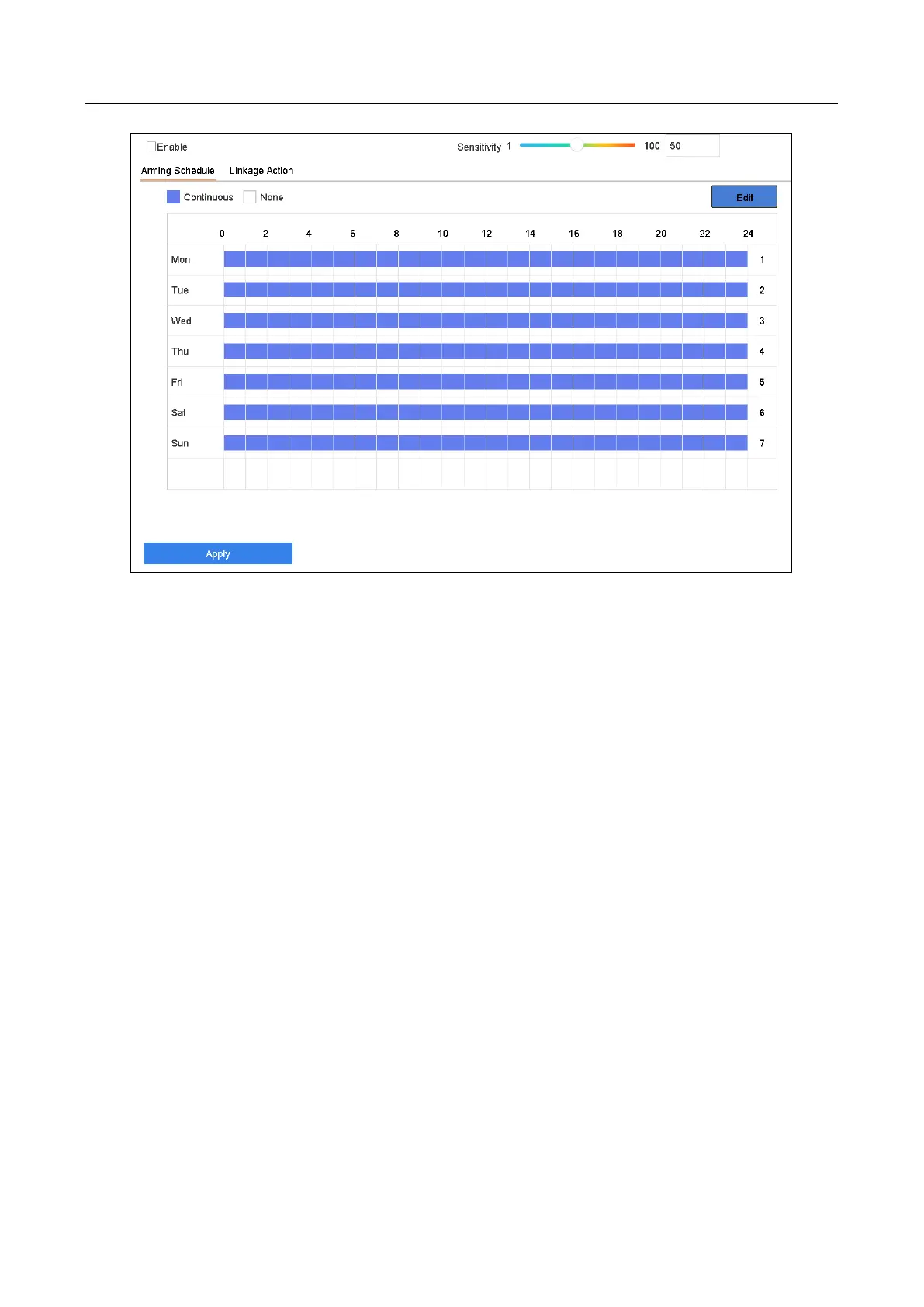
Figure 13-11 Sudden Scene Change
Step 3 Select a camera to configure.
Step 4 Check Enable Sudden Scene Change Detection.
Step 5 Optionally, check Save VCA Picture to save the captured pictures of sudden scene
change detection.
Step 6 Drag the Sensitivity slider to set the detection sensitivity. Sensitivity range: [1-100].
The higher the value is, the more easily the change of scene can trigger the alarm.
Step 7 Set the arming schedule. Refer to Chapter 11.1 Configure Arming Schedule.
Step 8 Set the linkage actions. Refer to Chapter 11.2 Configure Alarm Linkage Actions.
Step 9 Click Apply.
13.12 Defocus Detection
Purpose:
The image blur caused by defocus of the lens can be detected.
Step 1 Go to System > Event > Smart Event.
Step 2 Click Defocus.








 To Next Page