Network Video Recorder User Manual
59
Step 1 Click on the quick settings toolbar in the live view interface. The PTZ control
panel displays on the right of the interface.
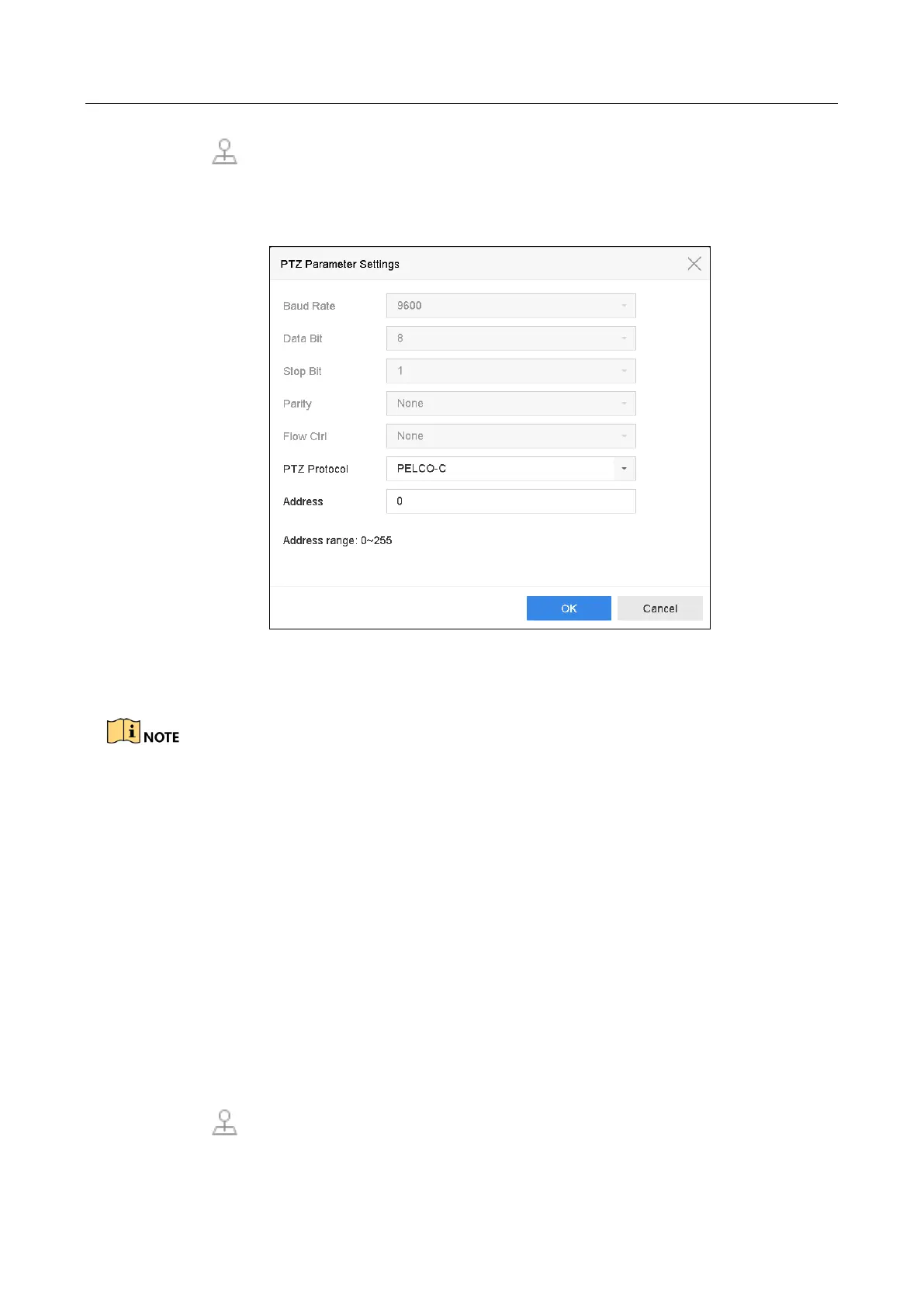
Step 2 Click PTZ Parameters Settings to set the PTZ parameters.
Figure 6-2 PTZ Parameters Settings
Step 3 Edit the parameters of the PTZ camera.
All the parameters should be exactly the same as the PTZ camera parameters.
Step 4 Click OK to save the settings.
6.3 Set PTZ Presets, Patrols & Patterns
Before you start:
Please make sure that the presets, patrols and patterns should be supported by PTZ protocols.
6.3.1 Set a Preset
Purpose:
Follow the steps to set the preset location which you want the PTZ camera to point to when an
event takes place.
Step 1 Click on the quick settings toolbar in the live view interface..








 To Next Page