Network Video Recorder User Manual
44
Step 5 Click Add to finish the adding of the IP camera.
Step 6 (Optional) Click Continue to Add to continue to add other IP cameras.
3.1.2 Add the Automatically Searched Online IP Cameras
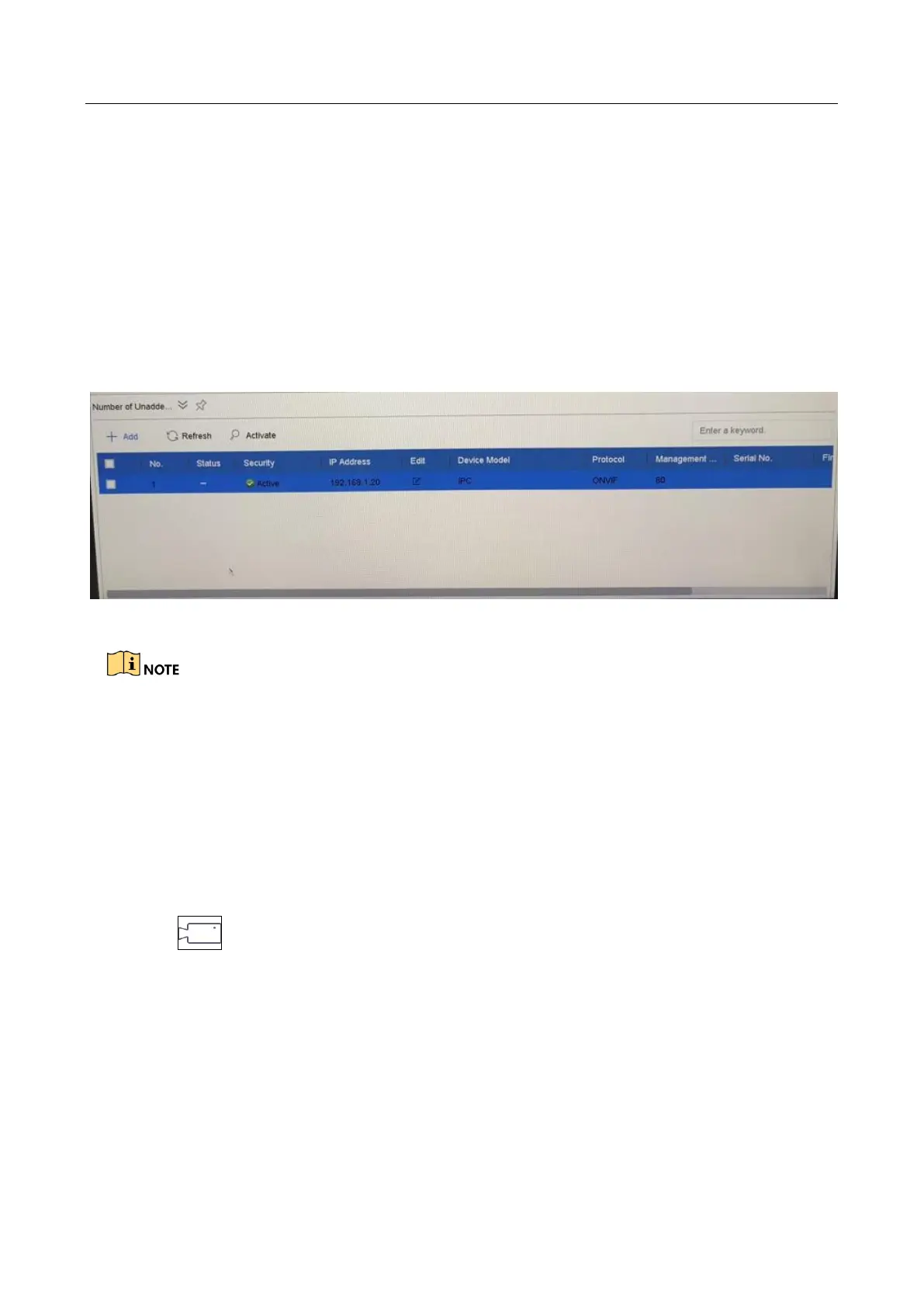
Step 1 On the IP Camera interface, click the Number of Unadded Online Device to expand
the panel.
Step 2 Select the automatically searched online devices.
Step 3 Click Add.
Figure 3-2 Add IP Camera
If the IP camera to add has not been activated, you can activate it from the IP camera list on
the camera management interface.
For LTD85XXK-DT series, when IP camera is added, the device will automatically switch the
resolution to WD1/D1 and switch the bit rate to 512 Kbps.
3.1.3 Configure Signal Input Channel
Purpose
You can configure the analog and IP signal input types.
Step 1 Click on the main menu bar.
Step 2 Click Camera > Analog.








 To Next Page