Network Video Recorder User Manual
37
If you have forgotten your pattern, you can select the Forgot My Pattern or Switch User
option to enter the normal login dialog box.
When the pattern you draw is different from the pattern you have configured, you should
try again.
If you have drawn the wrong pattern for more than 5 times, the system will switch to the
normal login mode automatically.
2.4.2 Log in via Password
Purpose:
If device has logged out, you must login the device before operating the menu and other functions.
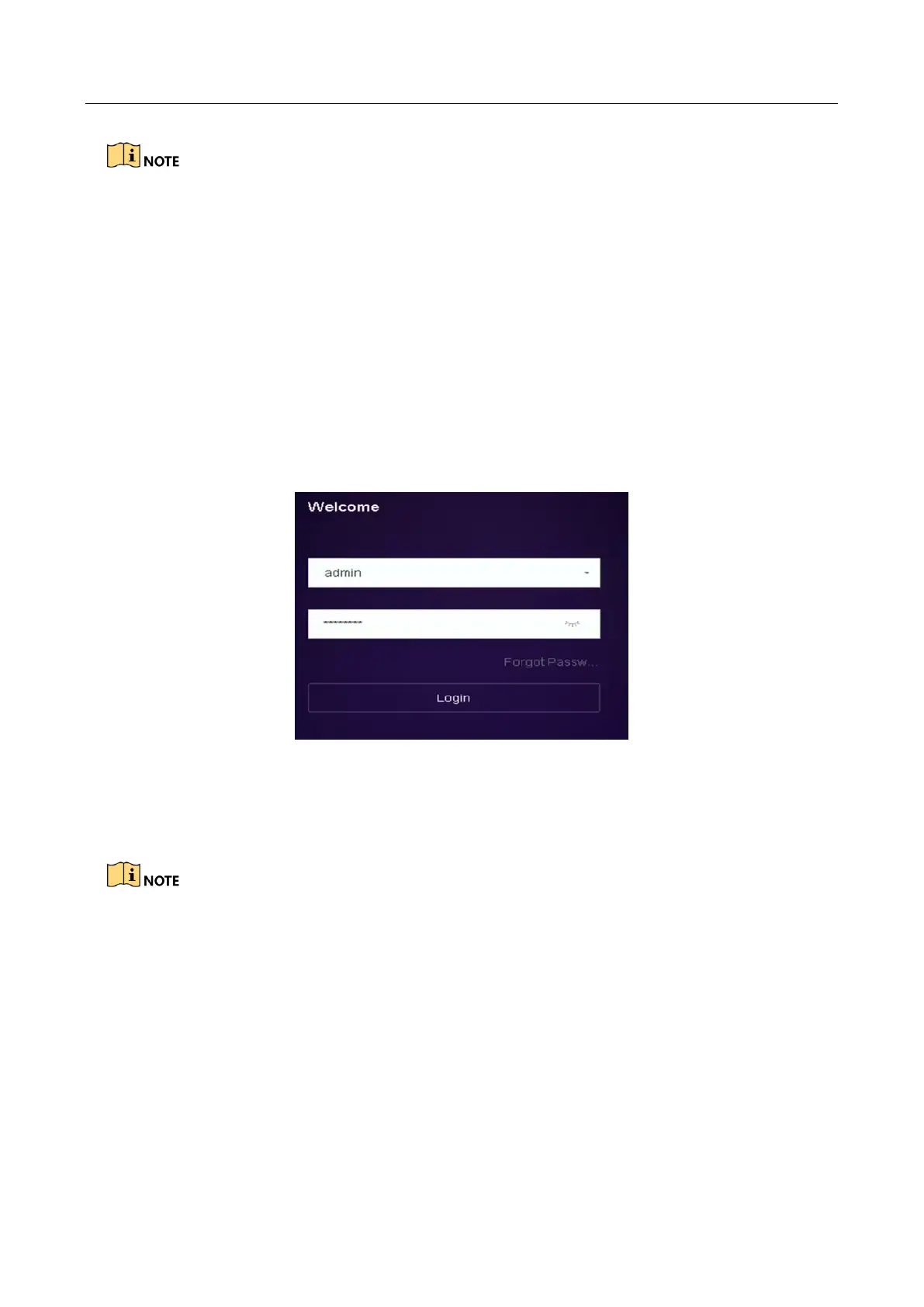
Step 1 Select the User Name in the dropdown list.
Figure 2-6 Login Interface
Step 2 Input password.
Step 3 Click OK to log in.
When you forget the password of the admin, you can click Forgot Password to reset the
password.
In the Login dialog box, if you enter the wrong password 7 times, the current user account
will be locked for 60 seconds.
2.5 Enter Wizard to Configure Quick Basic Settings
Purpose:
By default, the Setup Wizard starts once the device has loaded.








 To Next Page