Network Video Recorder User Manual
172
Two authentication types are selectable: digest and digest/basic. For security reasons, it is
recommended to select digest as the authentication type.
Disable HTTP
Purpose
The admin user account can disable the HTTP service from the GUI or the web browser.
After the HTTP is disabled, all its related services, including the ISAPI, Onvif and Gennetc, will
terminate as well.
Step 5 Go to System > System Service> System Service.
Step 6 Uncheck the Enable HTTP to disable the HTTP service.
RTSP Authentication
Purpose
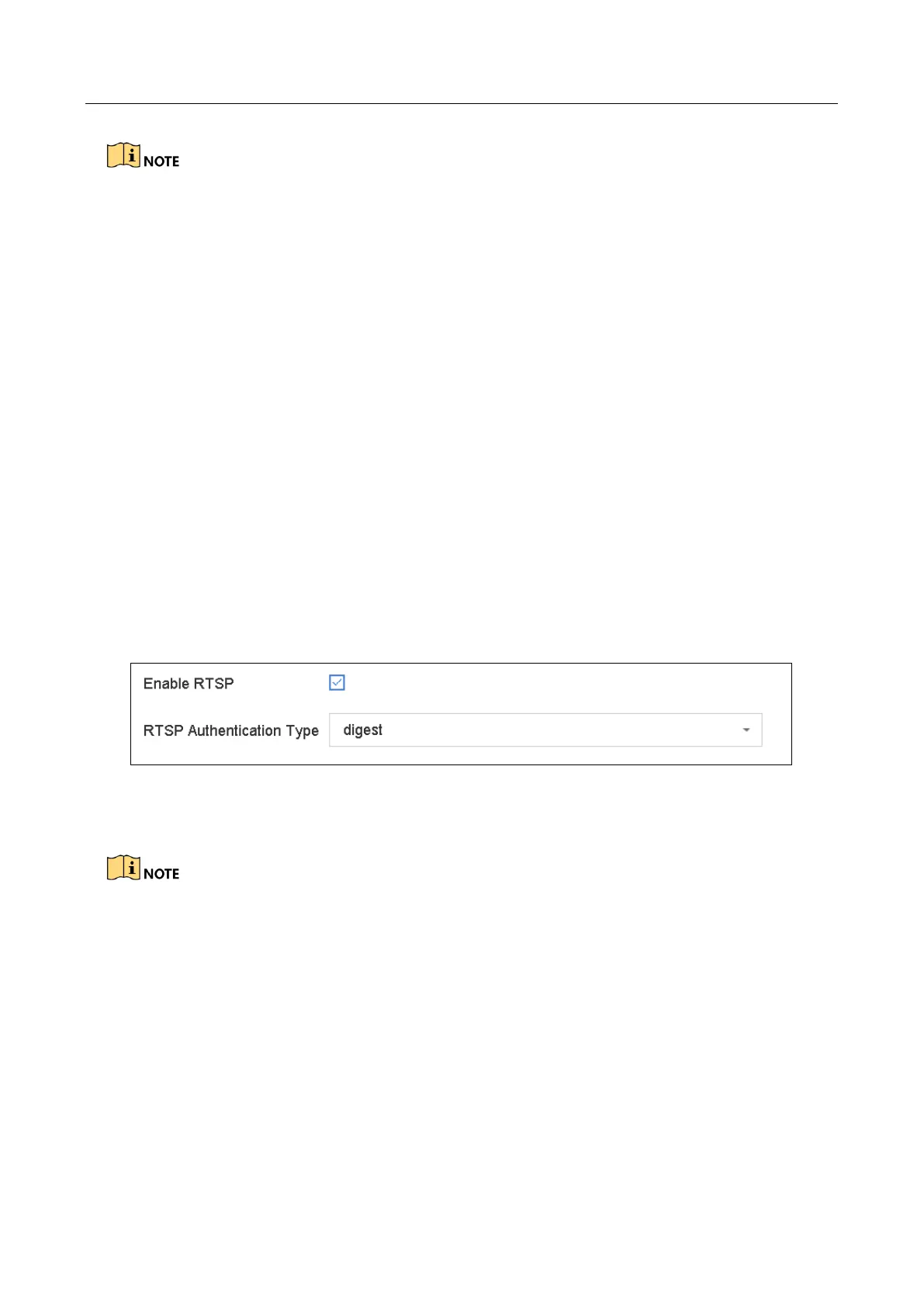
You can specifically secure the stream data of live view by setting the RTSP authentication.
Step 1 Go to System > System Service> System Service.
Figure 16-13 RTSP Authentication
Step 2 Select the authentication type.
Two authentication types are selectable: digest and digest/basic. If you select digest, as the RTSP
authentication, only the request with digest authentication can access the video stream by the
RTSP protocol via the IP address. For security reasons, it is recommended to select digest as the
authentication type.
Step 3 Click Save to save the settings.
16.8.2 Managing ONVIF User Accounts
Purpose
For the third-party camera connection to the device via ONVIF, you can enable ONVIF function and
manage the user accounts.








 To Next Page