Network Video Recorder User Manual
80
7.10 Configure Holiday Recording and Capture
Purpose:
Follow the steps to configure the record or capture schedule on holiday for that year. You may
want to have different plan for recording and capture on holiday.
Step 1 Go to System > Holiday.
Step 2 Select a holiday item from the list and click .
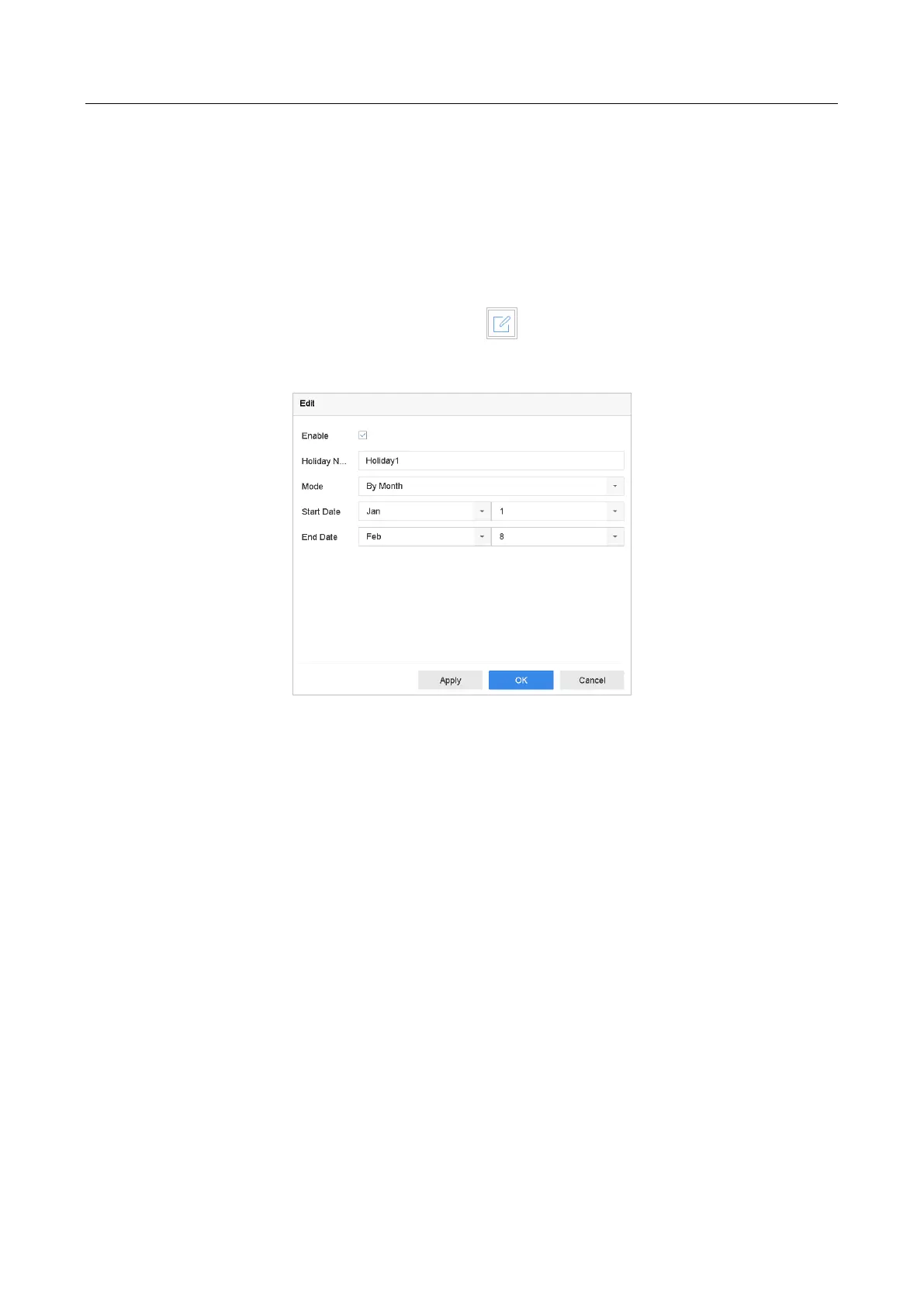
Step 3 Check the Enable to configure the holiday.
Figure 7-11 Edit Holiday Settings
1) Edit the holiday name.
2) Select the mode to by date, by week or by month.
3) Set the start and end date of the holiday.
4) Click OK.
Step 4 Set the schedule for the holiday recording. Refer to Chapter 7.4 Configure Recording
Schedule for details.








 To Next Page