Network Video Recorder User Manual
55
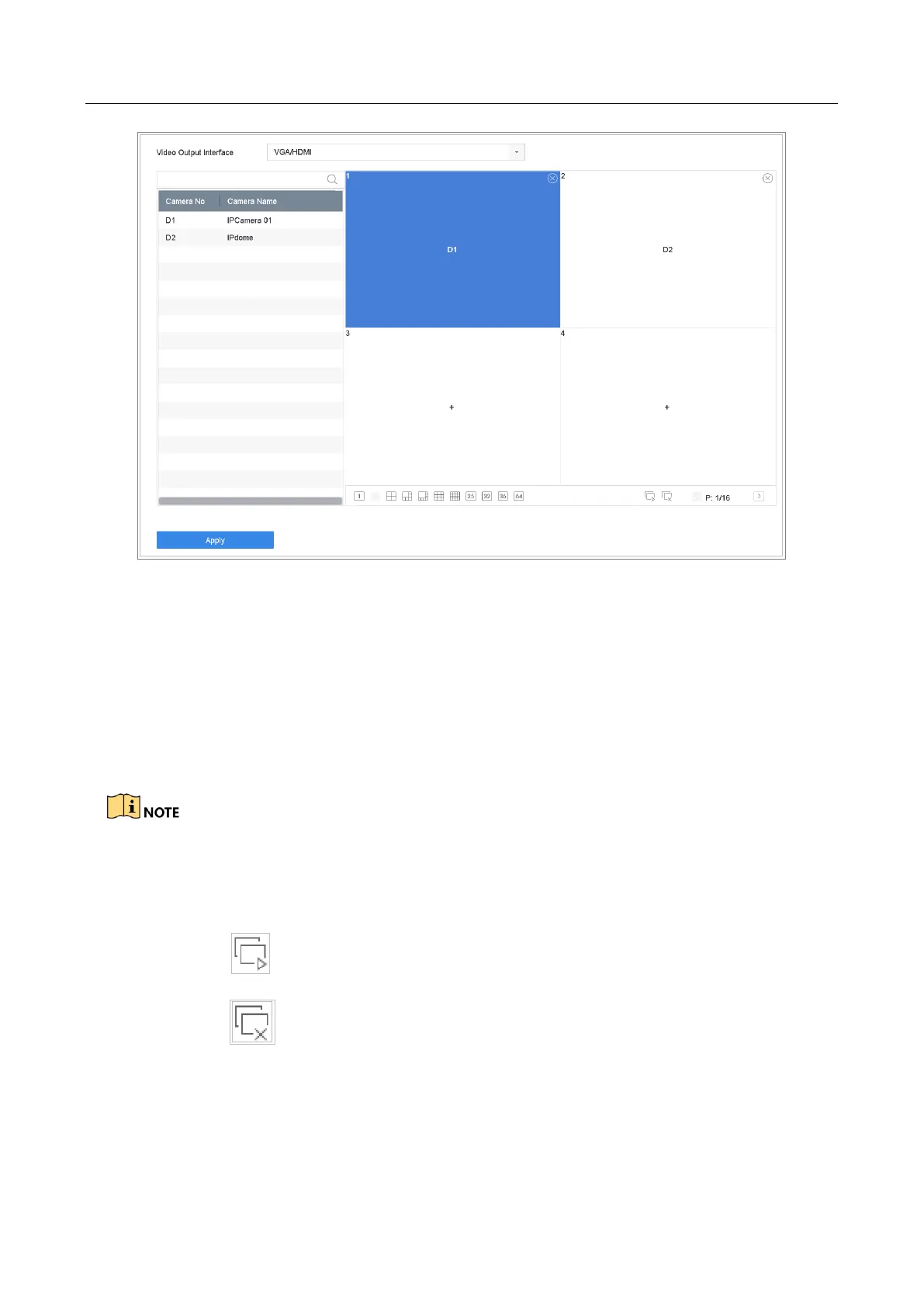
Figure 5-4 Live View
Step 2 Select the video output interface, e.g., HDMI/ VGA or channel-zero.
Step 3 Select a window division mode from the toolbar.
Step 4 Select a division window, and double-click on the camera from the list to set the
camera to the window.
You can enter the number in the text field to quickly search the camera from the list.
You can also click-and-drag the camera to the desired window on the live view interface to set the
camera order.
Related Operation:
Click button to start live view for all the channels.
Click to stop all the live view.
Step 5 Click Apply to save the settings.








 To Next Page