Network Video Recorder User Manual
71
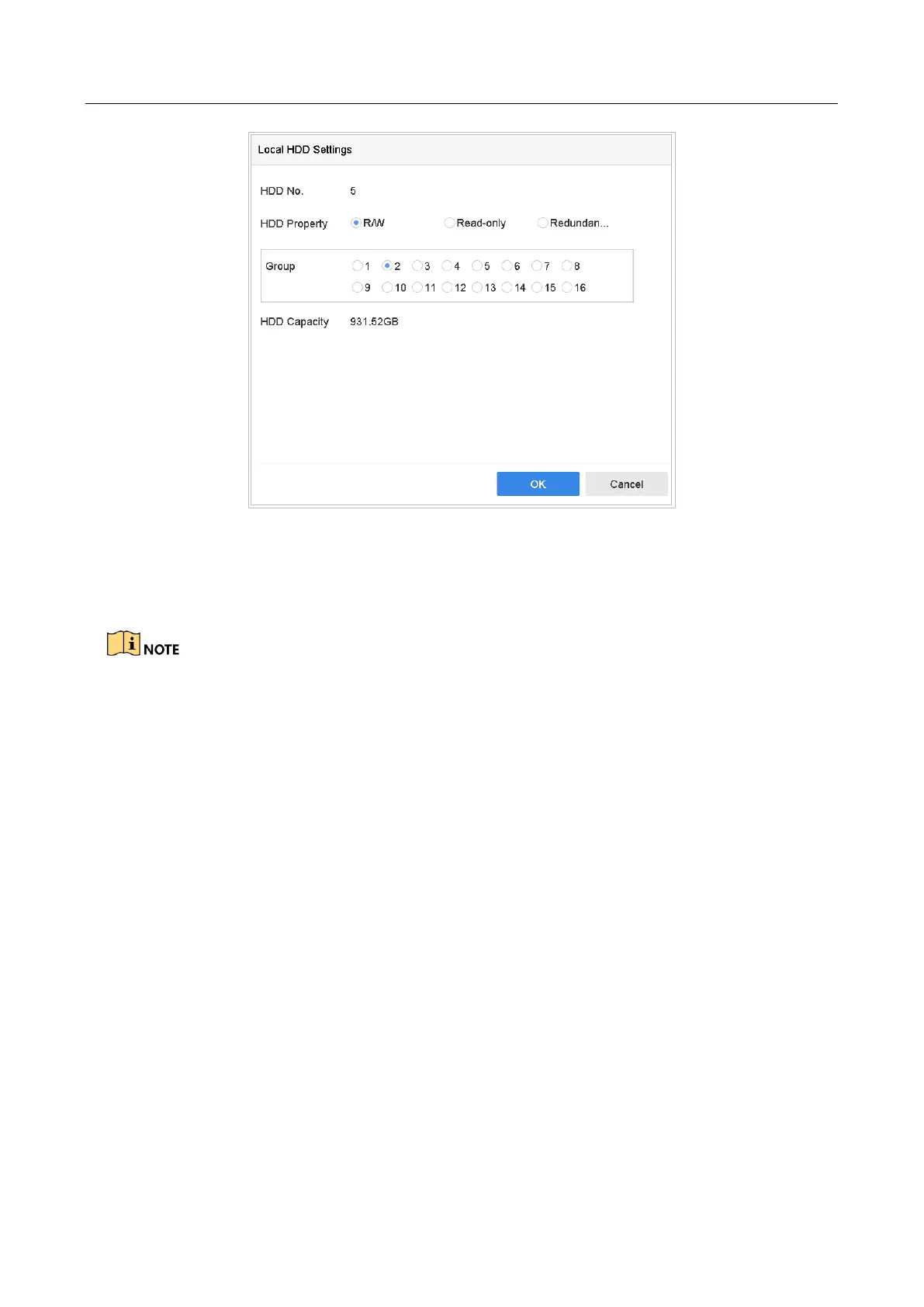
Figure 7-5 Local HDD Settings
Step 4 Select the Group number for the current HDD.
Step 5 Click OK.
Regroup the cameras for HDD if the HDD group number is changed.
Step 6 Go to Storage> Storage Mode.
Step 7 Select Mode to Group.
Step 8 Select the group No. from Record on HDD Group.
Step 9 Select the IP camera(s) to record/capture on the HDD group.








 To Next Page