Page 8-18 LTV
®
1200/1150 Ventilator Service Manual p/n 18603-001, Rev. C
LTM mounting assembly permanent removal (current LTM)
Parts required for replacement: Tools required:
• Replacement Screws Kit, P/N
11149
• Phillips screwdriver with torque
meter
1) Remove the LTM/ LTV
®
mounting assembly (see instructions on page 8-17).
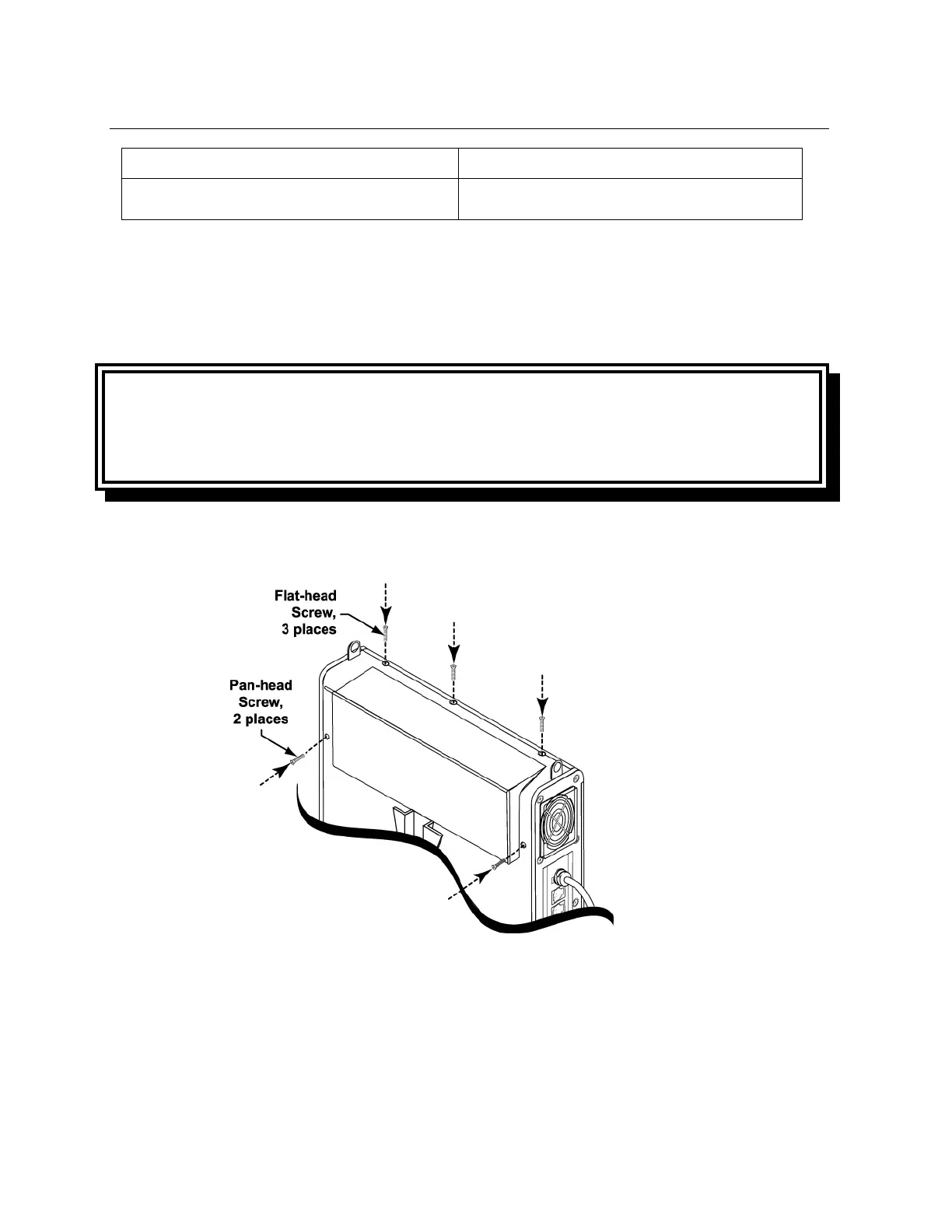
2) Insert five 1/4” back panel replacement mounting screws (from the replacement screws
kit, P/N 11149) and torque tighten to 60 in-oz (0.42 Nm).
3) You may need to apply some pressure to the back panel and housing to correctly align
the threads and insert the screws.
WARNING
Mounting Screw Use – Internal damage to the ventilator with resulting harm to the patient.
may result if the wrong length mounting screws are used when installing or removing
external accessories.



 To Next Page