p/n 18603-001, Rev. C LTV
®
1200/1150 Ventilator Service Manual Page 6-27
g) Adjust the Step position (Tidal Volume button) until the delivered flow matches the
desired flow as shown in step e). Press the Manual Breath button after each
adjustment.
h) From the adjusted value, record the magnitude of the adjustment from the original
VHome value. For example, if the original VHome value was 220 and the adjusted
step position is 215, then the magnitude of the change would be 220-215= -5 steps.
i) Turn the Servo off. From the VENT MTNCE, CONFIG, FLOW VALVE menu adjust
the VHOME by the negative value of the value in the previous step. For example
for an adjustment value of –5 from the previous step, increase the VHOME value
by +5. Push the Select button before exiting this menu. Push the Control Lock
button to exit this menu.
• The adjustable range for the flow valve is 200 – 240.
• Flow valve assembly requires replacement if adjusted value is outside of this
range.
j) Continue the steps f) thru i) until the delivered flow matches the required flow with
an FVd = 15.00 cmH
2
O. Be sure to frequently check the FVt temperature reading
to make certain the required flow value is appropriate for the monitored flow.
k) Record the ending VHome position, turbine speed, and measured flow on the flow
valve Calibration Worksheet at the end of this section.
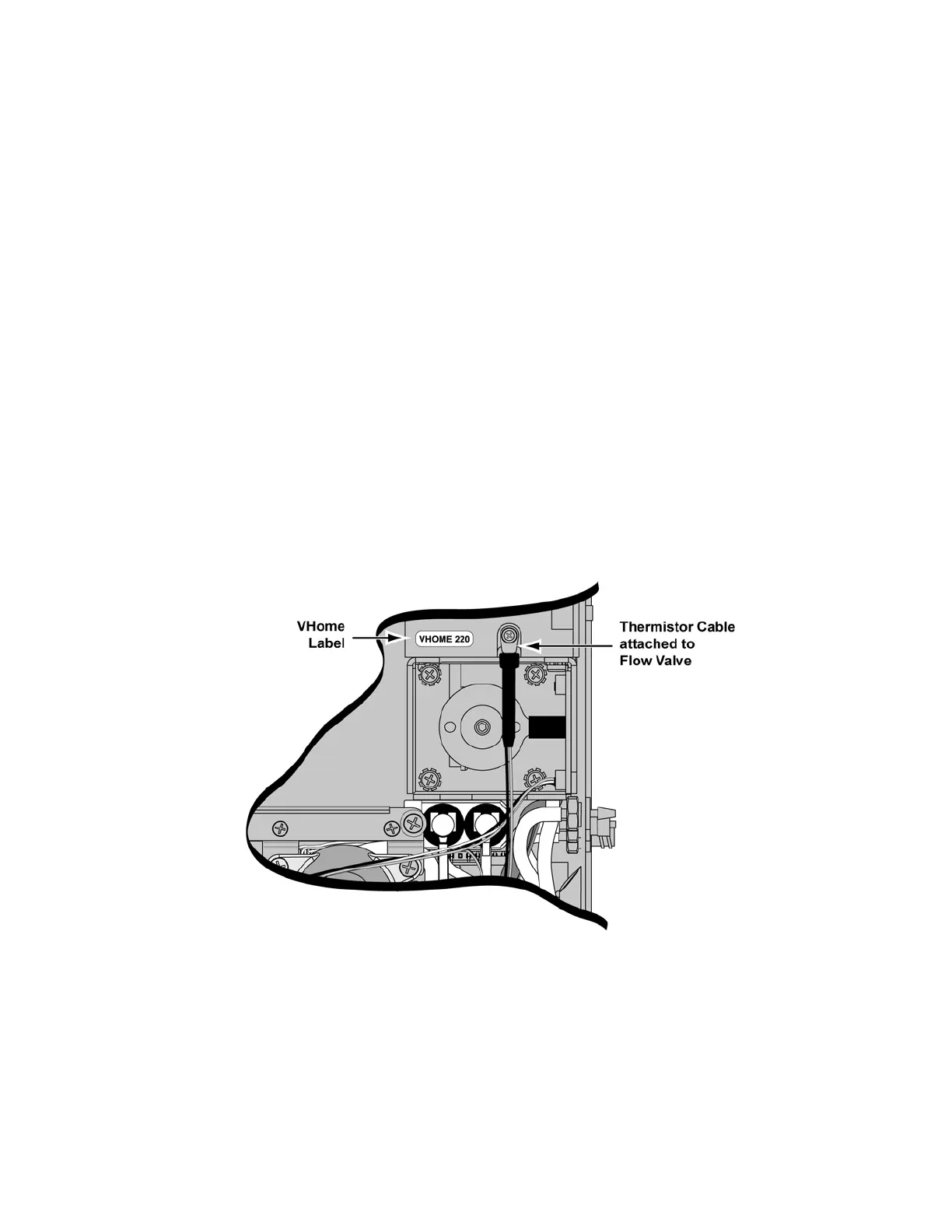
l) Install new VHome label showing the resulting VHome position.



 To Next Page