3.3. FIRST SLICE
• Radius
- The clearance that should be given around the extruder.
Take care if the extruder is not mounted centrally - take the largest
safe value.
• Height
- The vertical distance between the nozzle tip and the X axis
rods, or lowest part which may interfere with a finished print.
Filament Settings
The
Filament Settings
will normally be used infrequently, for example
on receipt of a new roll of filament.
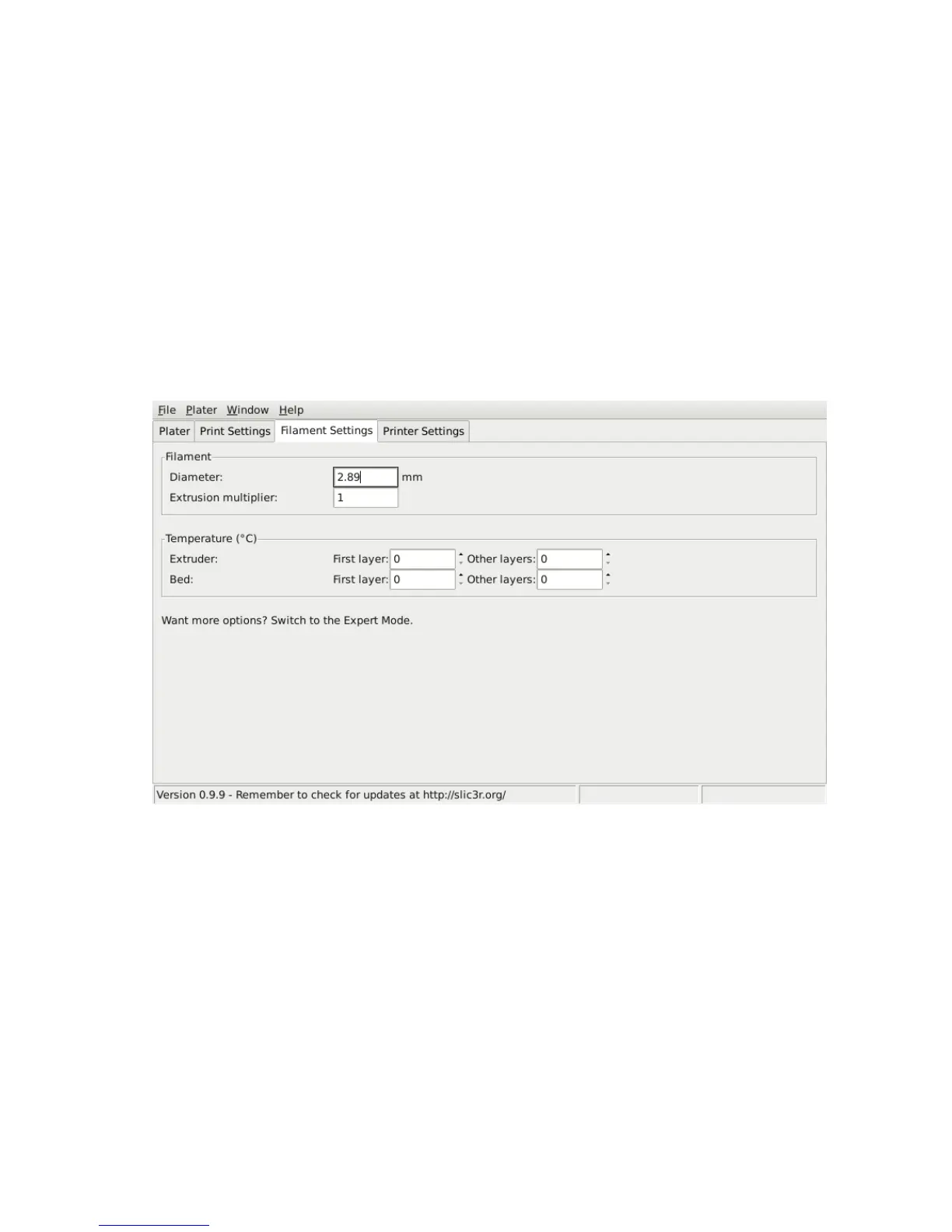
Figure 3.13: Simple Mode: Filament Settings.
Filament.
The
Diameter
setting will already have been filled from the
value given during the wizard (see p.45), but can be updated here.
The
Extrusion multiplier
setting allows the fine tuning of the
extrusion flow rate, and is is given as a factor, e.g. 1 means 100%, 1.5 would
mean 150%. Whilst the value should ideally be set in the firmware it can
be useful to test slight changes to the rate by altering this value. It varies
55



 To Next Page