215620 112 Revision A
windrower’s technical manual for the adjustment
procedures.
f. Remove the key from the ignition.
g. Remove the wooden block and close the hood.
7. Center the steering wheel. Place the GSL in NEUTRAL but not in PARK. Try starting the engine to confirm that the HPT
displays MOVE GSL INTO PARK. The engine should NOT turn over. If the engine turns over, the safety system requires
adjustment. Refer to the windrower’s technical manual for the adjustment procedures.
8. With the engine off, center the steering wheel. Place the GSL in PARK and ensure that the operator’s station is NOT
locked. Try starting the engine and confirm that the engine does NOT turn over, and the HPT displays LOCK SEAT BASE.
If the engine starts, the safety system requires adjustment. Refer to the windrower’s technical manual for the
adjustment procedures.
4.2.2 Checking Harvest Performance Tracker Display Gauges
The Harvest Performance Tracker (HPT) display shows the windrower’s performance gauges. Ensure that the gauges
appear correctly on the HPT display.
DANGER
To avoid bodily injury or death from unexpected startup of the machine, always stop the engine and remove the key
from the ignition before leaving the operator’s seat for any reason.
WARNING
Check to be sure all bystanders have cleared the area.
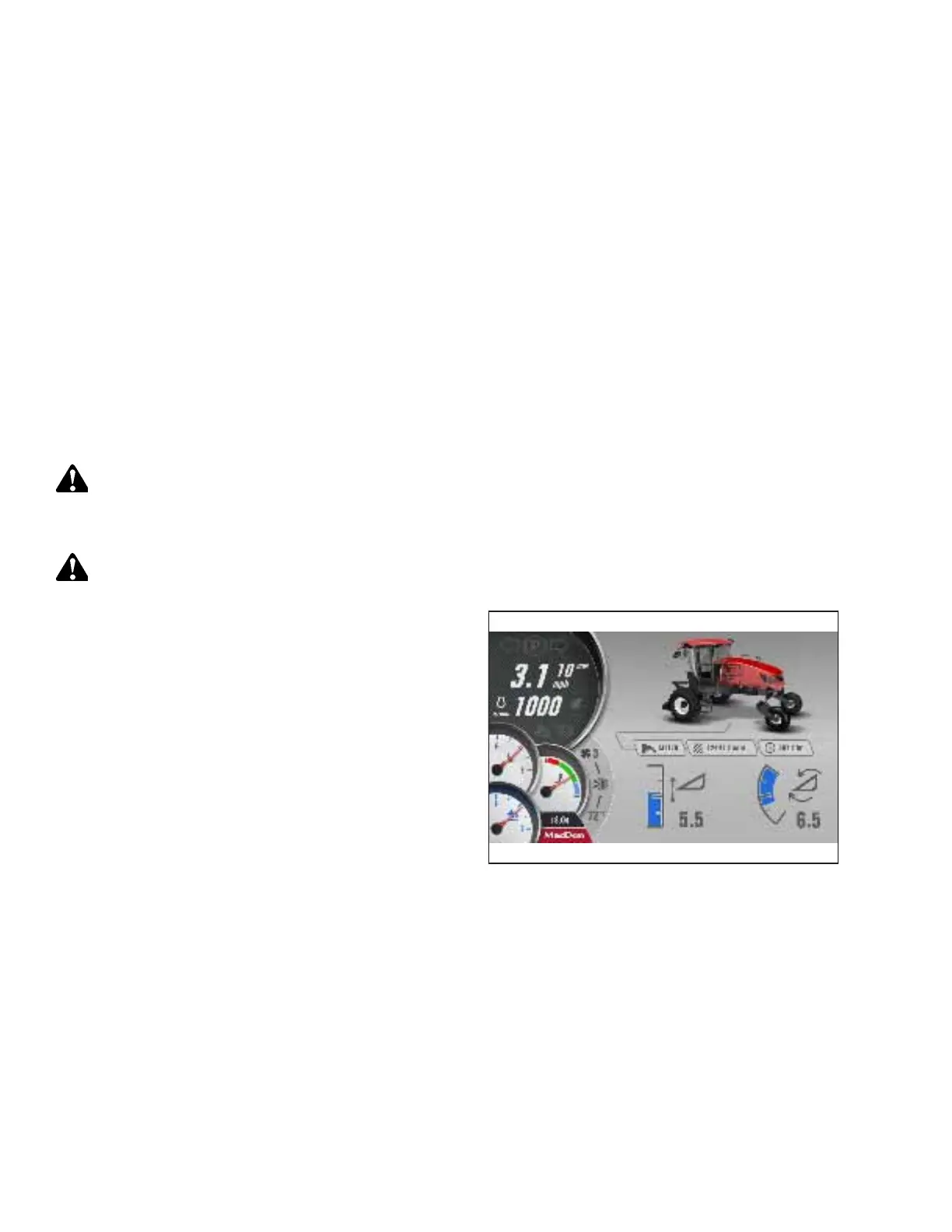
Figure 4.32: HPT Display – No Header
1. If the windrower engine is not already running, start it. For
instructions, refer to 4.1.10 Starting Engine – M1240
Windrower, page 104.
2. If a header is not attached to the windrower, check that the
no-header page appears.
PERFORMING PREDELIVERY CHECKS



 To Next Page