215620 83 Revision A
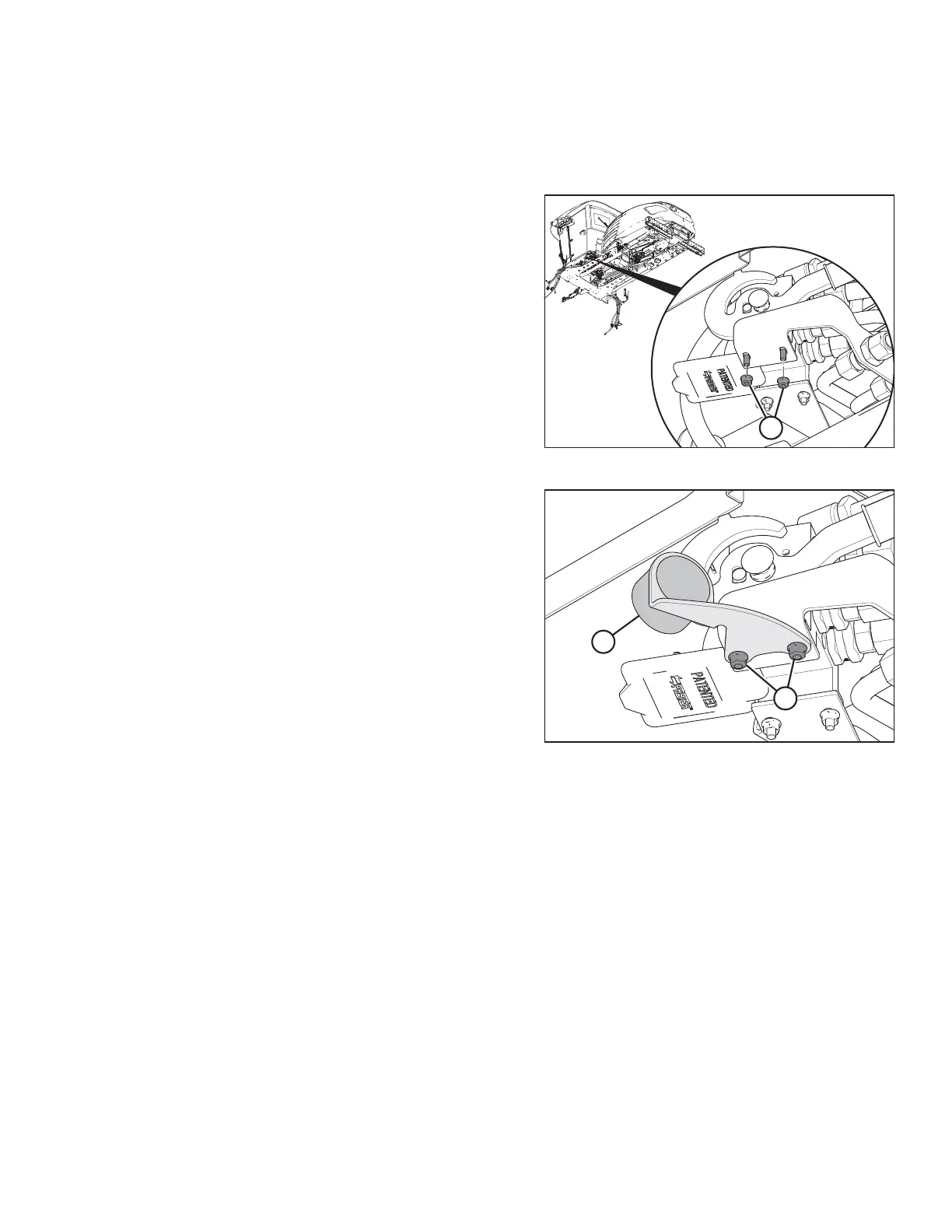
3.14 Installing Hydraulic Coupler Holder
The hydraulic coupler holder stores the quick-disconnect coupler/hose when the hydraulic system is not configured for
rotary disc headers.
Figure 3.85: Rear Hydraulic Multicoupler
1. Remove nuts (A) from the underside of the knife/reel
multicoupler and retain the nuts for installation.
Figure 3.86: Coupler Holder Installed
2. Retrieve hydraulic coupler holder (A) from inside the
windrower cab.
3. Install coupler holder (A) onto the underside of
multicoupler using existing hex head screws, and secure it
with existing nuts (B).
ASSEMBLING WINDROWER



 To Next Page