215620 129 Revision A
4.4 Performing Final Steps
Prepare the windrower cab for the Operator and, if necessary, install any remaining kits.
1. After the predelivery checks are complete, remove the plastic covering from the Harvest Performance Tracker (HPT)
and the seats.
*36028173$576
72%(86(':,7+%%
25%
,).,7,6127%(,1*,167$//('
3/$&(%$*,1722/%2;
$
Figure 4.65: Label for Optional GPS Mounting Kit
2. If the optional GPS kit is included, locate the GPS mount
parts bag with label (A) inside the cab. Install the GPS
mount according to the instructions included with the EZ-
Pilot
®
or Autopilot
™
bundle. If you will not be installing the
GPS kit, store the GPS mount parts bag in the toolbox.
3. Remove the Keep This Door Closed sign from the right door
AFTER the right leg is repositioned to the field position.
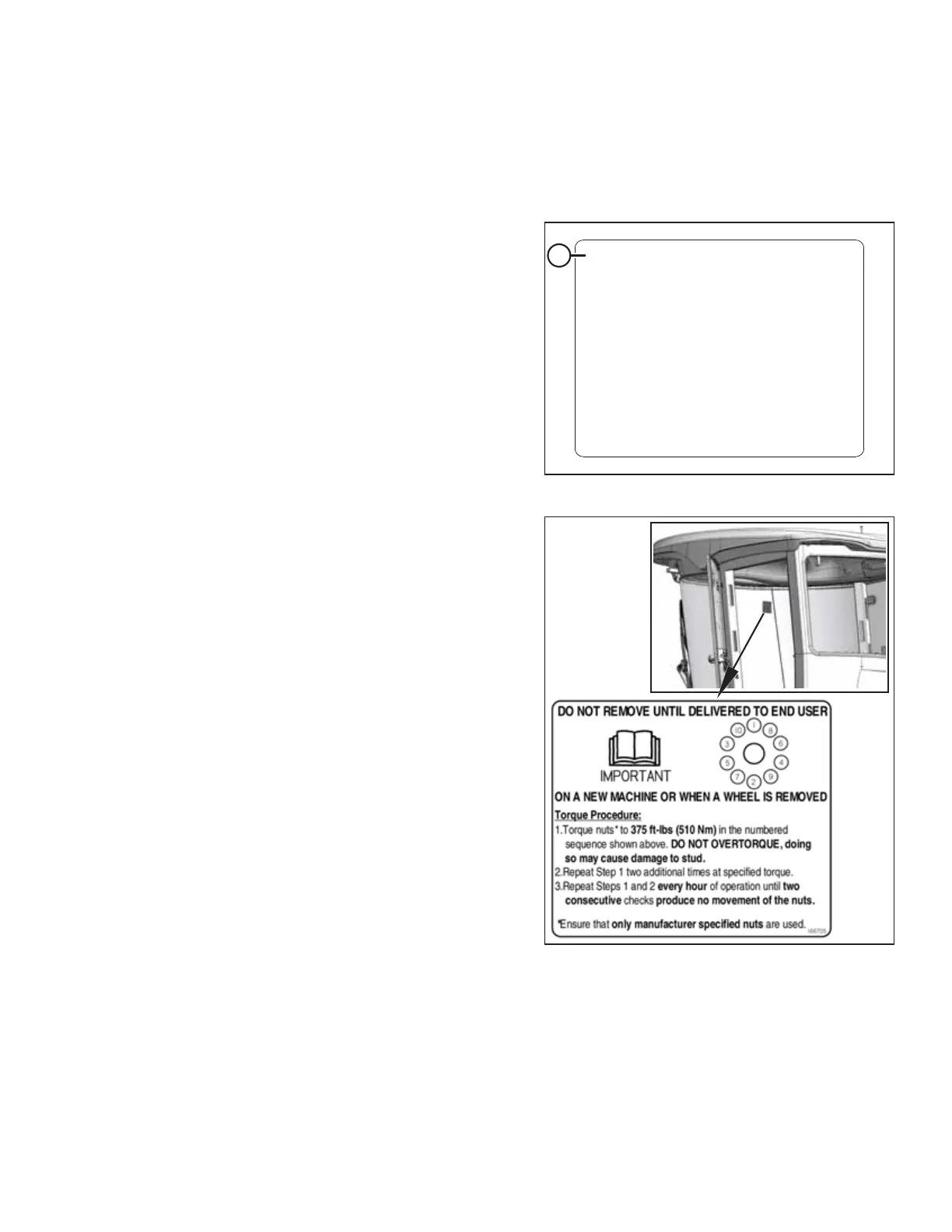
Figure 4.66: Windshield Decal
4. Do NOT remove the drive wheel torque procedure decal
from the windshield.
PERFORMING PREDELIVERY CHECKS



 To Next Page