215620 179 Revision A
5.4.2 Connecting R1 Series Rotary Disc Header Hydraulic and Electrical Systems –
M1170 Windrower
Connecting the R1 ’ s hydraulic and electrical systems to the windrower involves attaching the header’s knife drive, pressure,
return, case drain, and electrical connectors to the windrower’s receptacles.
IMPORTANT:
To prevent contamination of the hydraulic system, use a clean rag to remove dirt and moisture from all hydraulic couplers.
1. Retrieve the hydraulic hoses from the header.
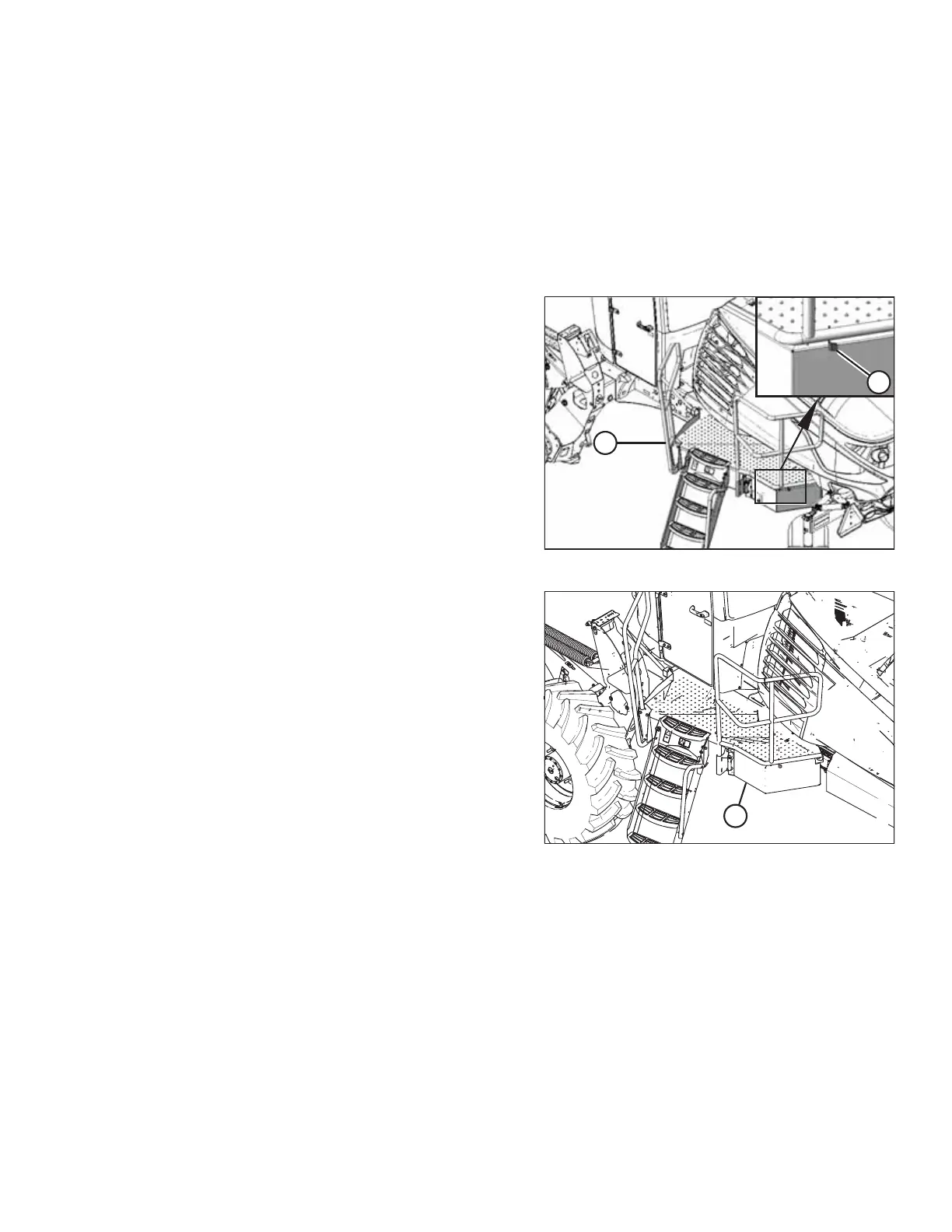
Figure 5.128: Left Cab-Forward Platform
2. Push latch (A) to unlock platform (B).
Figure 5.129: Left Cab-Forward Platform
3. Pull platform (A) towards the cab until it stops and the latch
is engaged.
ATTACHING A HEADER TO THE WINDROWER



 To Next Page