215620 235 Revision A
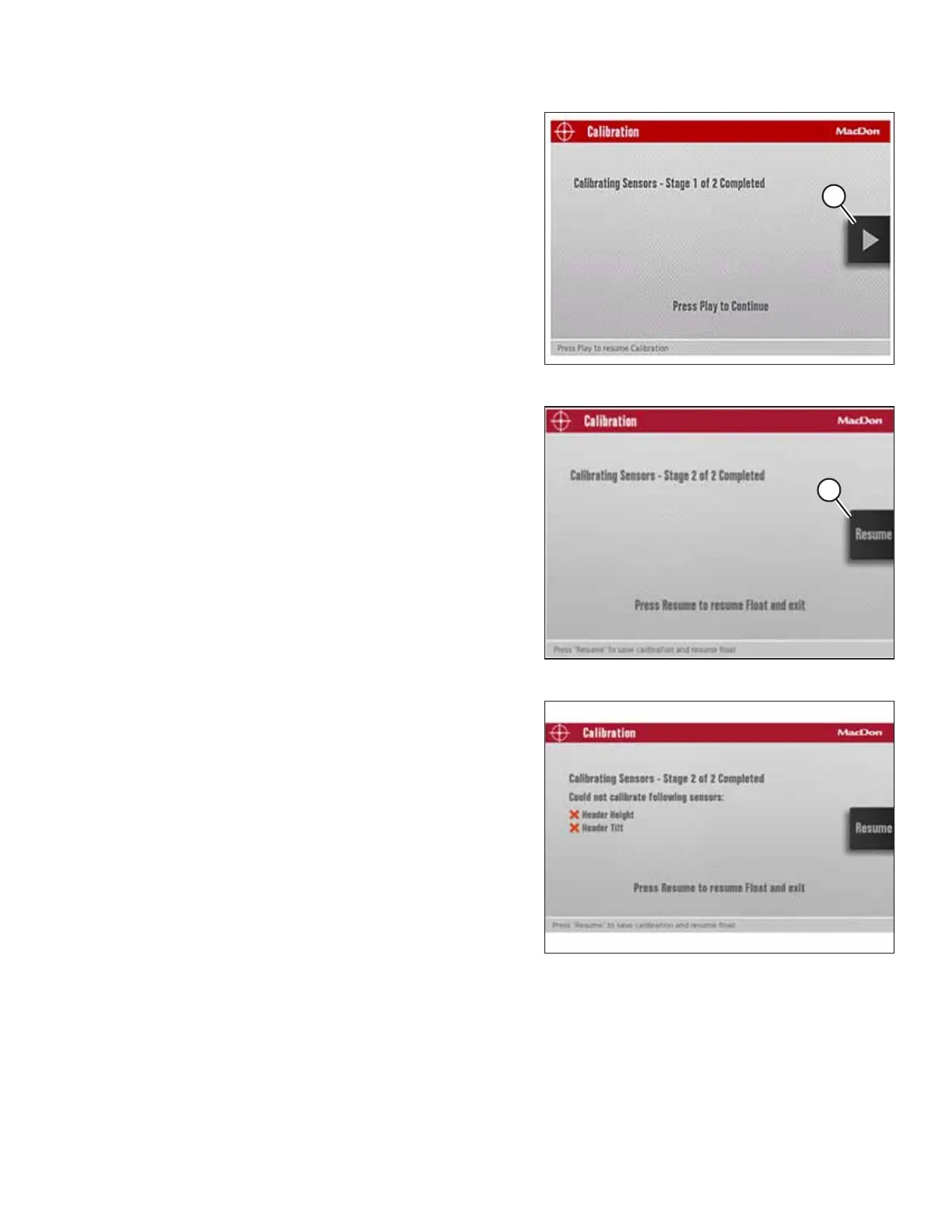
Figure 5.262: Calibration Screen
8. When stage one of the calibration is complete, press PLAY
icon (A) on the screen to continue with stage two of the
calibration process.
Figure 5.263: Calibration Screen
9. When stage two of the calibration is complete, press
RESUME icon (A) on the screen to configure the HEADER
FLOAT setting, or press HOME or BACK button (not shown)
to exit.
NOTE:
The engine speed returns to the speed prior to calibration
when stage two calibration is complete.
Figure 5.264: Sample of Failed Calibration Display
Message
NOTE:
If the voltage of any sensor falls below its acceptable range
during calibration, a message appears after completing the
calibration with a list of sensors reporting out-of-range
voltages. Adjust the sensors as needed and repeat the
calibration process from the beginning.
ATTACHING A HEADER TO THE WINDROWER



 To Next Page