Matrox Display Wall – User Guide 29
The following describes the behavior of this LED indicator.
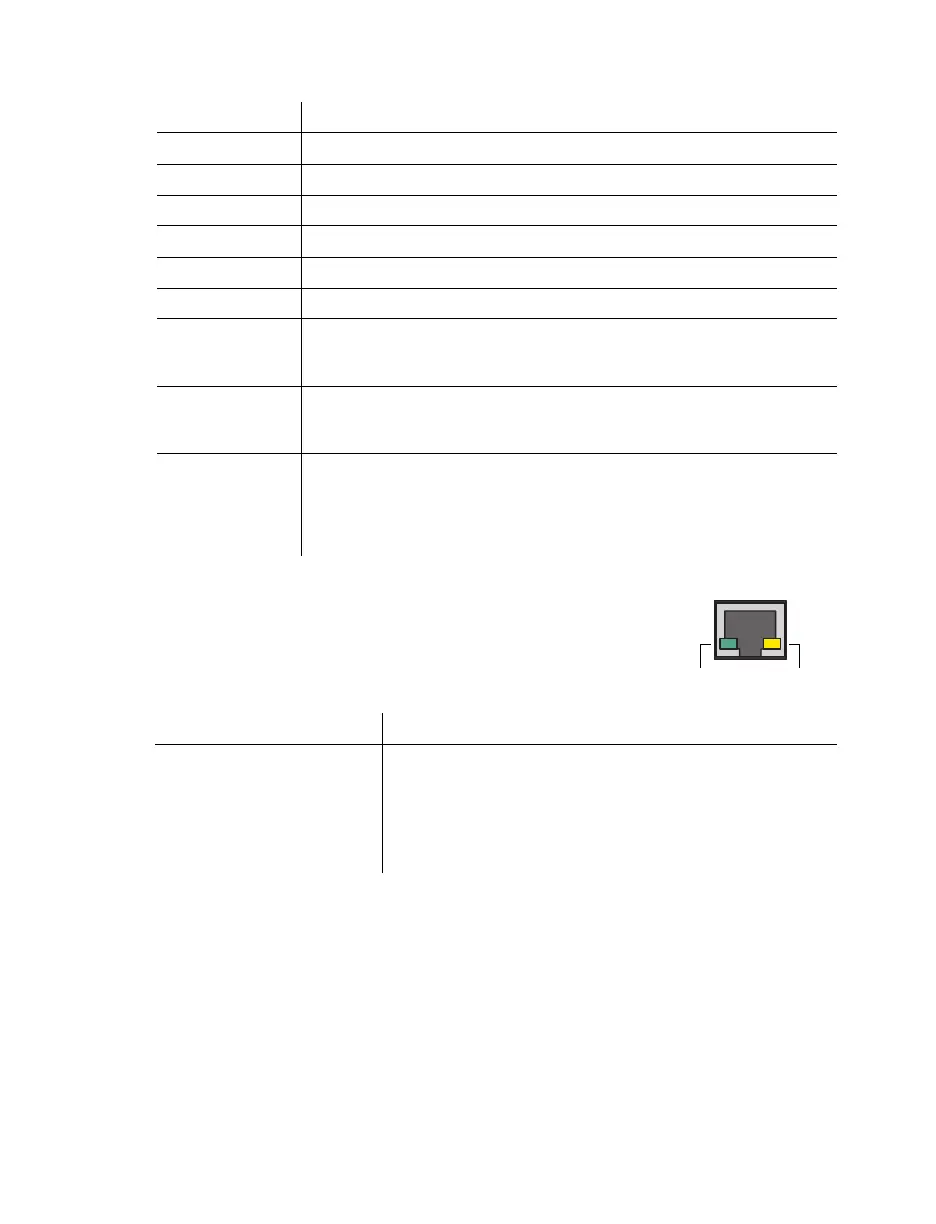
Network connector
The network connectors on your Mura IPX Series cards use LED
indicators to provide information on the network activity and presence.
The following describes the different network connector LEDs.
LED Color Behavior
Green (solid) Card is active.
Green (slow blink) Card is restarting.
Green (fast blink) Factory reset in process.
Amber (solid) Card is in maintenance mode.
Amber (slow blink) Card is restarting and is in maintenance mode.
Amber (fast blink) Card is updating the firmware.
Red (solid)
Card has detected a fatal error. Try restarting your system. If after
restarting your system the LED indicator is still red, contact your vendor
for technical support (see “Customer support”, page 94).
Red (slow blink)
Card has detected a misconnection. Try restarting your system. If after
restarting your system the LED indicator is still red, contact your vendor
for technical support (see “Customer support”, page 94).
Black (off)
No power. Make sure your card is properly installed. Also, make sure your
system isn’t in power saving mode (see “Installing your Matrox cards”,
page 24).
For more information, contact your vendor (see “Customer support”, page
94).
LED color Network activity Network presence
No LED (black)
No data transfer in progress
or no network detected.
No communication
established.
Green (fast blink) Data transfer in progress. —
Orange —
Network communication
established.
Network
activity
Network
presence



 To Next Page