Matrox Display Wall – User Guide 81
Description of supported connections
Matrox M9120 Plus LP PCIe ×1 / ×16
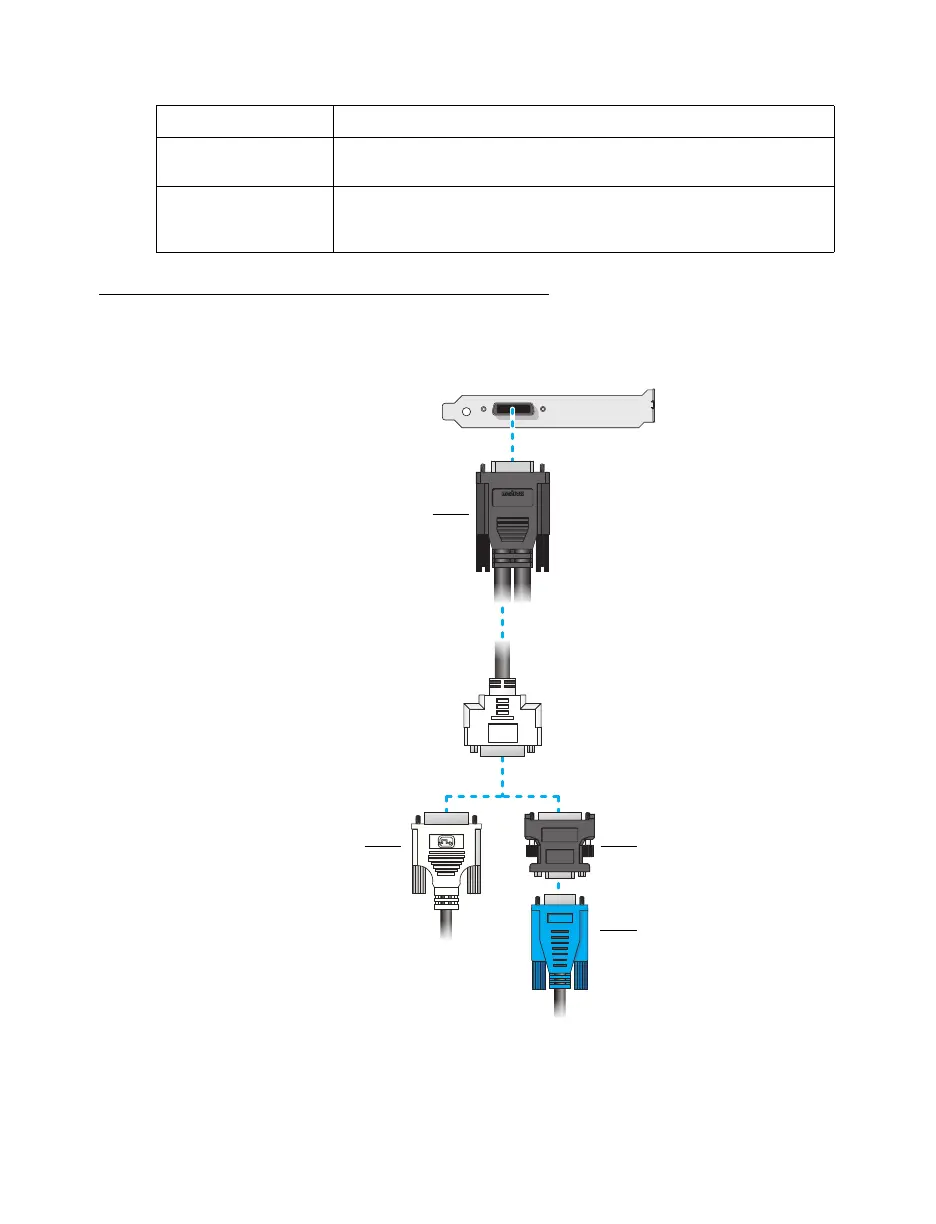
Connection overview
Device connector Description
DVI If your monitor has a DVI connector, connect your monitor cable
directly to a DVI connector on your Matrox card.
HD-15 If your monitor has an HD-15 connector, use a DVI to HD-15 adapter
included with your Mura product to connect your monitor cable to
your Matrox card.
Monitor
connector
(HD-15)
Monitor
connector
(DVI)
DVI to HD-15
adapter
Output cable
(LFH-60 to Dual-DVI)



 To Next Page