Matrox Display Wall – User Guide 51
Software overview
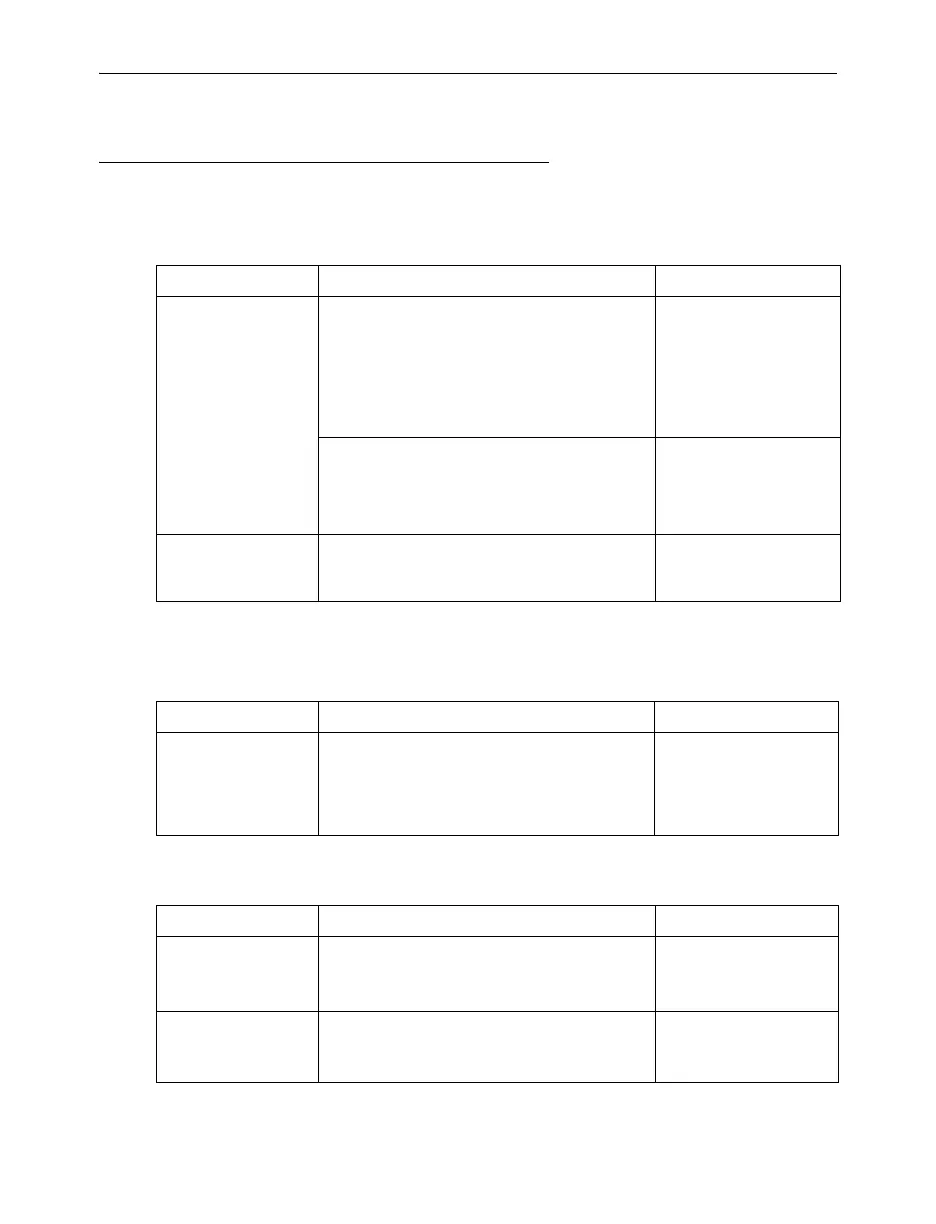
Available software
Matrox drivers
PowerDesk
SDKs and APIs
Description Supported hardware
Windows
®
Windows
®
10 (including Windows
®
10 IoT)
WIndows
®
Server
®
2016
Windows
®
7 (64-bit)
Windows
®
Server
®
2008 R2
Windows
®
Embedded Standard 7 (64-bit)
Windows
®
Embedded Enterprise 7 (64-bit)
Mura IPX Series
*
C-Series (C900 and
C680)
* A Mura IPX Series display card is a standalone controller that doesn’t require an operating system.
Windows
®
7 (64-bit)
Windows
®
Server
®
2008 R2
Windows
®
Embedded Standard 7 (64-bit)
Windows
®
Embedded Enterprise 7 (64-bit)
Mura IPX Series
*
Mura MPX Series
Linux
®
For more information on the supported Linux
distributions, see the Readme file included
with your package for Linux.
Mura IPX Series
*
C-Series (C680 only)
Description Supported hardware
PowerDesk Your Matrox driver includes Matrox
PowerDesk software. Use Matrox PowerDesk
software to set up your multi-display layout,
change certain display settings, or access
Matrox features.
Mura MPX Series
C-Series (C900 and
C680)
Description Supported hardware
Network API Command-level API that can be transmitted
from any network device through Telnet, RS-
232, and HTTP/HTTPS.
Mura IPX Series
Mura MPX Series
C900, C680
Matrox VWLib API C/C++ based API that can be used to build
custom display wall applications. The VWLib
API allows full control of the Matrox hardware.
Mura IPX Series
(capture cards)
C900, C680



 To Next Page