82 Matrox Display Wall – User Guide
Description of cable
Description of supported connections
Cable Description
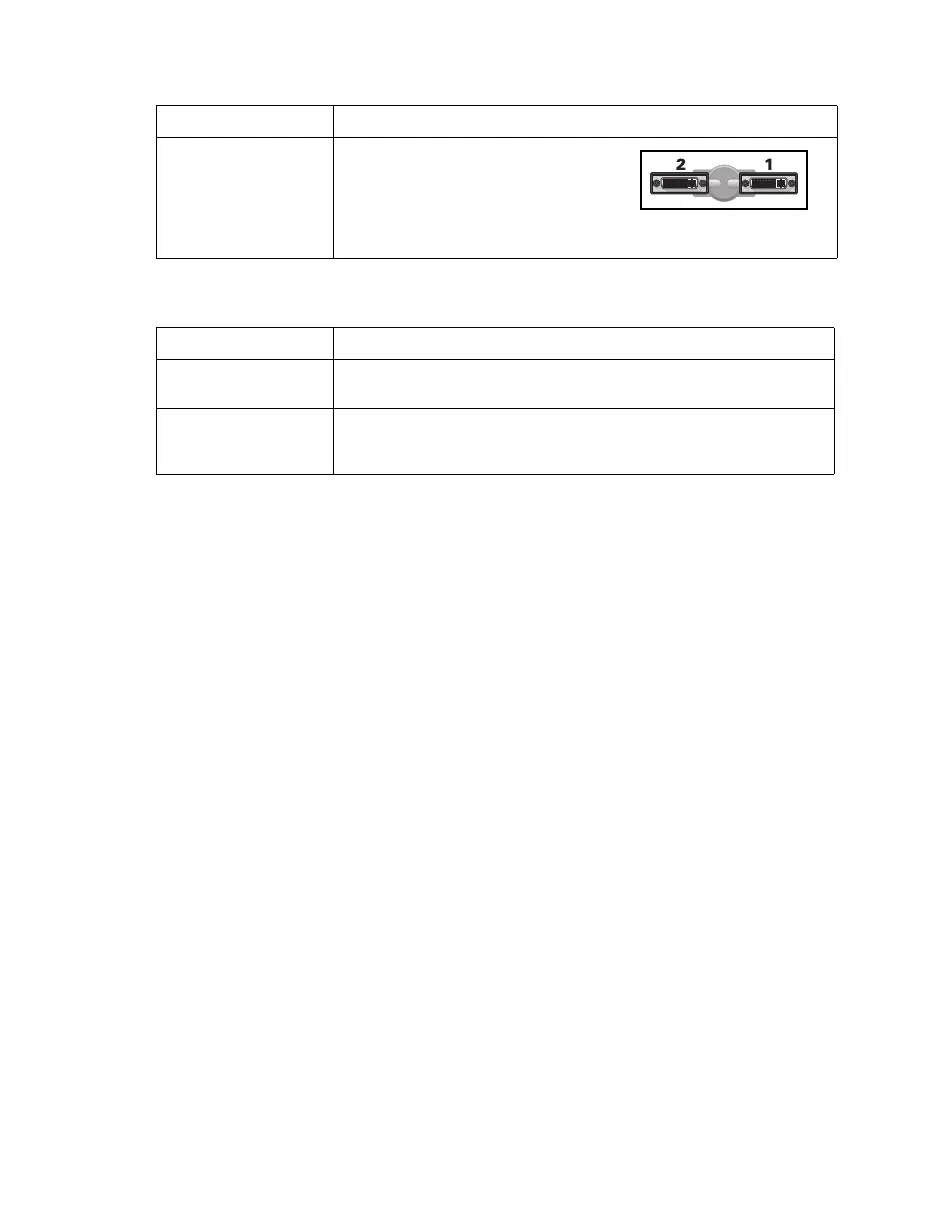
Output M9120 Plus LP cards use an LFH-60
to dual-DVI cable to connect up to
two (2) monitors per card. Monitors
are numbered consecutively based
on which connector each is attached
to, starting with connector labeled 1.
Device connector Description
DVI If your monitor has a DVI connector, connect your monitor cable
directly to a DVI connector on your output cable.
HD-15 If your monitor has an HD-15 connector, use a DVI to HD-15 adapter
included with your Mura product to connect your monitor cable to
your output cable.



 To Next Page