Matrox Display Wall – User Guide 35
MURAIPXI-E4SF and MURAIPXI-E4SHF
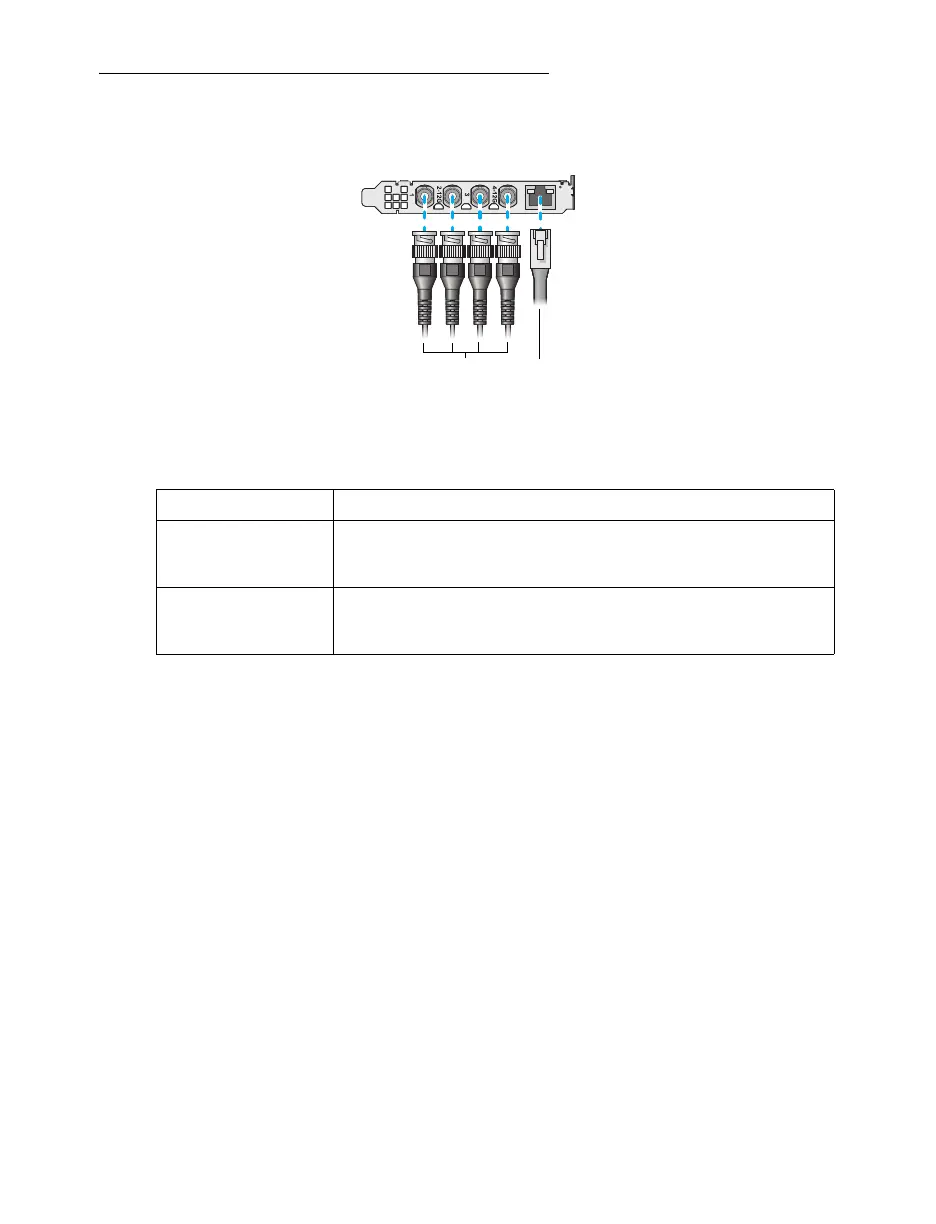
Connection overview
Description of supported connections
Device connector Description
BNC If your video device has a BNC connector, attach your BNC cable to
your Matrox card. Connect the other end of the cable to your video
device.
Network
(RJ-45)
If your video device streams to an IP network, connect a network
cable to your Matrox card. Your video device must stream using an
RTSP, RTP, SRT, or MPEG-2 TS protocol.
Network
cable
(RJ-45)
BNC to BNC
cables



 To Next Page