Operating Instructions – Labmaster
©
130 and MB20G Systems
Instruction Manual
Chapter 7: Installation
© MBraun, Inc. Edition 1/2007 Page 7-8
Connecting the Purifier
After the purifier is attached, it is possible to move the glovebox
forward and backward (to allow additional connections to be made)
but side to side will be extremely difficult. Therefore, it is
recommended that prior to connecting the purifier, the glovebox be
moved into the final location where it is to be used.
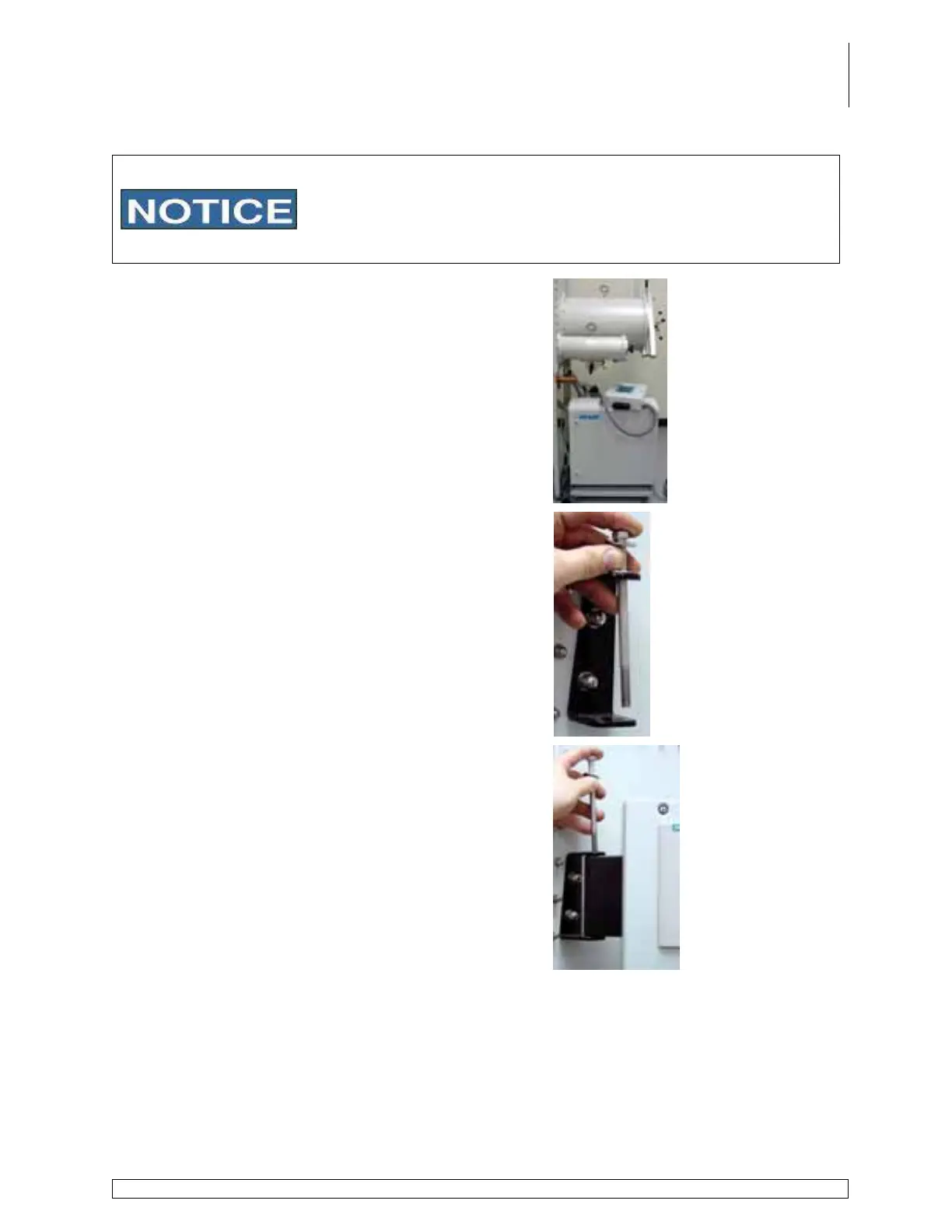
Roll the purifier cart into place under the antechamber.
The recommended distance between the front leg of
the stand and the electrical cabinet is 2 ½ “–3”.
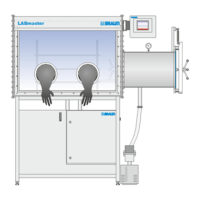
Remove the bolt from the black PLC bracket located
on the end panel where the antechamber(s) is located.
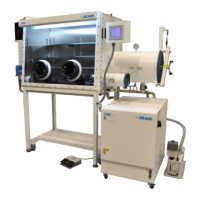
Place the hinge side of the touch panel enclosure
between the openings of the bracket.
Affix the enclosure to the bracket using the bolt, by
guiding it down and through the holes in the bracket
and hinge.


 To Next Page