Operating Instructions – Labmaster
©
130 and MB20G Systems
Instruction Manual
Chapter 10: Maintenance & Troubleshooting
© MBraun, Inc. Edition 1/2007 Page 10-3
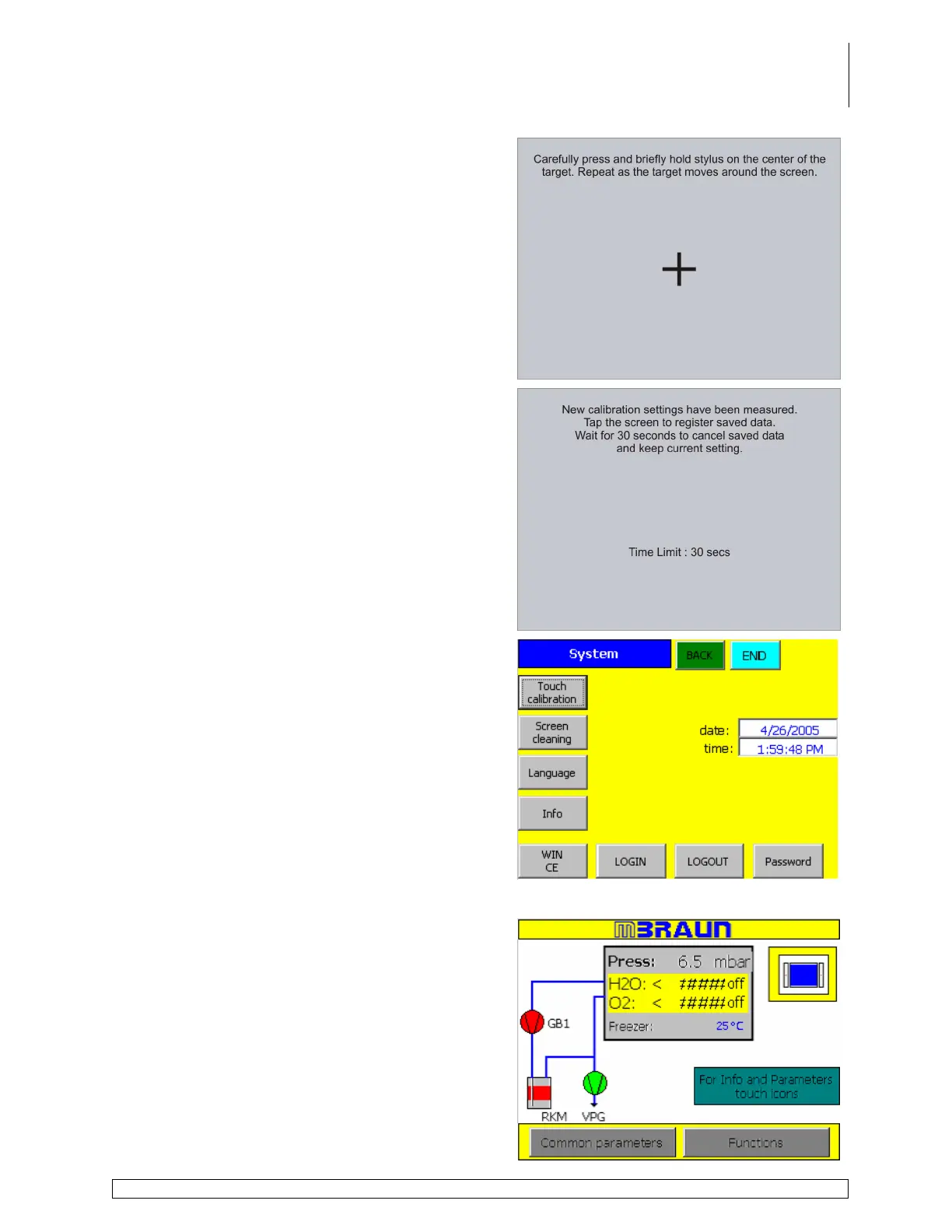
Five calibration crosses are displayed in
succession at random points on the screen.
Follow the instructions displayed on the screen and
touch each calibration cross as it is displayed.
To accept the changes made during the calibration
process touch the screen at any time.
To reject the changes made during calibration wait
for 30 seconds until the overlaid timer bar has
reached zero. The system will revert back to the
default settings.
Upon completion of the calibration procedure,
touch the Main or Back buttons to access the Start
Screen and resume normal operation.
Screen Cleaning
Touch the System button on the Start Screen to
access the System Settings Screen.



 To Next Page