Operating Instructions – Labmaster
©
130 and MB20G Systems
Instruction Manual
Chapter 10: Maintenance & Troubleshooting
© MBraun, Inc. Edition 1/2007 Page 10-4
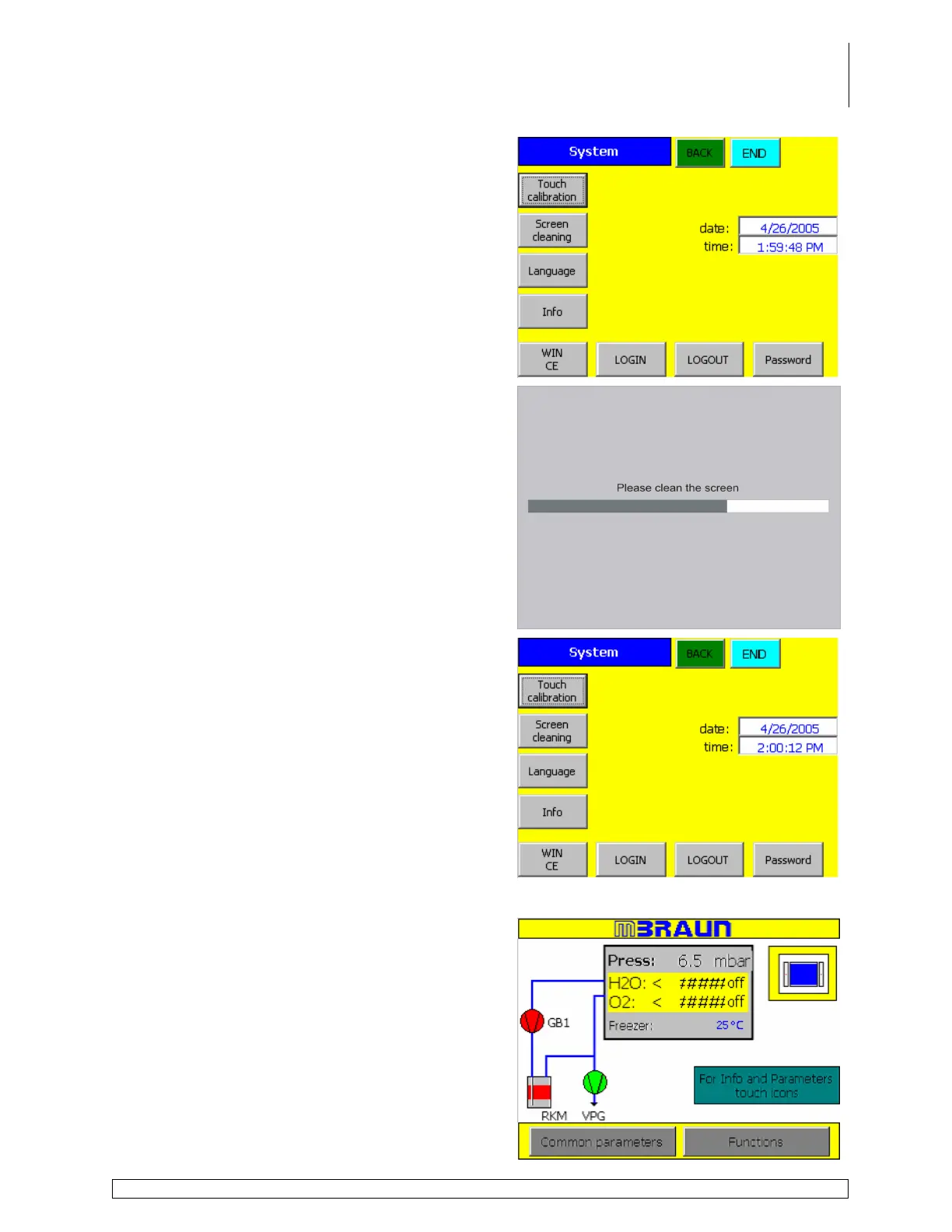
Touch the Screen Cleaning button.
All system functions are locked out for 30 seconds
while a screen with a timer bar is displayed to allow
the user to clean the screen without interfering with
system processes.
Clean the screen by applying a small amount of
non-abrasive cleanser directly to a soft lint free
cloth and gently wipe the screen. Do not apply the
cleanser directly to the screen!
Upon completion of the cleaning procedure, touch
the Main or Back buttons to access the Start
Screen and resume normal operation.
Setting the Date and Time
Touch the System button on the Start Screen to
access the System Settings Screen.



 To Next Page