Operating Instructions – Labmaster
©
130 and MB20G Systems
Instruction Manual
Chapter 10: Maintenance & Troubleshooting
© MBraun, Inc. Edition 1/2007 Page 10-8
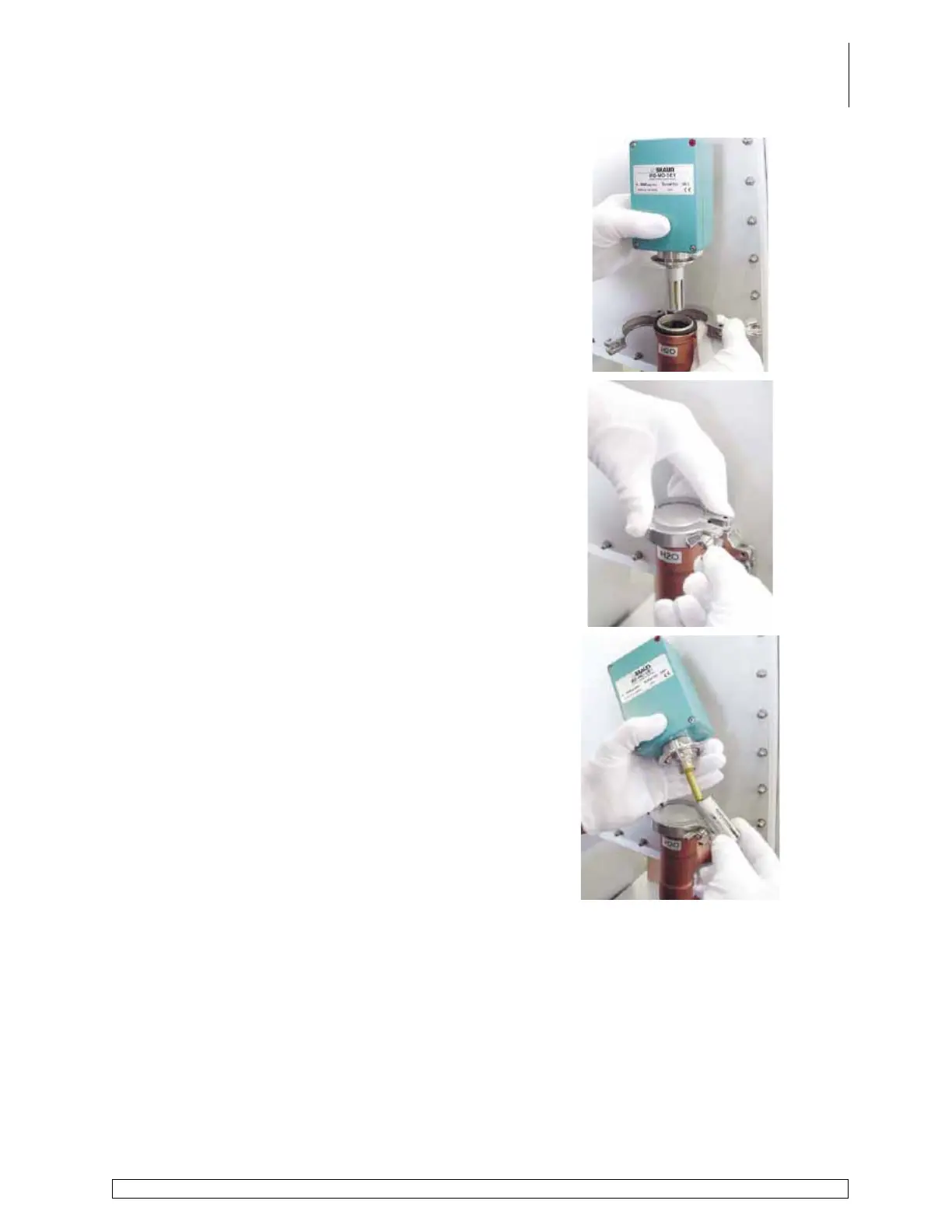
Remove clamp and analyzer.
Place a blank KF40 cap over the pipe and secure
in place with the clamp.
Separate the protective cover on the probe by
turning in a counter clockwise direction.
Slowly and carefully remove the cover from the
probe.



 To Next Page