Operating Instructions – Labmaster
©
130 and MB20G Systems
Instruction Manual
Chapter 10: Maintenance & Troubleshooting
© MBraun, Inc. Edition 1/2007 Page 10-11
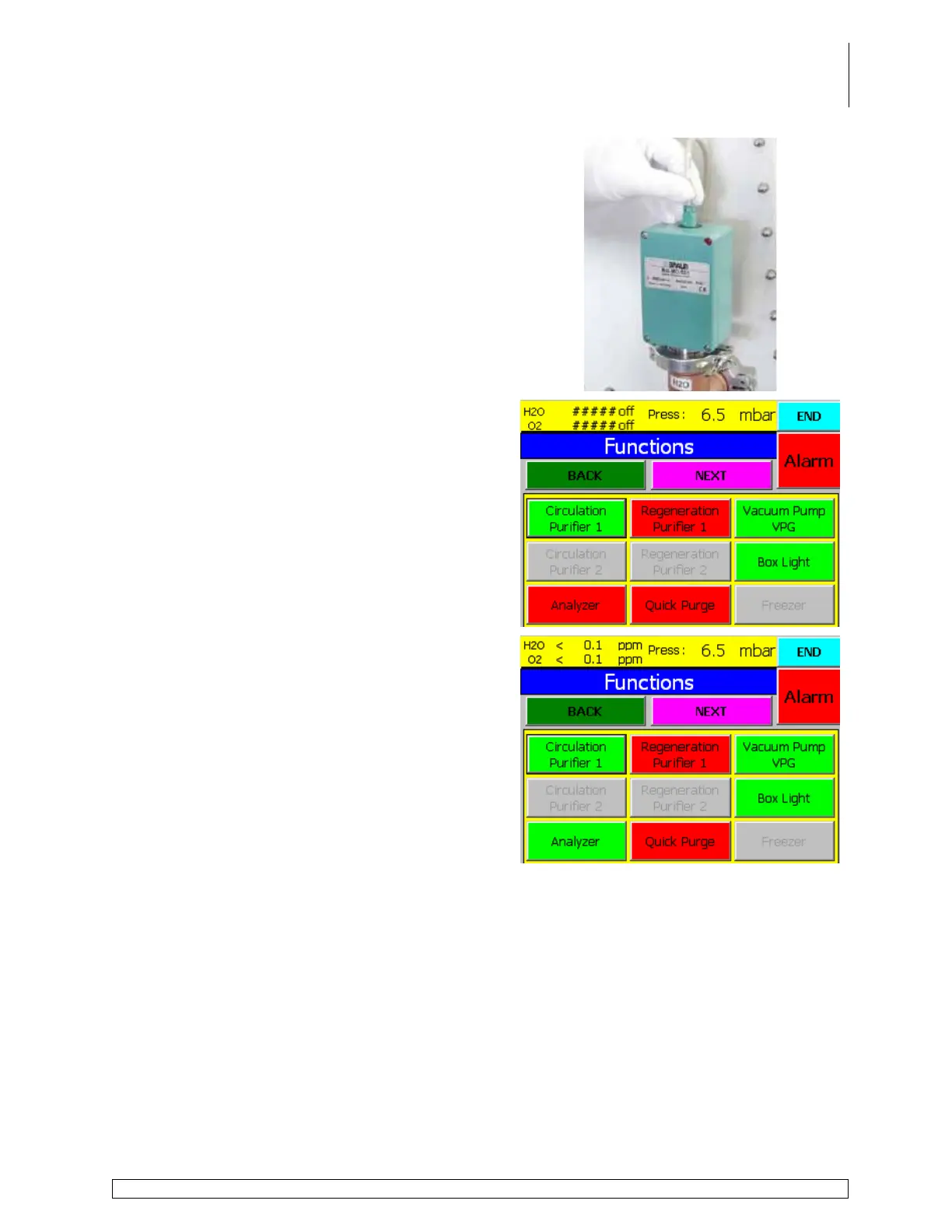
Insert the analyzer cable plug into the hole on the
analyzer by pushing the plug into the hole gently
until it snaps into place.
Touch the Analyzers button on the Functions
screen to reactivate the analyzers.
Touch the End button to return to the Start Screen.



 To Next Page