Operating Instructions – Labmaster
©
130 and MB20G Systems
Instruction Manual
Chapter 10: Maintenance & Troubleshooting
© MBraun, Inc. Edition 1/2007 Page 10-10
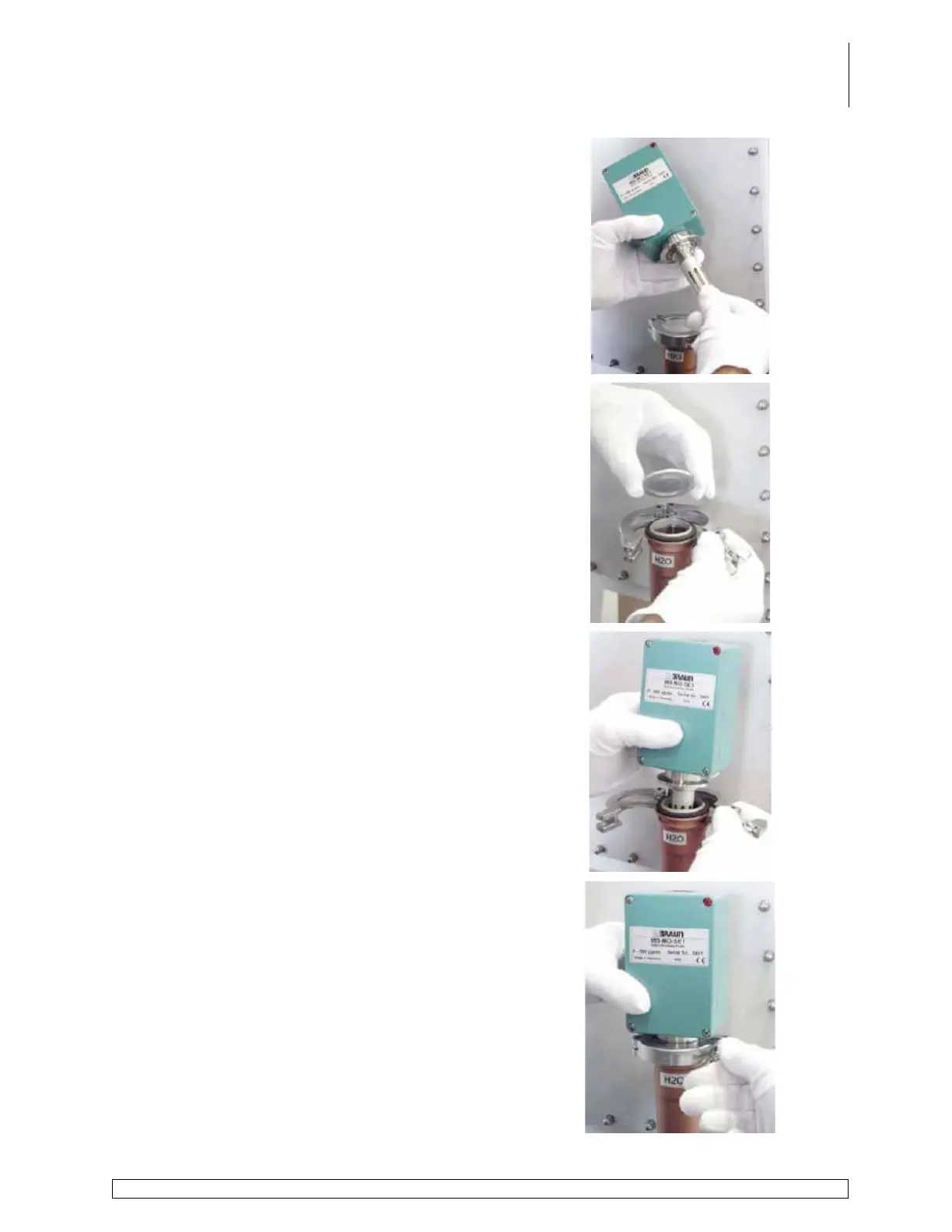
Carefully replace the protective cover and secure in
place by turning a clockwise direction.
Remove KF40 clamp and blank cap.
Carefully place the sensor end of the analyzer into
the port on the circulation piping.
Secure in place with the KF40 clamp.



 To Next Page