TA80V User Manual
2.4.6.7.Menu Selection Area
The rightmost is the menu function selection area. From top to bottom, there are 6 menus including
breathing mode, alarm setting, alarm information, monitoring parameters, system setting and standby
power-on switch.
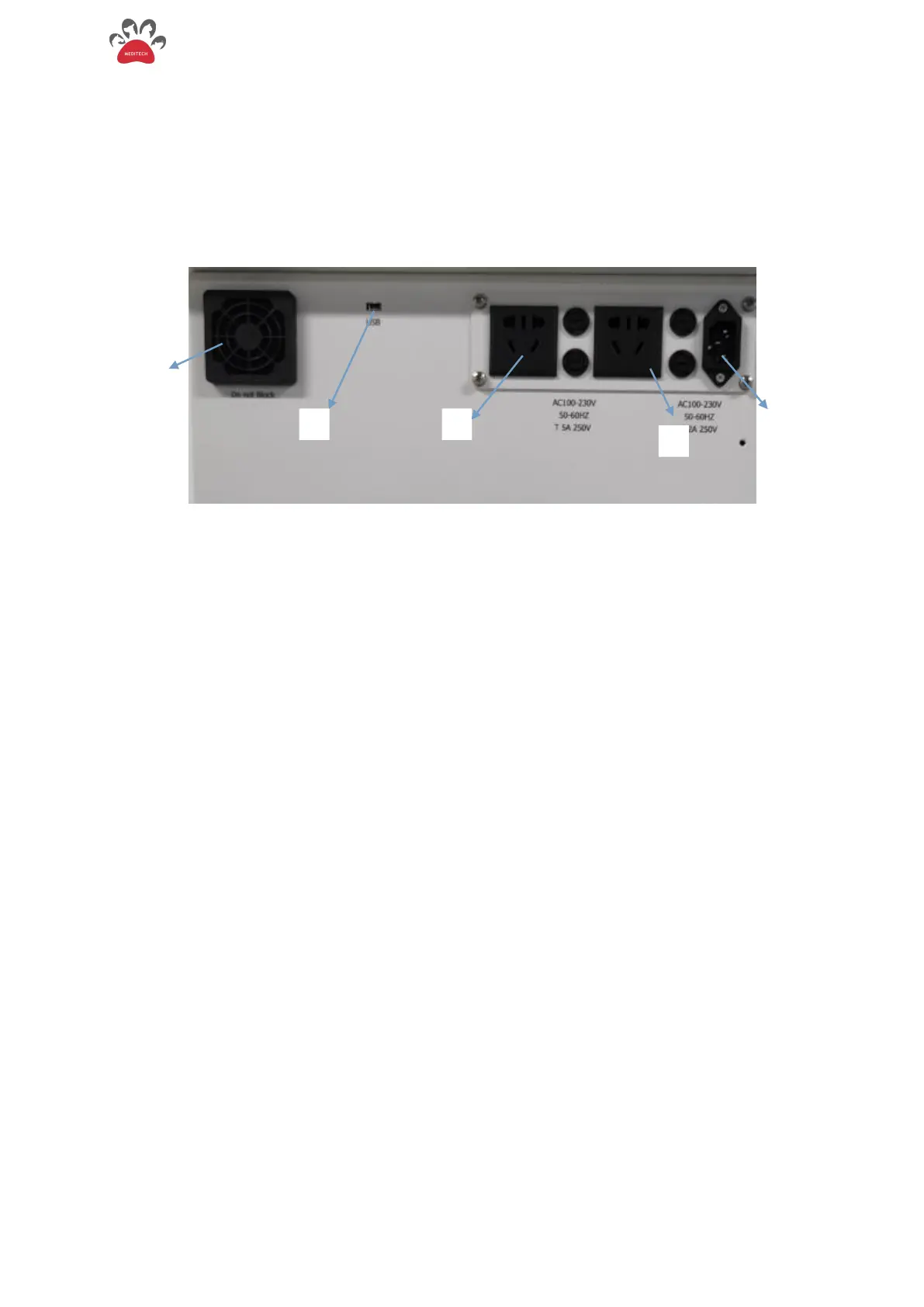
2.4.7.Rear Panel of the Anesthesia Ventilator
Figure 2-10 Back of Panel
Fan, brings outside air into ventilator
Mini USB Interface (software upgrade)


 To Next Page