M
AVTM246004 BITE 2/2P Rev 4 July 2011
56
Exporting Test Results from the Receiver to a PC
NOTE: The device receiving the
data must be ready before
transmitting the data.
The results of a test can be exported from the receiver directly
to the PC.
1. Run the software on the PC that you are using to import
the data.
If needed, refer to the instruction manual that came
with the software. Megger has shipped with the BITE
2/2P a software program called AVO
®
Link. Please refer
to the Addendum to this manual for detailed
instructions on AVO
®
Link.
2. Press the receiver Power On switch to energize the
receiver.
If you insert the RS-232
communication cable into the
receiver before powering on
the receiver, the Transmit
Data Menu is automatically
displayed in place of Menu 1.
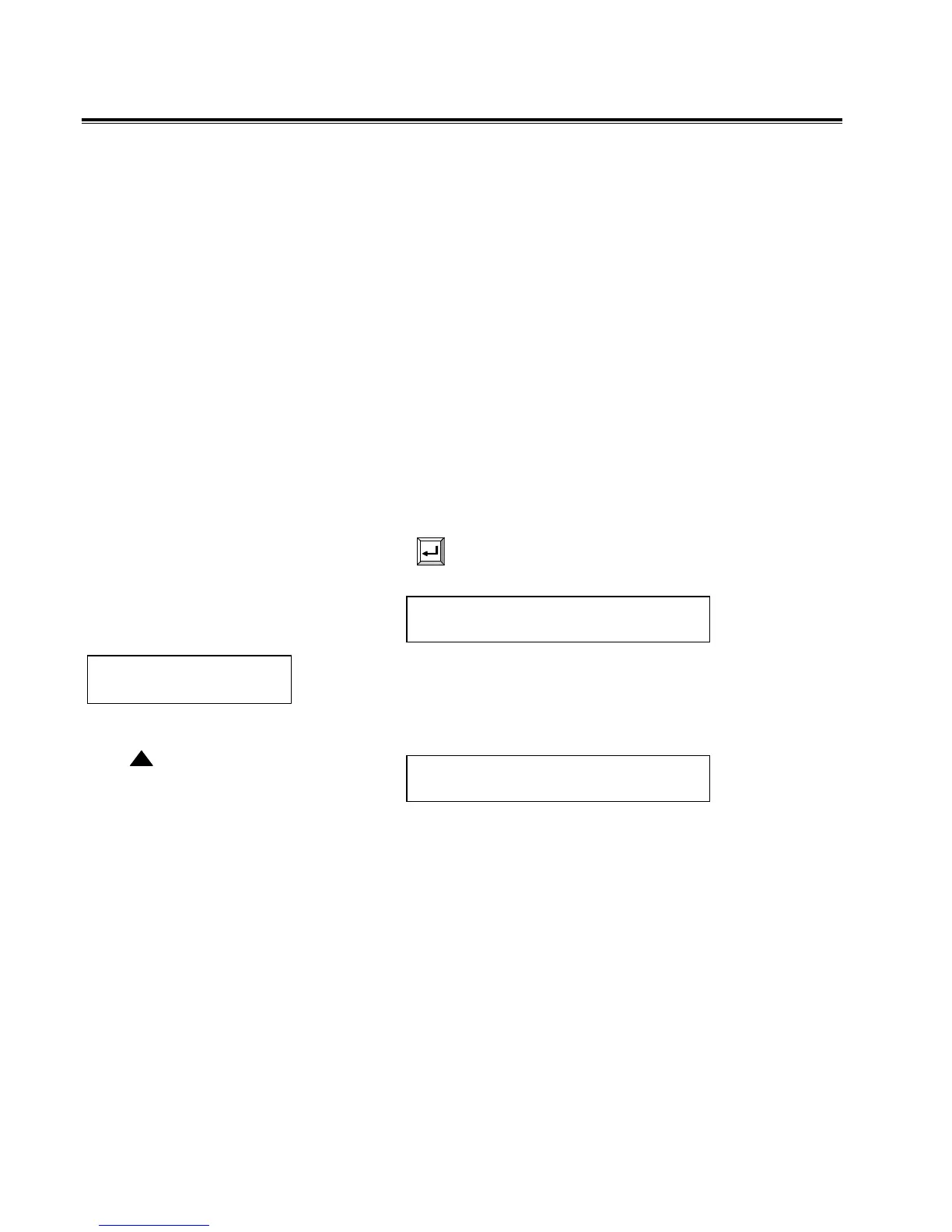
3. Press
on the receiver to access Menu 1.
POWER DOWN
EXPORT DATA MENU
Press
on the Receiver to
select Y and skip steps 4 and
5 below.
Y TRANSMIT DATA
N (Y/N) MENU
Y Transmit Data
N (Y/N) Menu
www.GlobalTestSupply.com
Find Quality Products Online at: sales@GlobalTestSupply.com


 To Next Page