M
AVTM246004 BITE 2/2P Rev 4 July 2011
128
Viewing and Printing Test Data
To view the data files that you have transferred, click on the
View Test Data drop-down list. When you select a program from
the list, it automatically opens and is ready to display the data.
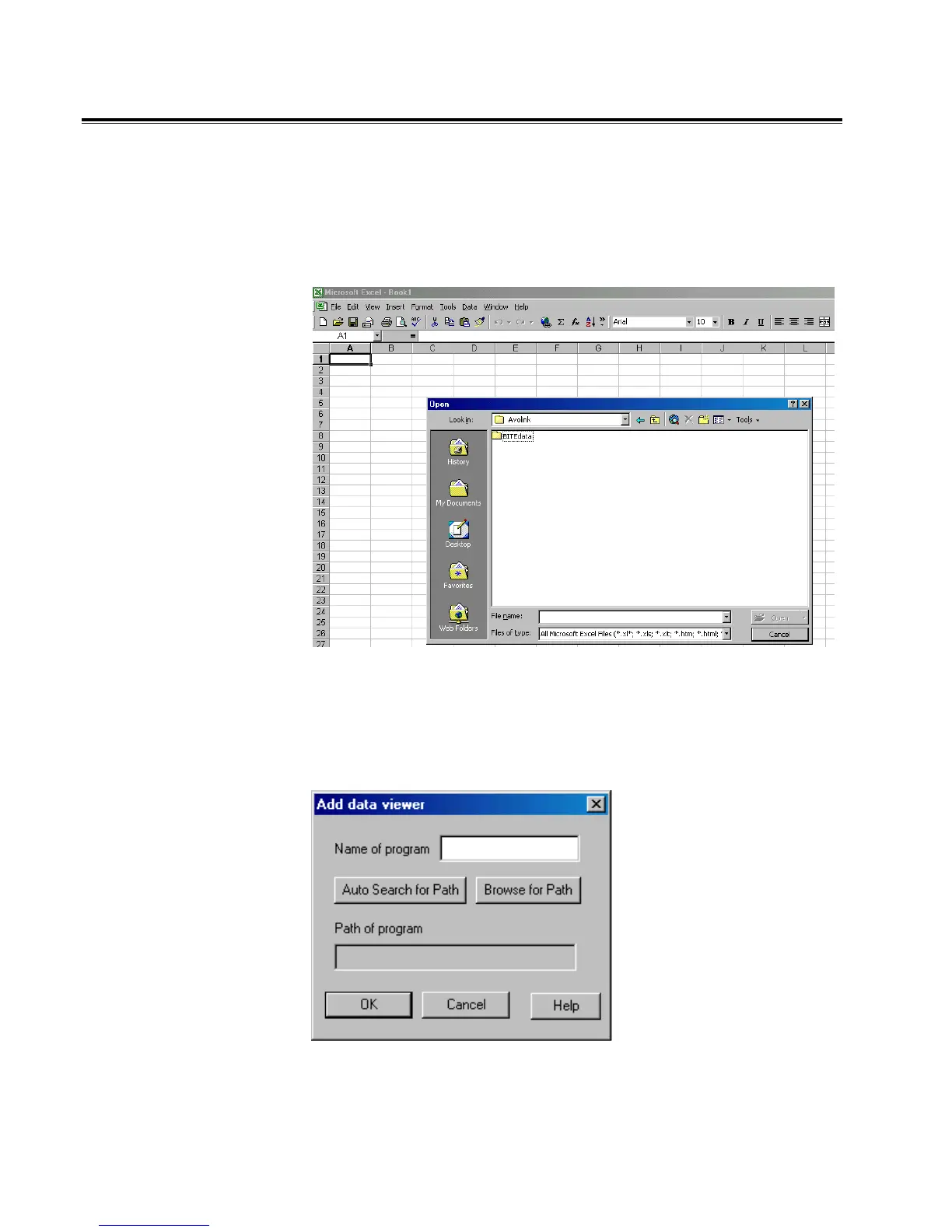
Open the saved data file from within the viewing program.
Open Data File From Viewing Program (Excel Shown Here).
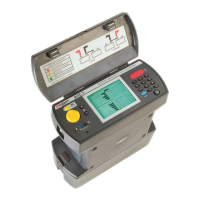
You can add a viewing program to the View Data List by
clicking on Add Viewer. You can locate the viewing program in
one of two ways.
Adding a Data Viewer
www.GlobalTestSupply.com
Find Quality Products Online at: sales@GlobalTestSupply.com


 To Next Page