Page | 10
2.1 Installing the Mercku App
The Mercku App runs on iOS and Android devices, such as smartphones and tablets. Go to
the Apple App Store for iOS devices or Google Play for Android devices and search
" Mercku" or simply scan the QR code to download and install the app.
2.2 Creating an Account on the Mercku App
2.2.1 Using your Phone Number
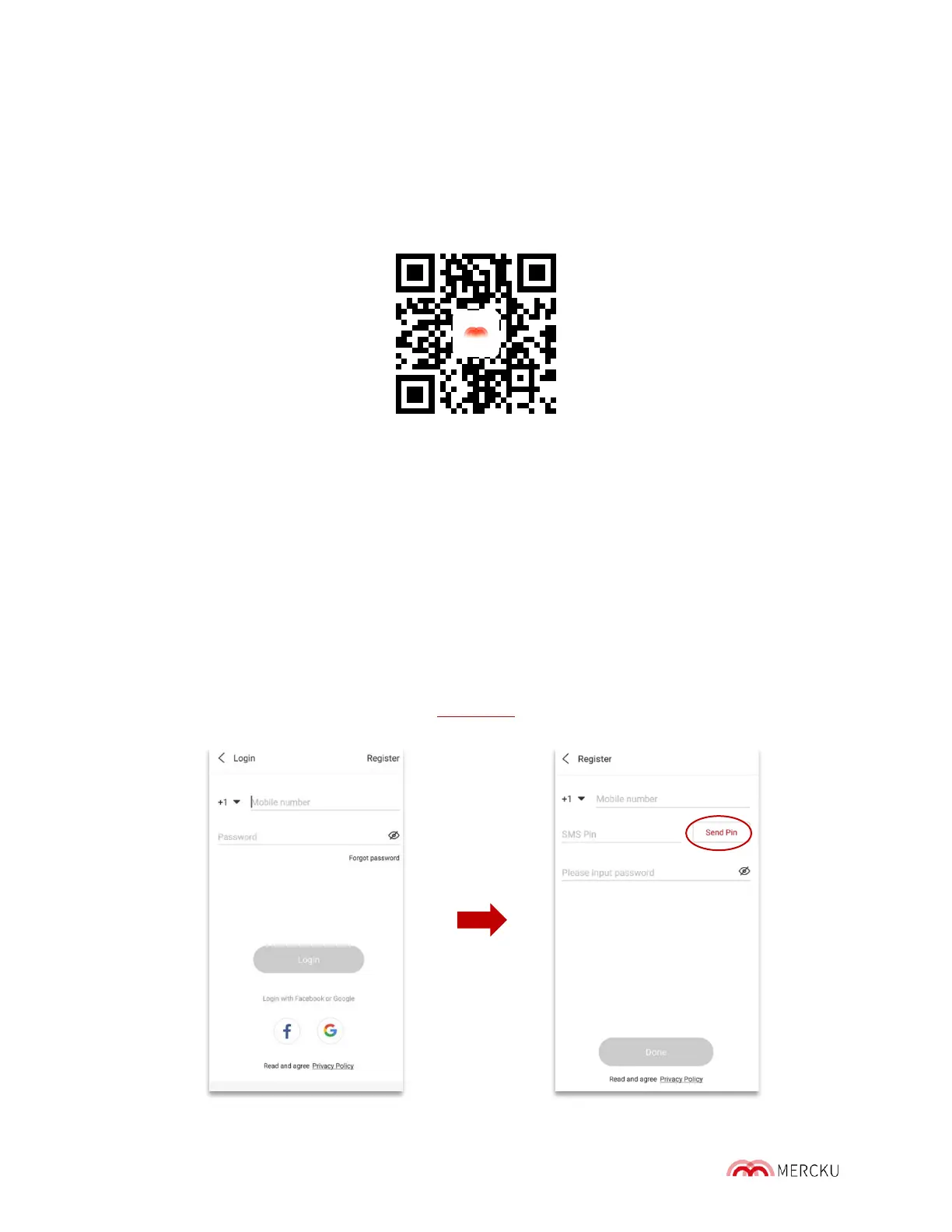
1. Open the Mercku App and click Login > Go to Register
2. Enter your phone number and click Send Pin
Please Note: You will receive a text message containing the PIN and will have 1 minute
to complete the registration before the PIN expires.
3. Once you have registered, follow the instructions to set up your Mercku network
through the app. Please note that Chapter 3 has setup instructions.



 To Next Page