Page | 81
FAQ
1. I have recently changed my phone number; how come I can't log into my Mercku App?
If your Mercku account has been associated with your phone number, you can unbind
your router by factory resetting the M6, or manually unbinding it. Please see section 2.6
for instructions on how to unbind your router.
2. Why can't I access my Mercku Portal?
Please ensure that you are connected to your Mercku Wi-Fi network to access the
Mercku Portal.
3. What do the LED indicator lights on the devices mean?
Please see Chapter 1.2 for details on what Mercku device LED's mean.
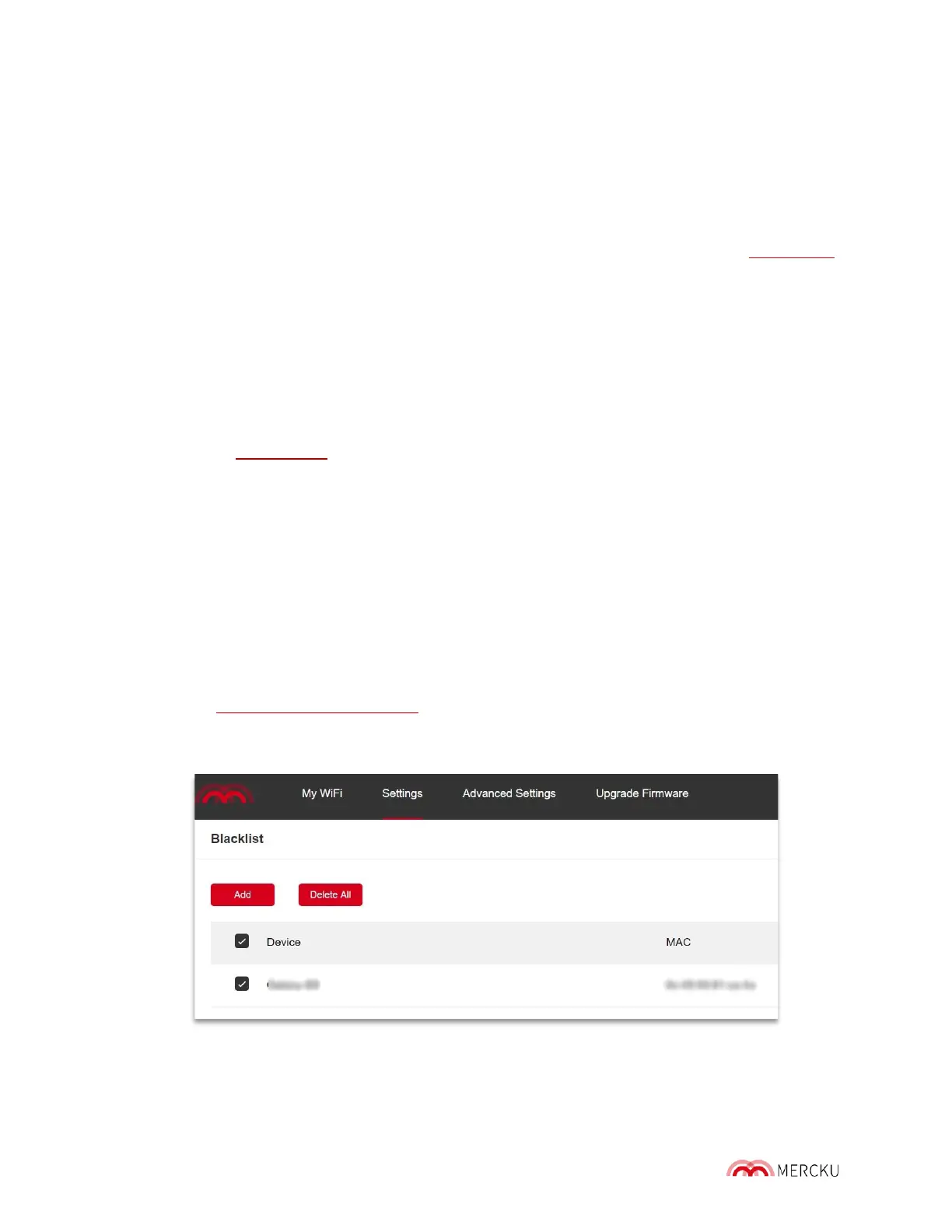
4. I have accidentally blocklisted a device that I didn't mean to, how to I remove it from
the list?
Using the Mercku App:
1. Open the Mercku App on your mobile device
2. Select Settings > Blocklist > Select the device(s) you would like to remove from the
list > Click Delete
Using the Mercku Portal:
1. Visit http://mywifi.mercku.tech, and log in using your Router Admin Password
2. Select Settings > Blocklist > Select device(s) you would like to remove from the list >
Delete All



 To Next Page