Page | 43
7.1 Firewall
Firewalls can validate the traffic passing through the router based on the protocol. This
function is disabled by default.
This feature enables your M6 router to resist some types of security breaches such as
malicious attacks, port scanning, ICMP smurf attacks, IP land attacks, IP spoofing, and IP
teardrop attacks.
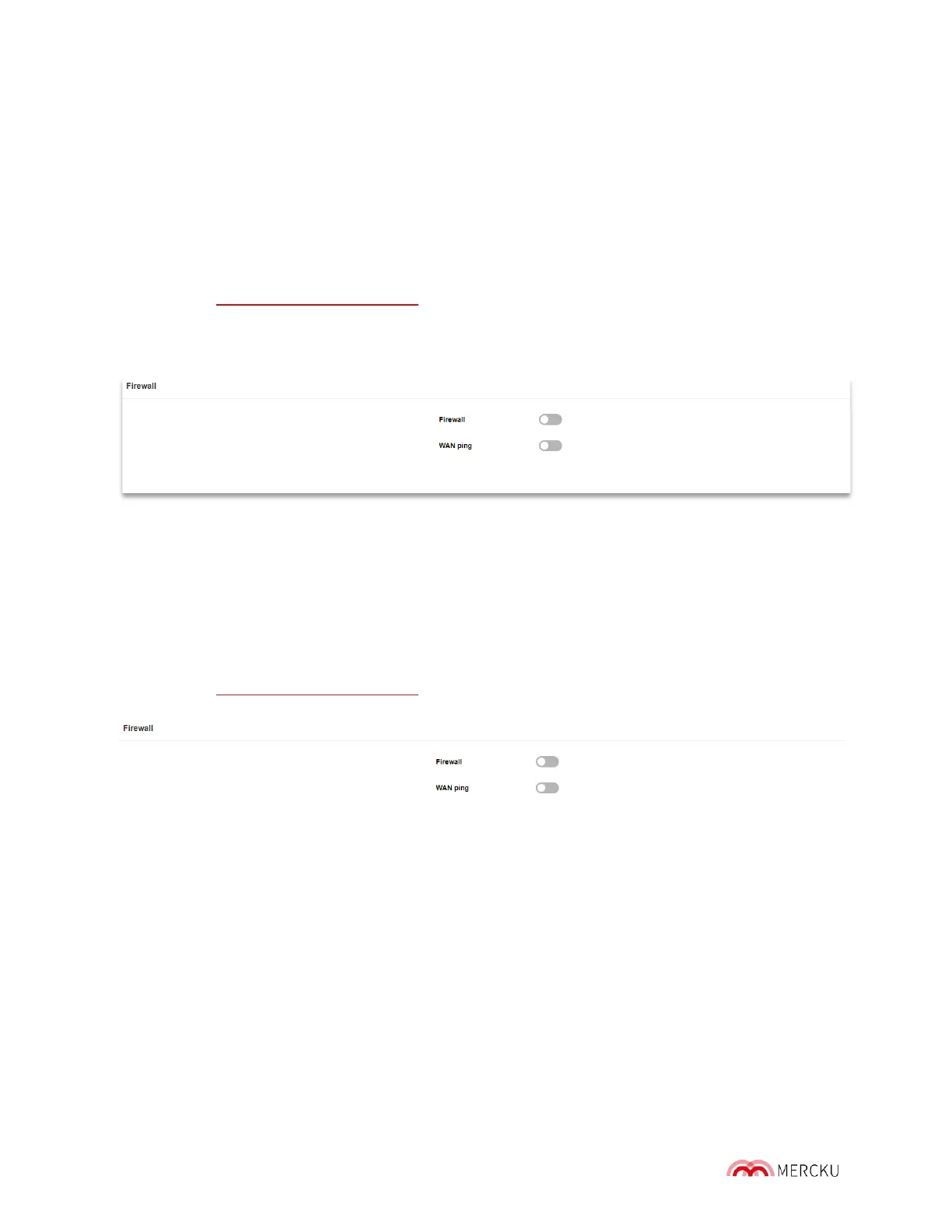
The firewall setting can be toggled on and off using the Mercku Portal.
1. Visit http://mywifi.mercku.tech, and log in using your Router Admin Password
2. Under Advanced Settings > Select Firewall > Click the slider beside Firewall to turn it
on/off.
7.2 WAN Ping
Pinging public WAN IP addresses is a common method used by hackers to test whether
your WAN IP address is valid and supports a network. When WAN Ping is off, the public
WAN IP address on the M6 will not respond to ping commands. This function is off by
default and it is recommended to keep it off.
The WAN Ping setting can be toggled on and off using the Mercku Portal.
1. Visit http://mywifi.mercku.tech, and log in using your Router Admin Password
2. Under Advanced Settings > Select Firewall > Click the slider beside WAN Ping to turn
it on/off.
7.3 Blocklisting Devices
Blocklisting devices allows you to block specific devices from accessing your network and
can be completed using the Mercku App or Portal.
Using the Mercku App:
1. Open the Mercku App on your mobile device



 To Next Page